


PKAI FF
Membros
-
Registrado em
-
Última visita
-
Créditos EBR
0
-
PKAI FF alterou sua foto pessoal
-
Obg meu mano , deus te abençoe tmj , eu tbm suspeito que seja o conector porque quando meu amigo me deu para tentar consertar ele disse que a menina tinha deixado cair e dps parou de funcionar
-
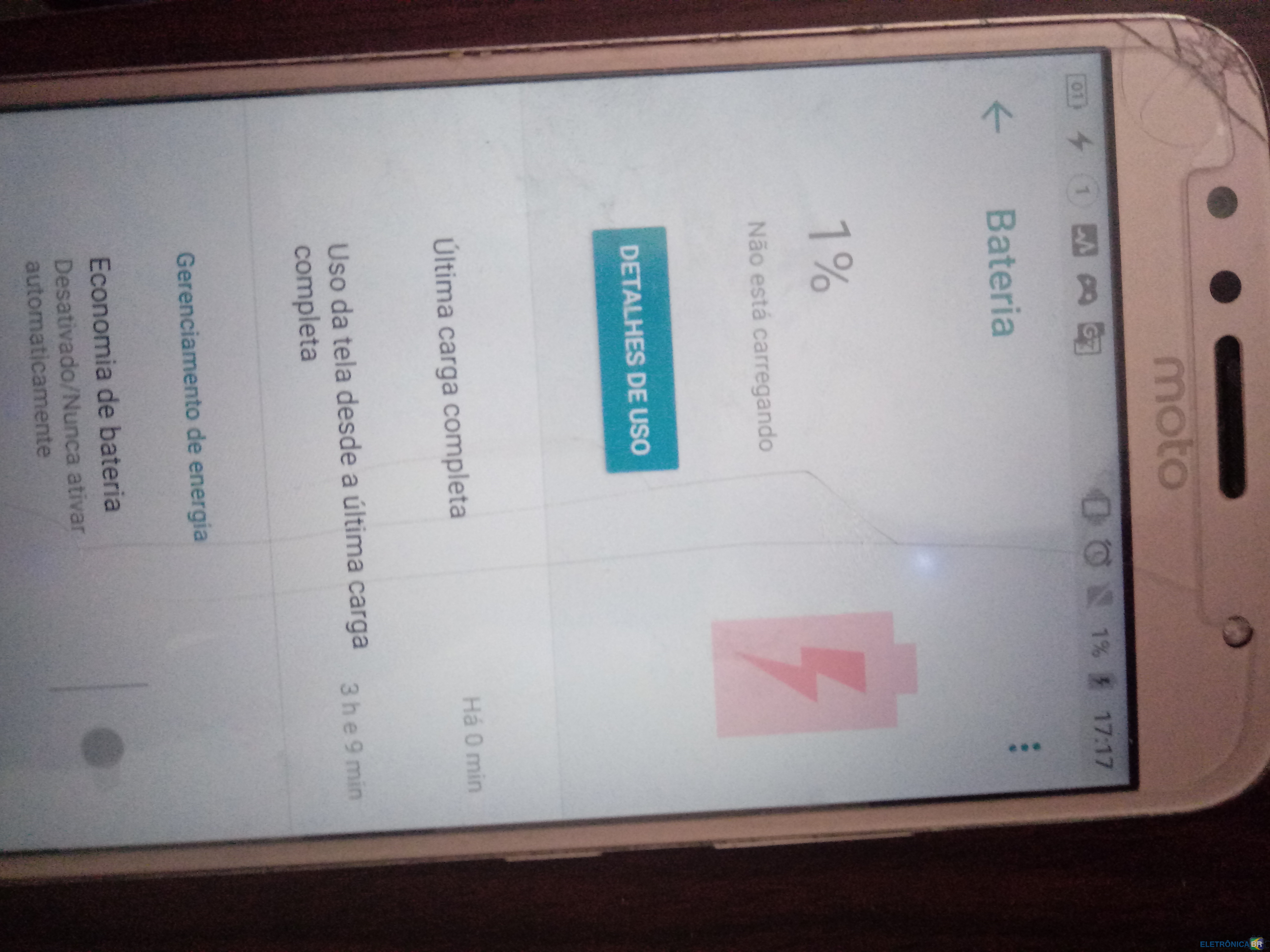
Como assim carregar de forma interna ? a bateria e imbutida , vou te enviar uma imagem das informaçoes da bateria

.thumb.jpg.07dfd3748e309a2de6df68c222a6b121.jpg)
-
A corrente de carga so fica 152mA ( Lento ) A voltagem da bateria tav 0.002 V
-
Oi Pessoak estou com um Moto G5s Plus aqui e o que acontece, Ele ta completamente descarregado so ta no 1% , O problema e que quando coloco ele no carregador ele liga mais so fica no 1% e aparece o raio de carregamento , Mais ai quando vou la nas informaçoes da bateria dele fica escrito ´Não esta carregando´ ja tentei algumas coisas mais não funcionou e ja usei 3 carregadores da motorola diferente e mesmo assim não adiantou 😢 Por favor me ajudem

.jpg.c788bfa7192bb924c34d5a896add944d.jpg)