José Pinheiro da Silva
Membros
-
Registrado em
-
Última visita
-
Créditos EBR
0
-
Olá pessoal, bom dia! Aos poucos estou lendo os volumes, estudos outros assuntos e divido um pouco de cada! Até mais!
- 1 comentário
- 1 análise
-
-
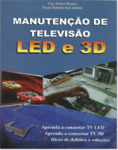 Olá pessoal boa noite , sou estudante de eletrônica básica e estou por aqui para encontrar mais conhecimentos . descobrir este blog e estou gostando bastante. Obrigado a todos que estão compartilhando seus conhecimentos de forma gratuita.