Ir para conteúdo
View in the app

A better way to browse. Learn more.

EletrônicaBR.com

A full-screen app on your home screen with push notifications, badges and more.

To install this app on iOS and iPadOS
  1. Tap the Share icon in Safari
  2. Scroll the menu and tap Add to Home Screen.
  3. Tap Add in the top-right corner.
To install this app on Android
  1. Tap the 3-dot menu (⋮) in the top-right corner of the browser.
  2. Tap Add to Home screen or Install app.
  3. Confirm by tapping Install.

Maga

Membros
  • Registrado em

  • Última visita

  • Créditos EBR

    0
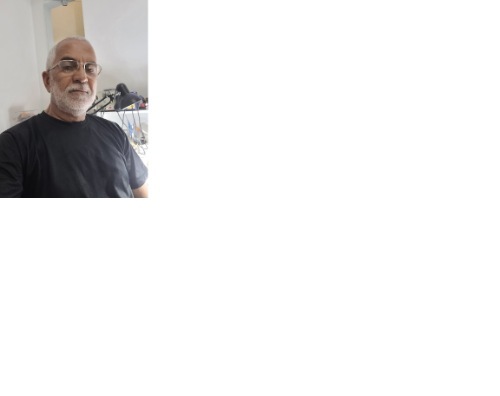
  1. Conheci o EletronicaBR no Google. Sou engenheiro Eletricista aposentado, mas trabalho com eletrônica já faz um bom tempo. Hoje sou MEI. Atuo dando manutenção em diversos equipamentos eletrônicos tais como: Amplificadores, caixas amplificadas, Equipamentos industriais fixos e moveis, fontes de alimentação e por não ter técnicos que reparam nobreaks aqui na cidade comecei a me envolver com essa atividade também. Sou uma pessoa estudiosa, gosto de solucionar problemas na eletrônica e também gosto de rock e de guitarra

Account

Navigation

Pesquisar

Pesquisar

Configure browser push notifications

Chrome (Android)
  1. Tap the lock icon next to the address bar.
  2. Tap Permissions → Notifications.
  3. Adjust your preference.
Chrome (Desktop)
  1. Click the padlock icon in the address bar.
  2. Select Site settings.
  3. Find Notifications and adjust your preference.