Ir para conteúdo
View in the app

A better way to browse. Learn more.

EletrônicaBR.com

A full-screen app on your home screen with push notifications, badges and more.

To install this app on iOS and iPadOS
  1. Tap the Share icon in Safari
  2. Scroll the menu and tap Add to Home Screen.
  3. Tap Add in the top-right corner.
To install this app on Android
  1. Tap the 3-dot menu (⋮) in the top-right corner of the browser.
  2. Tap Add to Home screen or Install app.
  3. Confirm by tapping Install.

Elisandra Mondaini Silva

Membros
  • Registrado em

  • Última visita

  • Créditos EBR

    0
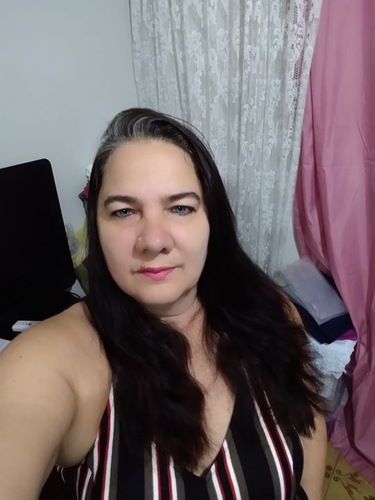
  1. Elisandra Mondaini Silva alterou sua foto pessoal
  2. Elisandra Mondaini Silva se registrou na comunidade
  3. Boa tarde, meu LG G2 LITE D295f, havia parado de reconhecer os sim chips, entao consegui reparar ele com um video na internet, porem logo depois ele parou de carregar, e todos os aplicativos apareciam uma mensagem falando que o aplicativo tinha sido encerrado, conectei no pc novamente e nao reconheceu mais a USB, coloquei para recarregar e nao carregou mais, hoje esta totalmente morto. O que fazer?
Account

Navigation

Pesquisar

Pesquisar

Configure browser push notifications

Chrome (Android)
  1. Tap the lock icon next to the address bar.
  2. Tap Permissions → Notifications.
  3. Adjust your preference.
Chrome (Desktop)
  1. Click the padlock icon in the address bar.
  2. Select Site settings.
  3. Find Notifications and adjust your preference.