Ir para conteúdo
View in the app

A better way to browse. Learn more.

EletrônicaBR.com

A full-screen app on your home screen with push notifications, badges and more.

To install this app on iOS and iPadOS
  1. Tap the Share icon in Safari
  2. Scroll the menu and tap Add to Home Screen.
  3. Tap Add in the top-right corner.
To install this app on Android
  1. Tap the 3-dot menu (⋮) in the top-right corner of the browser.
  2. Tap Add to Home screen or Install app.
  3. Confirm by tapping Install.

jessinho yagame

Membros
  • Registrado em

  • Última visita

  • Créditos EBR

    0
  1. jessinho yagame alterou sua foto pessoal
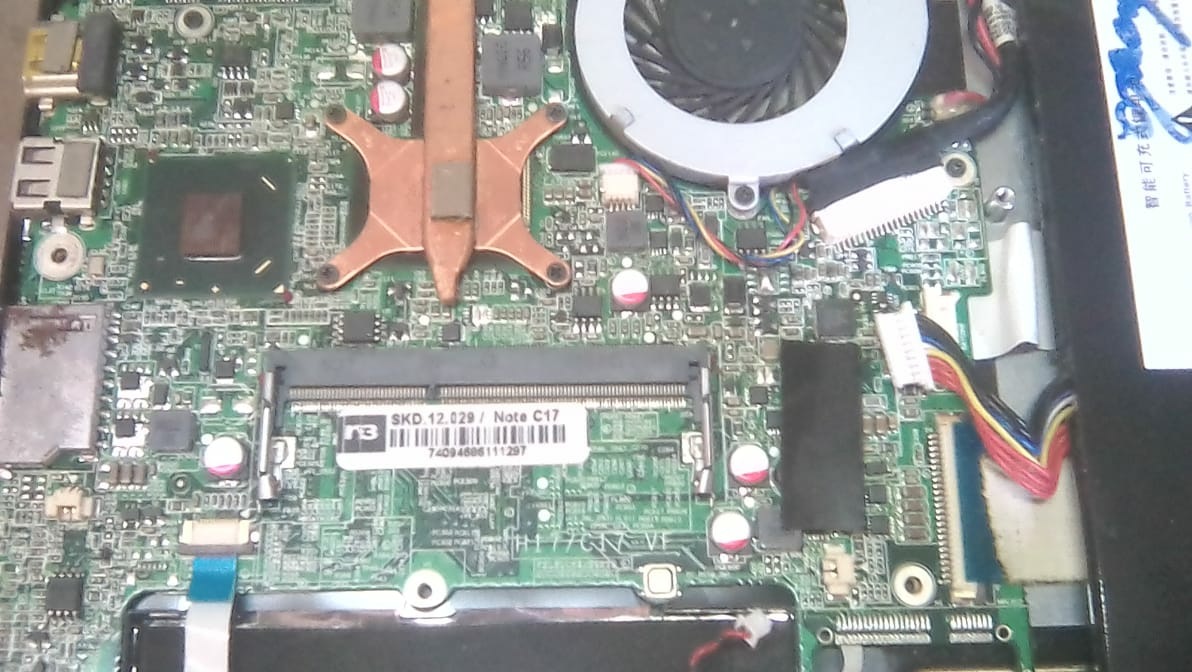
  2. galera estou em um dilema pois meu note book agora ficou pedindo senha ..Asim que ligo o notebook ja pede a senha da bios não sei oque ouve mais ele ficou Asim de uma hora pra outra não tenho como acessar a bios nem ligar o notebook alguém já passou pro isso ou esta passando eu até ja consegui emprestado uma gravadora de bios porém não sei unde achar essa bios pra fazer a regravação ..se auguem puder me ajudar eu agradeço
  3. jessinho yagame começou a seguir: Jn Junior
  4. BOM DIA AMIGOS DO FÓRUM EU NÃO TENHO PERMISSÃO PRA BAIXAR O AQUIVO OQUE EU FAÇO ????

Account

Navigation

Pesquisar

Pesquisar

Configure browser push notifications

Chrome (Android)
  1. Tap the lock icon next to the address bar.
  2. Tap Permissions → Notifications.
  3. Adjust your preference.
Chrome (Desktop)
  1. Click the padlock icon in the address bar.
  2. Select Site settings.
  3. Find Notifications and adjust your preference.