Ir para conteúdo
View in the app

A better way to browse. Learn more.

EletrônicaBR.com

A full-screen app on your home screen with push notifications, badges and more.

To install this app on iOS and iPadOS
  1. Tap the Share icon in Safari
  2. Scroll the menu and tap Add to Home Screen.
  3. Tap Add in the top-right corner.
To install this app on Android
  1. Tap the 3-dot menu (⋮) in the top-right corner of the browser.
  2. Tap Add to Home screen or Install app.
  3. Confirm by tapping Install.

Liteh

Membros
  • Registrado em

  • Última visita

  • Créditos EBR

    10
  1. Caro amigo, um dos problema era mesmo essa configuração, também achei o LM 339 que não estava atuando corretamente, trocado e tudo funcionando. Grato pela dica
  2. Obrigado paivafrota, irei ver esta sua informação
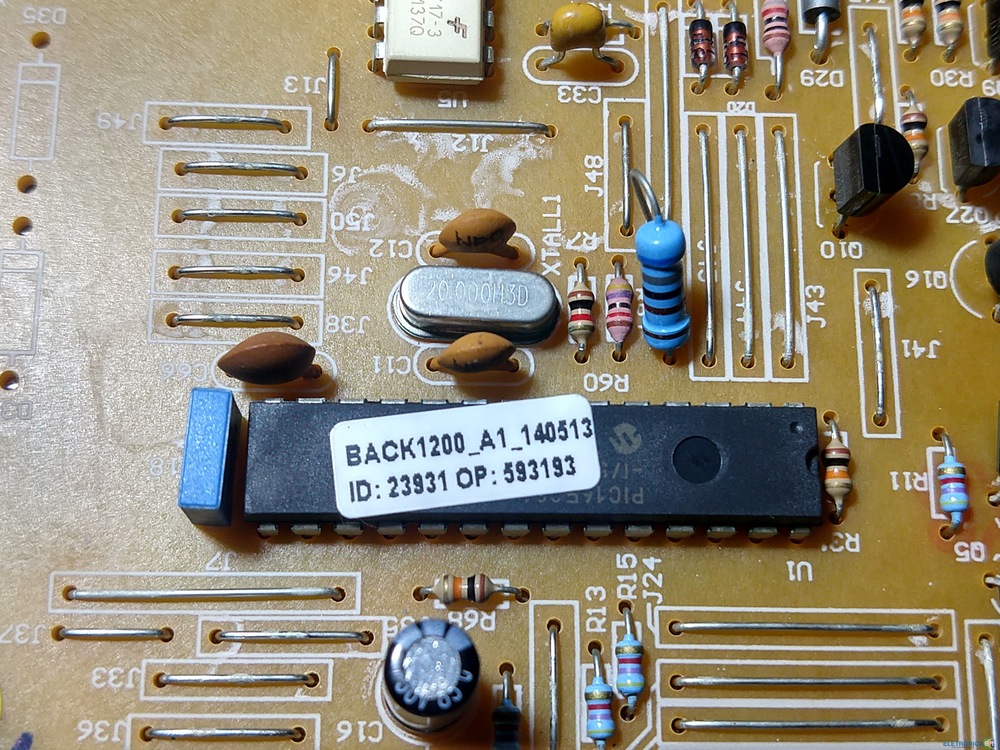
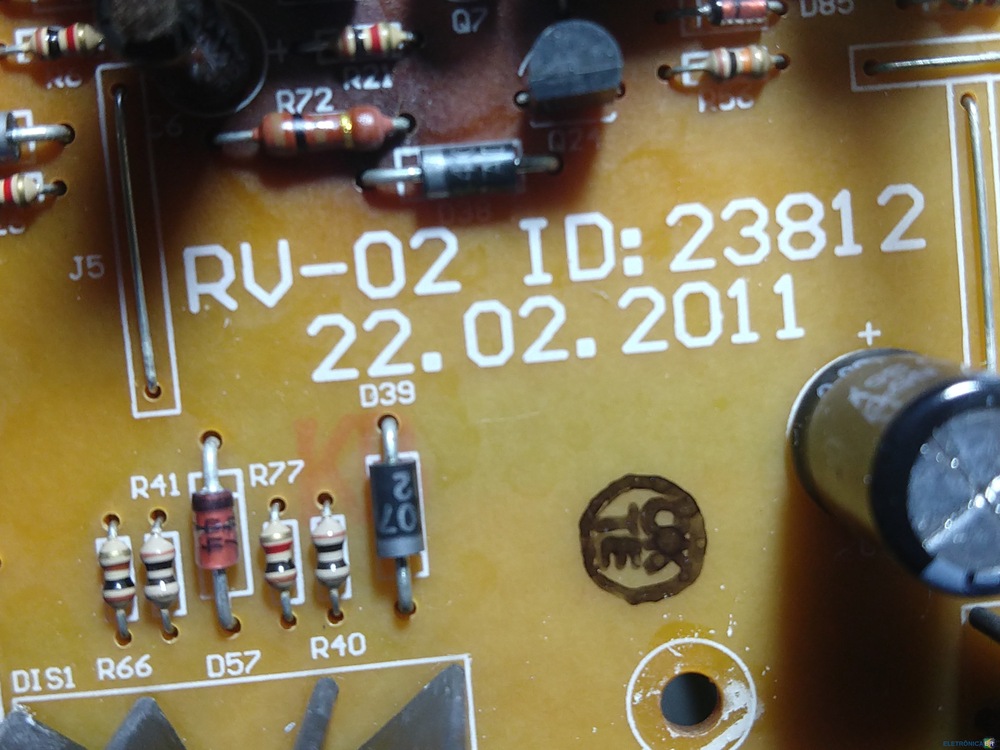
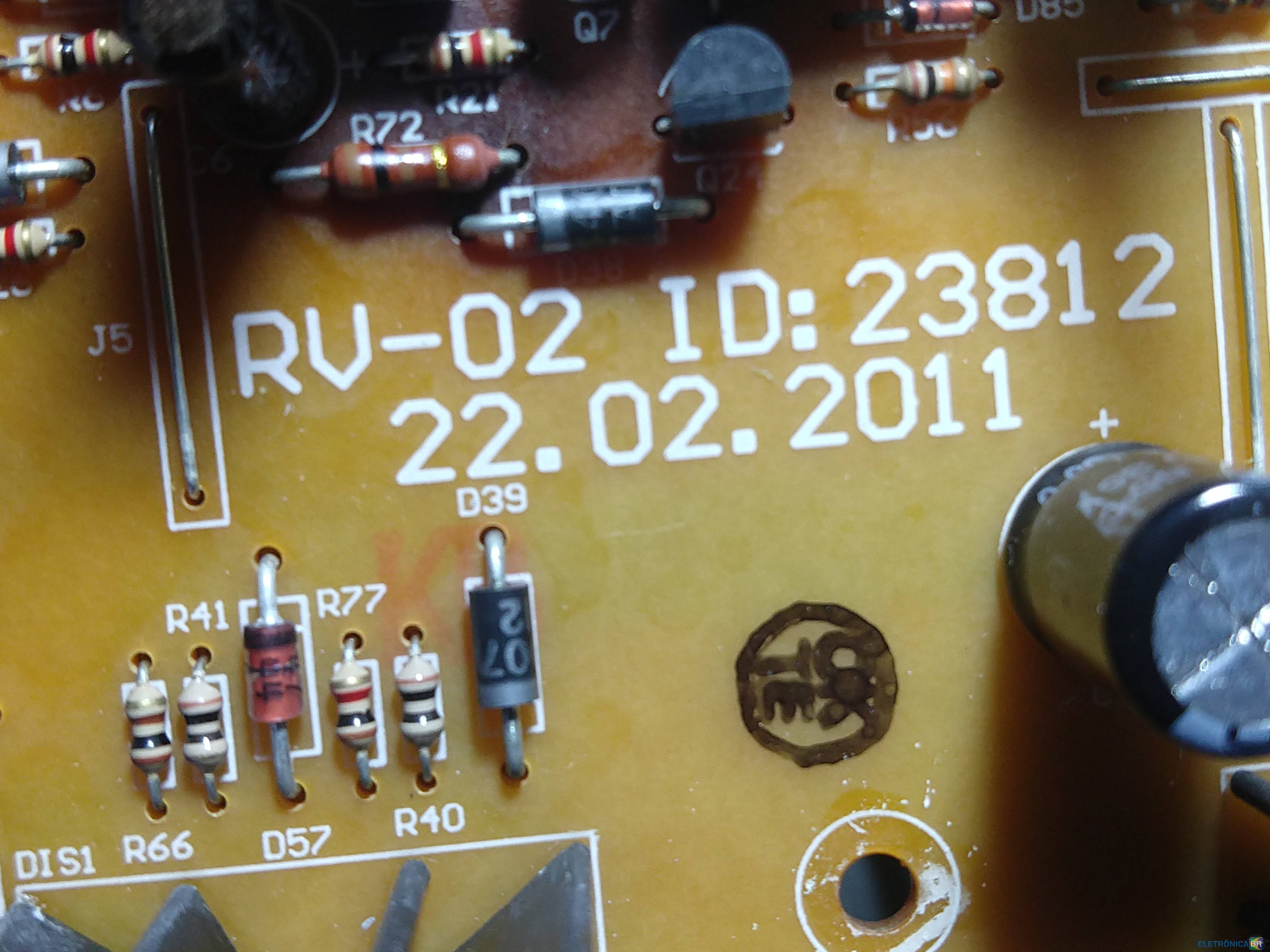
  3. Buenas pessoal Estou com um nobreak APC back UPS 1200, permanece ligado na rede, na falta da mesma somente com as baterias ele fica 15 segundos gerando energia e desliga. Baterias foram trocadas, estão novas, mosfets, testados. Alguem ja pegou este problema ? agradeço a ajuda. Descrição da placa Rv02 23812 ps1200 22,02,2011
  4. Conheci o site através da Instructiva. Sou técnico em eletrônica formado no Exército do Brasil. Manutenção em fontes e segurança eletrônica. Obter mais conhecimentos com outros técnicos

Account

Navigation

Pesquisar

Pesquisar

Configure browser push notifications

Chrome (Android)
  1. Tap the lock icon next to the address bar.
  2. Tap Permissions → Notifications.
  3. Adjust your preference.
Chrome (Desktop)
  1. Click the padlock icon in the address bar.
  2. Select Site settings.
  3. Find Notifications and adjust your preference.