Ir para conteúdo
View in the app

A better way to browse. Learn more.

EletrônicaBR.com

A full-screen app on your home screen with push notifications, badges and more.

To install this app on iOS and iPadOS
  1. Tap the Share icon in Safari
  2. Scroll the menu and tap Add to Home Screen.
  3. Tap Add in the top-right corner.
To install this app on Android
  1. Tap the 3-dot menu (⋮) in the top-right corner of the browser.
  2. Tap Add to Home screen or Install app.
  3. Confirm by tapping Install.

GeovaneWalker

Membros
  • Registrado em

  • Última visita

  • Créditos EBR

    0
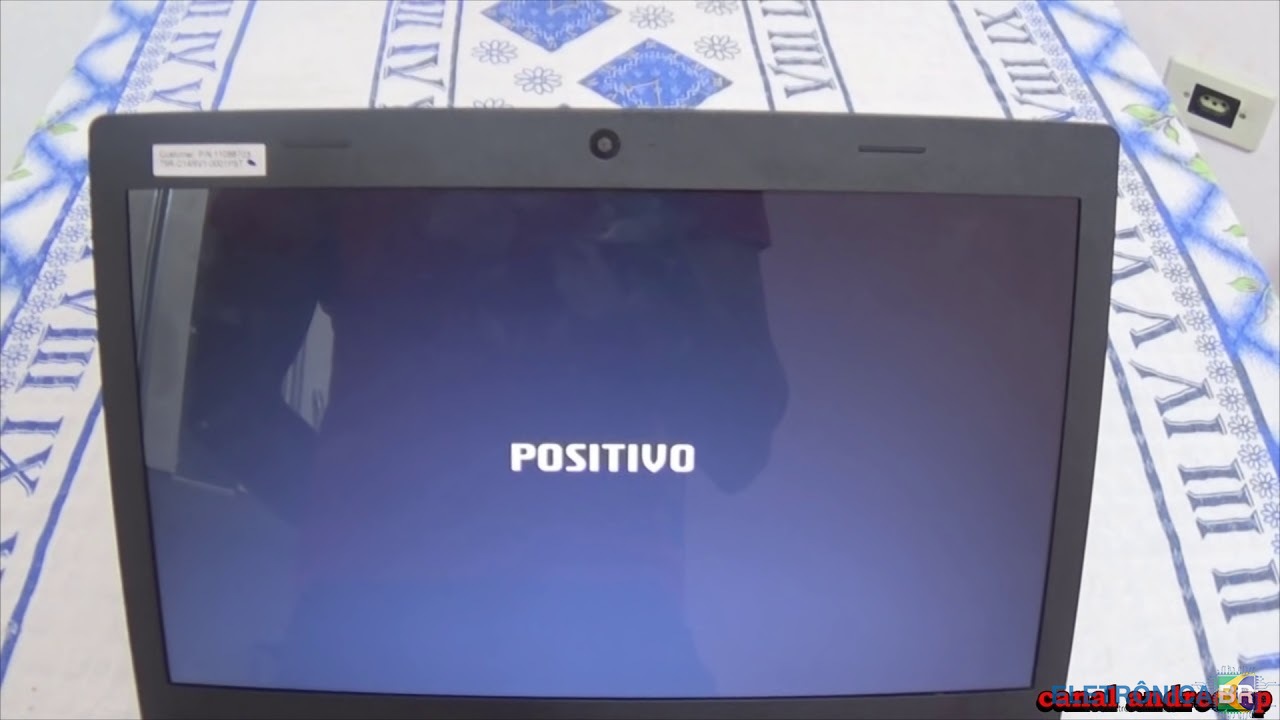
  1. Estou com um notebook travado na tela inicial. ja me ocorreu este defeito e era a bios. encontrei a bios no forum mas nao consigo baixar.
  2. Conheci o site através de uma busca para arrumar meu notebook no google. Sou Técnico eletrônico e Eletrotécnico Achei o grupo interessante para conseguir melhorar ainda mais na parte de esquemas elétricos e equipamentos eletrônicos diversos. Sou estudante de engenharia e trabalho com placas.

Account

Navigation

Pesquisar

Pesquisar

Configure browser push notifications

Chrome (Android)
  1. Tap the lock icon next to the address bar.
  2. Tap Permissions → Notifications.
  3. Adjust your preference.
Chrome (Desktop)
  1. Click the padlock icon in the address bar.
  2. Select Site settings.
  3. Find Notifications and adjust your preference.