


edsonchiesa
Membros
-
Registrado em
-
Última visita
-
Créditos EBR
1
-
Certo Certo Bruno, obrigado por me explicar, eu sou leigo nisso, tirei aqui as fotos: tem 4 chips 1 da realtek, 1 sandisk e outro Rockchip e um samsung o Chip Rock chip diz RK3026 Obrigado pela atenção e por me dar essa força


-
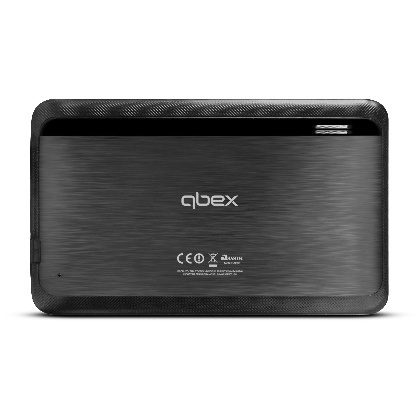
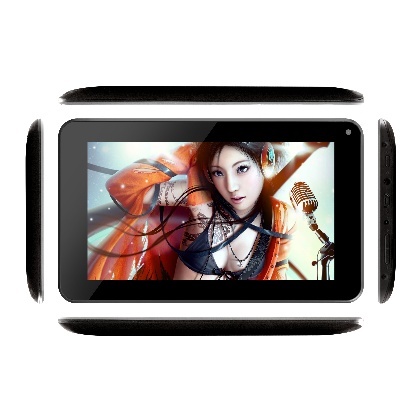
Bruno, fotos da placa por que? não achei que precisava só do modelo, mas segue. Processador All Winner A13 Cortex 1.2Mhz Armazenamento 4GB (Compartilhado com o Sistema Operacional) Bateria 3.7V Lithium battery, 2800mAh Áudio Built-in audio chip, 1080P HD playback Webcam Câmera 0.3Mpixel Conexão Wireless Wiffi Sistema Operacional Android 4.2 Tela 7 inch 800X480 pixels Conectividade Conexão Bluetooth (DISPONÍVEL SOMENTE NAS VERSÕES TX126/130)
-
Opa, boa tarde, o modelo da placa eu não sei , ja procurei no forum e na internet, não achei nada.
-
Bom dia galera, Estou precisando do Firmware do Tablet Qbex TX130, procurei em todo rodor do mundo, e não acho nada, só encontrei o tx 120 mas não sei se funciona.. se puderem me ajudar, abraço!
