Ir para conteúdo
View in the app

A better way to browse. Learn more.

EletrônicaBR.com

A full-screen app on your home screen with push notifications, badges and more.

To install this app on iOS and iPadOS
  1. Tap the Share icon in Safari
  2. Scroll the menu and tap Add to Home Screen.
  3. Tap Add in the top-right corner.
To install this app on Android
  1. Tap the 3-dot menu (⋮) in the top-right corner of the browser.
  2. Tap Add to Home screen or Install app.
  3. Confirm by tapping Install.

Luiz081

Membros
  • Registrado em

  • Última visita

  • Créditos EBR

    0
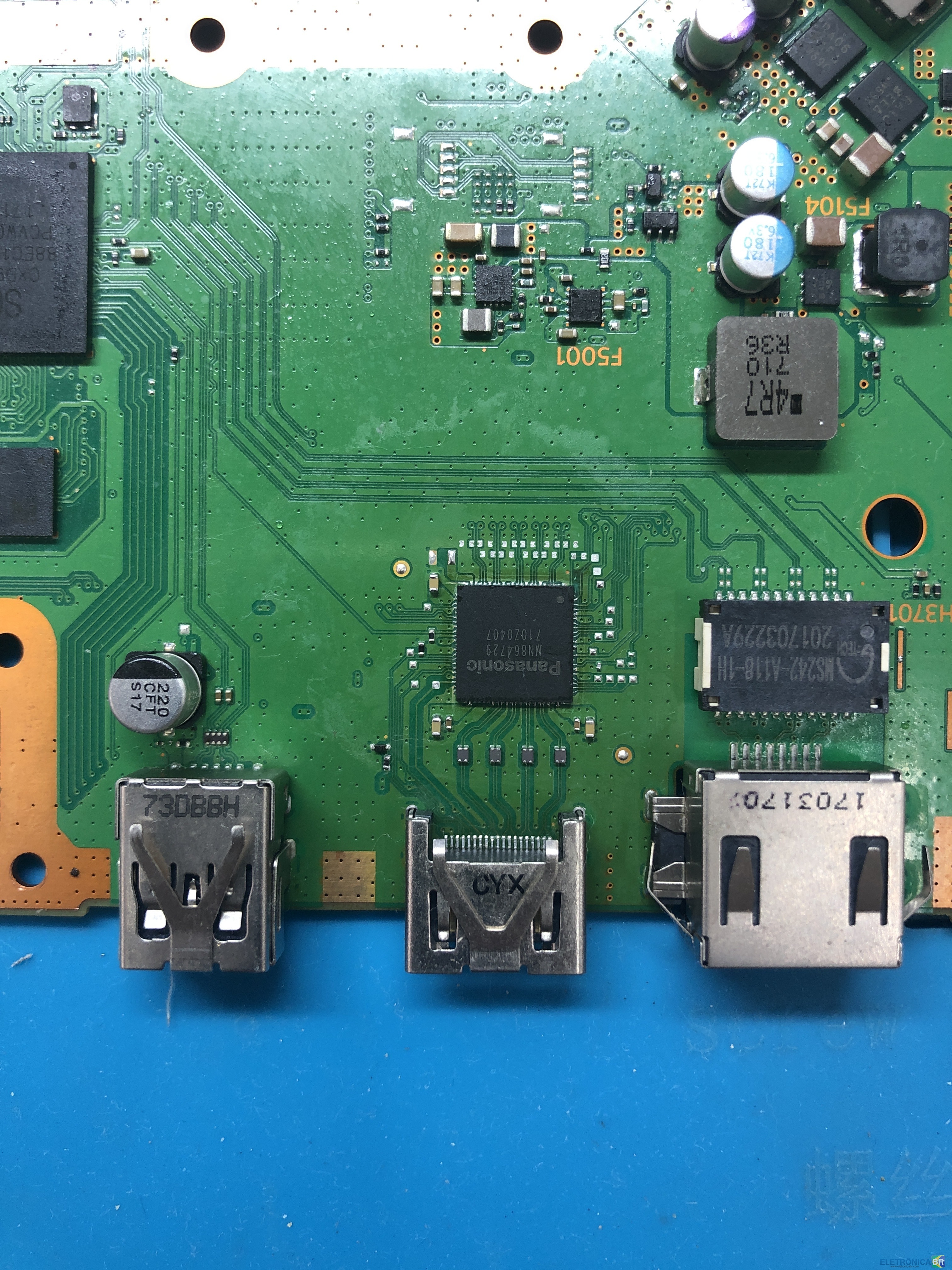
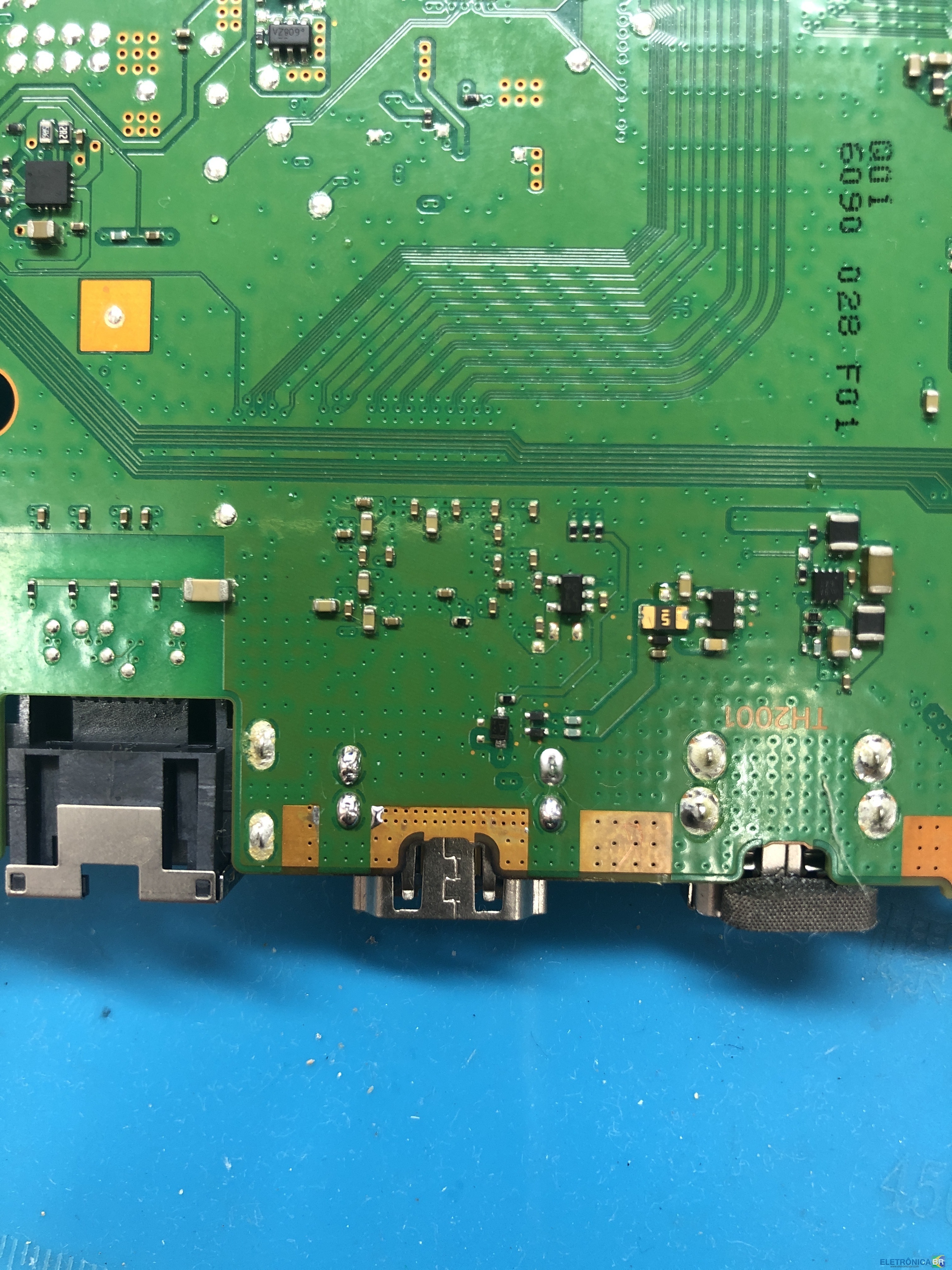
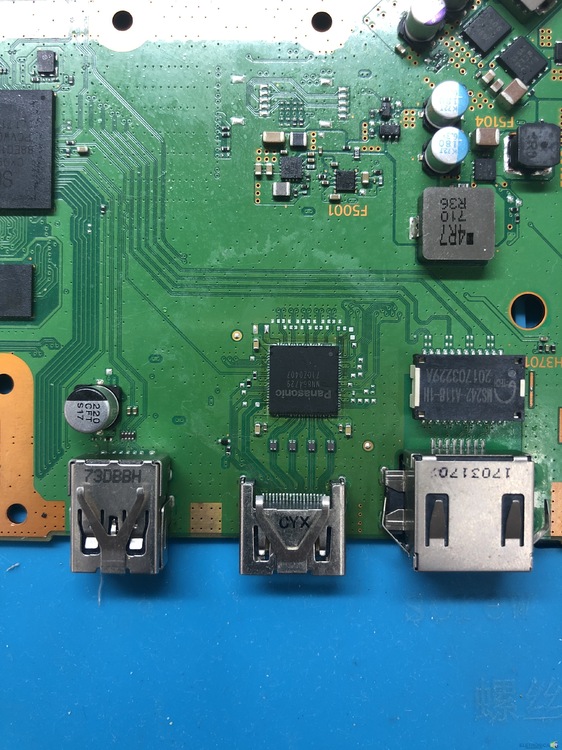
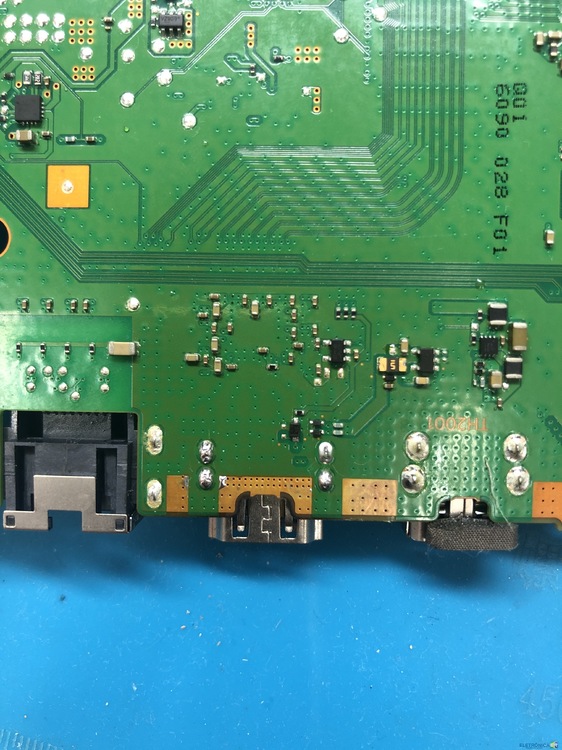
  1. Estou com um PS4 slim na bancada que não da vídeo, já fiz a troca do C.I hdmi uma vez ele passou a dar imagem porém toda imagem transmitida na cor azul (ex: o fundo da tela inicial do vídeo game) fica oscilando em um padrão diferente, na dúvida achando que poderia ser o C.I HDMI troquei ele novamente achando que poderia ser o defeito nele, continuou com o mesmo problema já com o segundo C.I HDMI novo. Tentando resolver o problema fiz a troca do conector HDMI esperando ter algum resultado positivo. Mais depois de troca o conector HDMI o aparelho já não da imagem mais, testei o C.I HDMI e ele está bom. Alguém poderia me dar uma dica ou me mandar as medidas da área do HDMI. agradeço a ajuda
Account

Navigation

Pesquisar

Pesquisar

Configure browser push notifications

Chrome (Android)
  1. Tap the lock icon next to the address bar.
  2. Tap Permissions → Notifications.
  3. Adjust your preference.
Chrome (Desktop)
  1. Click the padlock icon in the address bar.
  2. Select Site settings.
  3. Find Notifications and adjust your preference.