Ir para conteúdo
View in the app

A better way to browse. Learn more.

EletrônicaBR.com

A full-screen app on your home screen with push notifications, badges and more.

To install this app on iOS and iPadOS
  1. Tap the Share icon in Safari
  2. Scroll the menu and tap Add to Home Screen.
  3. Tap Add in the top-right corner.
To install this app on Android
  1. Tap the 3-dot menu (⋮) in the top-right corner of the browser.
  2. Tap Add to Home screen or Install app.
  3. Confirm by tapping Install.

martin av8tor

Membros
  • Registrado em

  • Última visita

  • Créditos EBR

    0
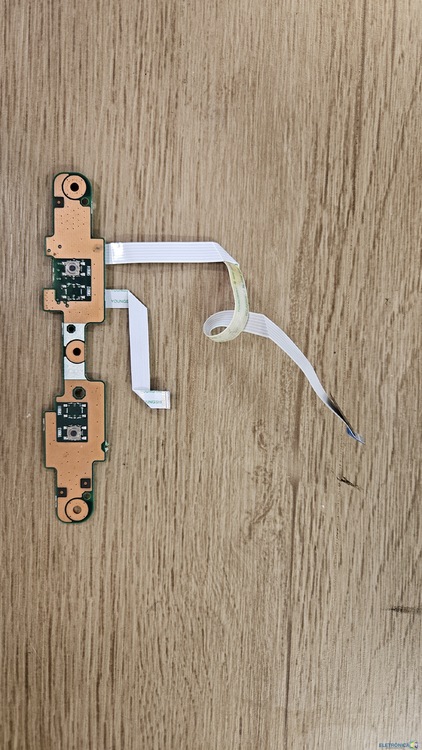
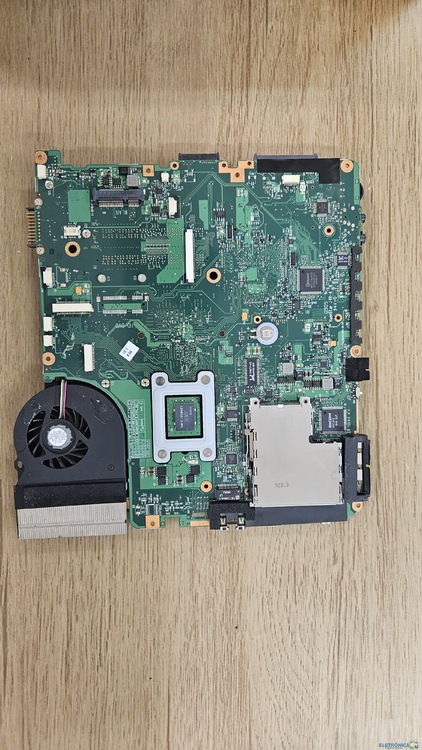
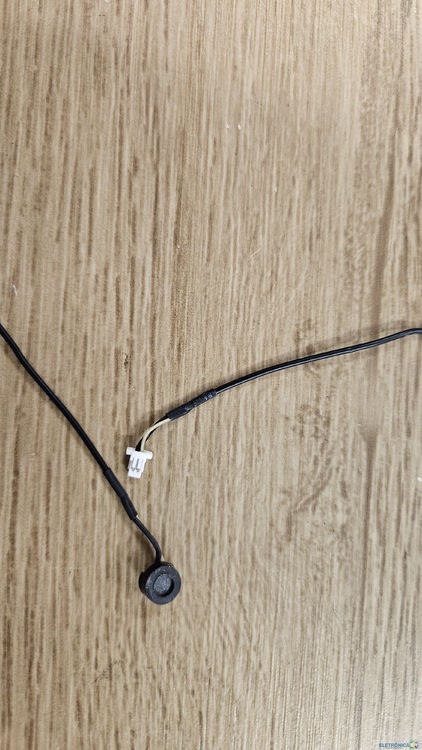
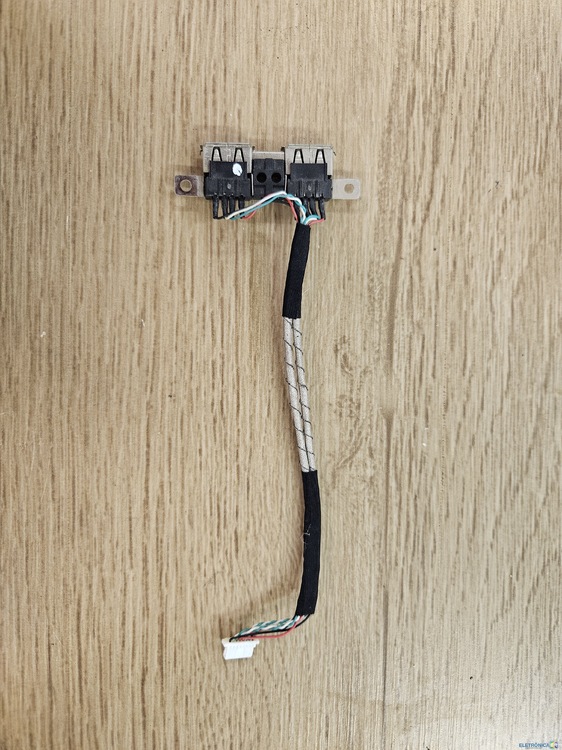
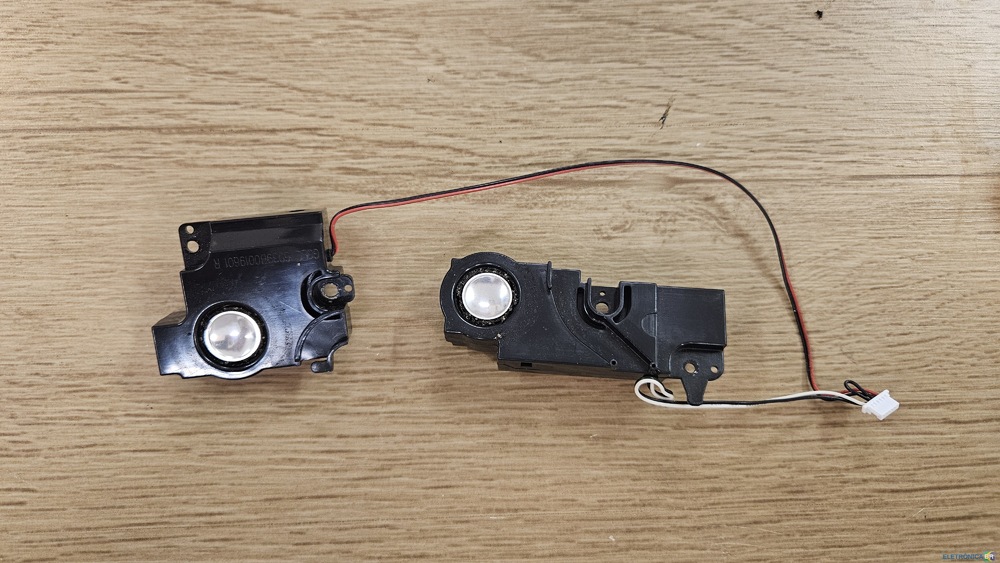
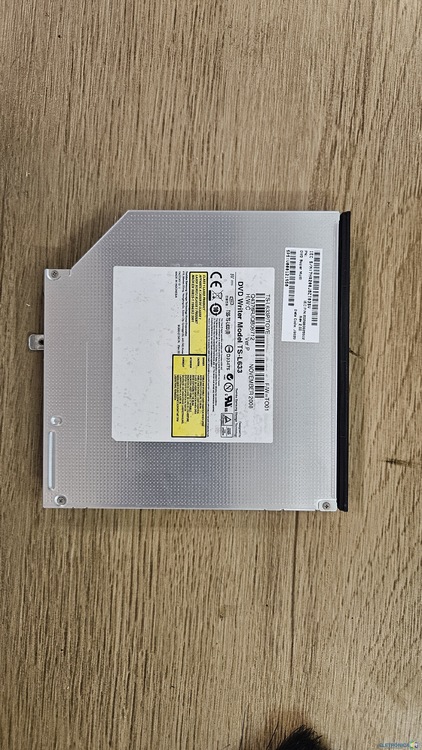
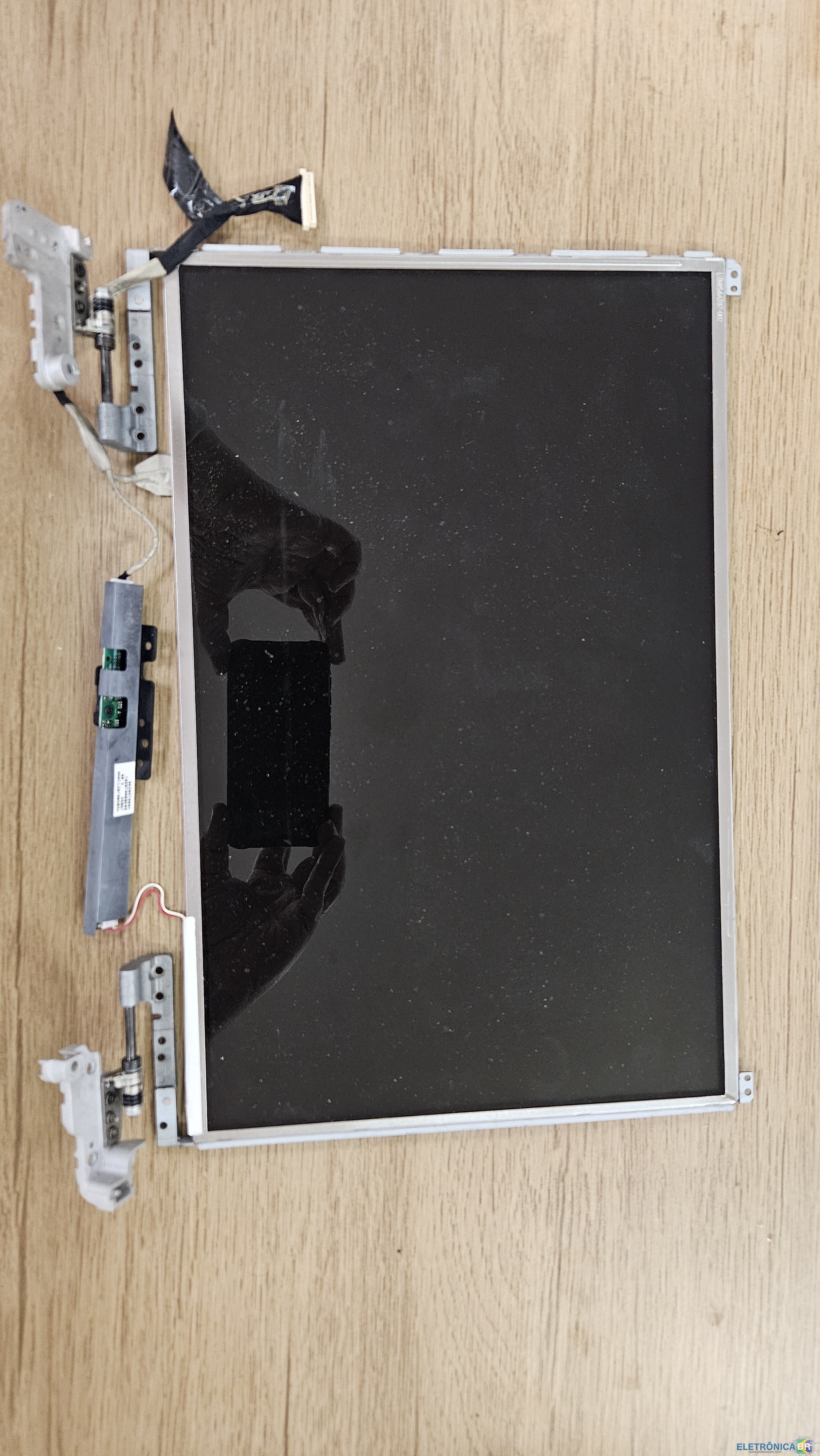
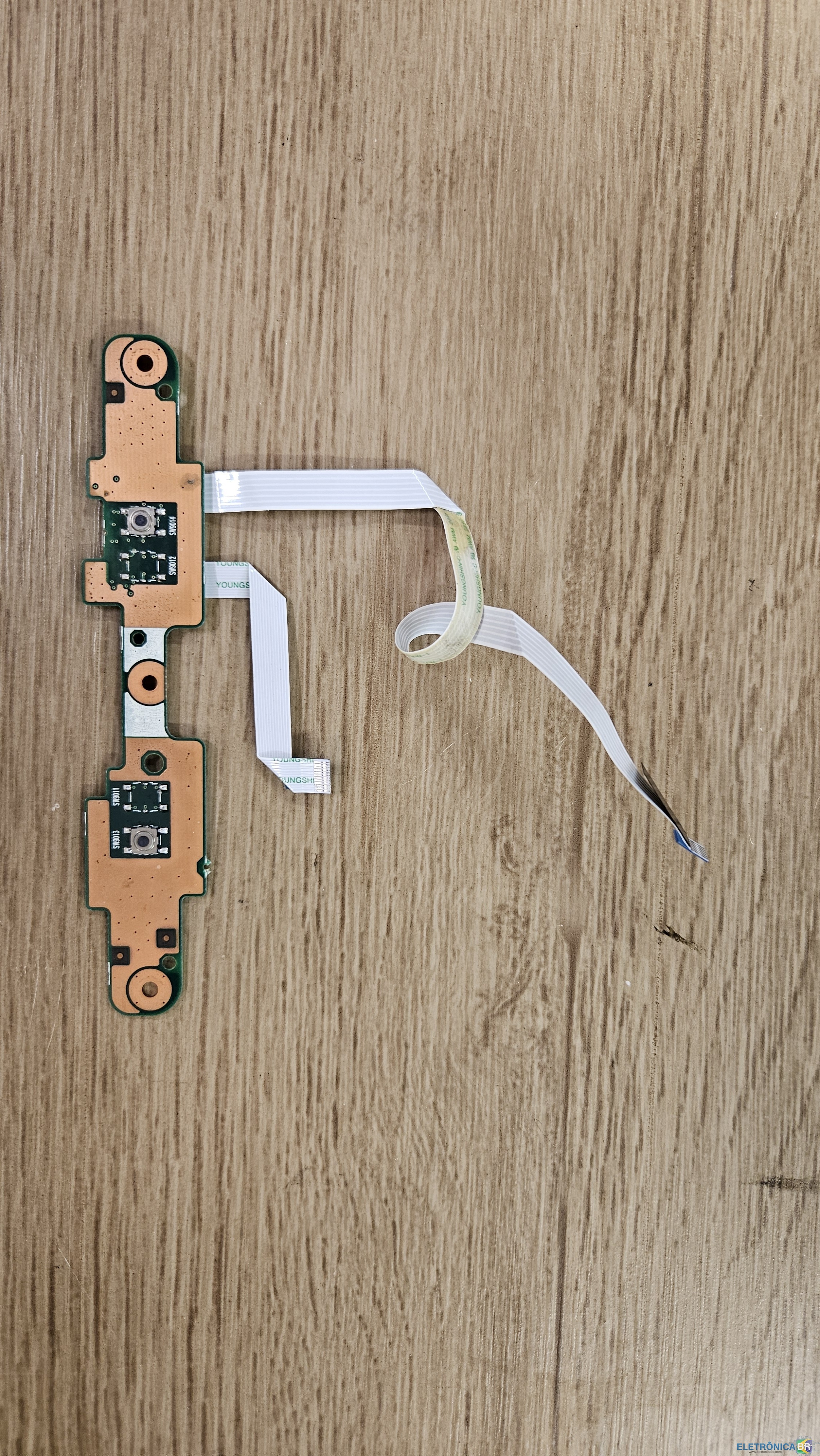
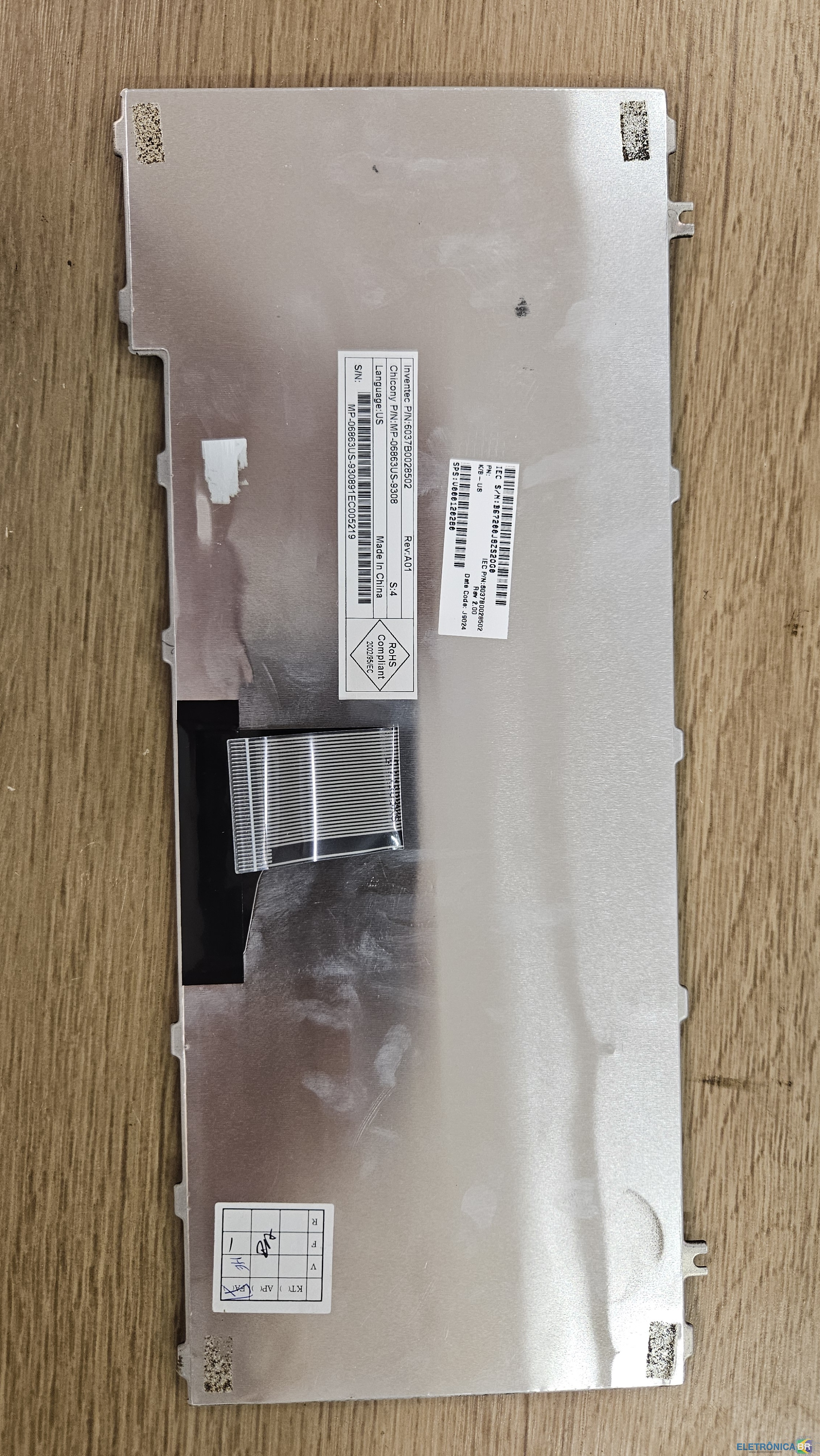
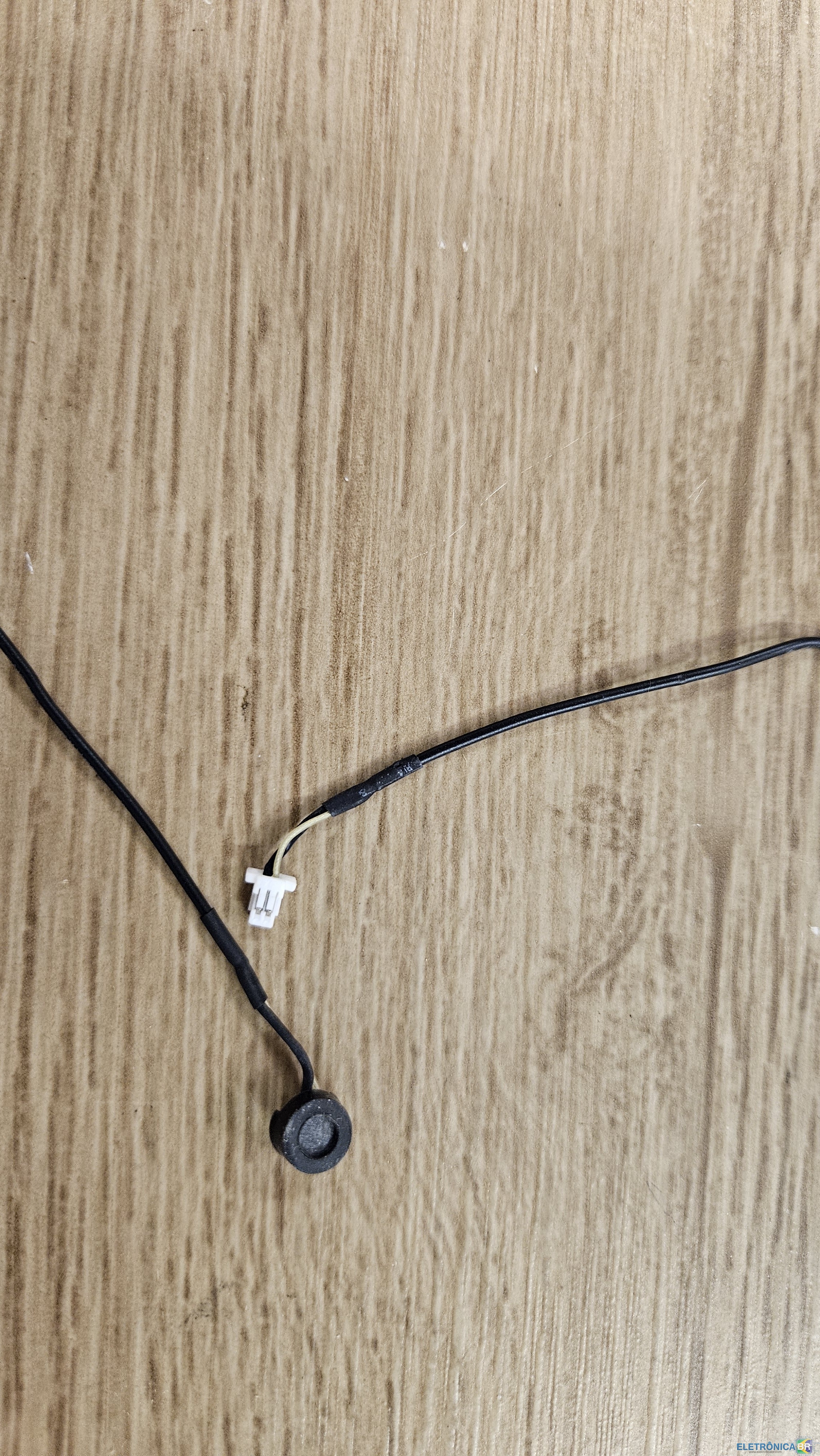
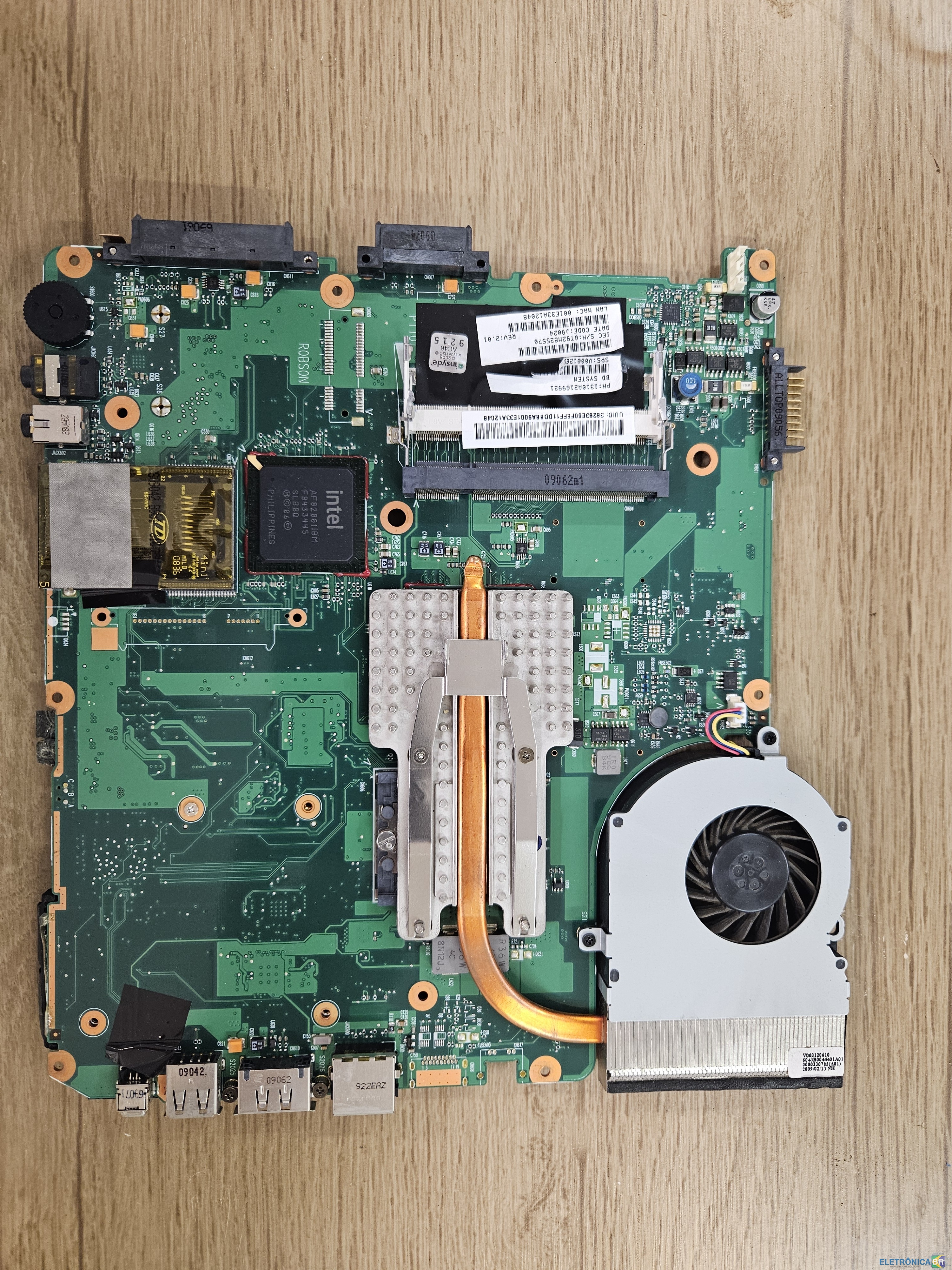
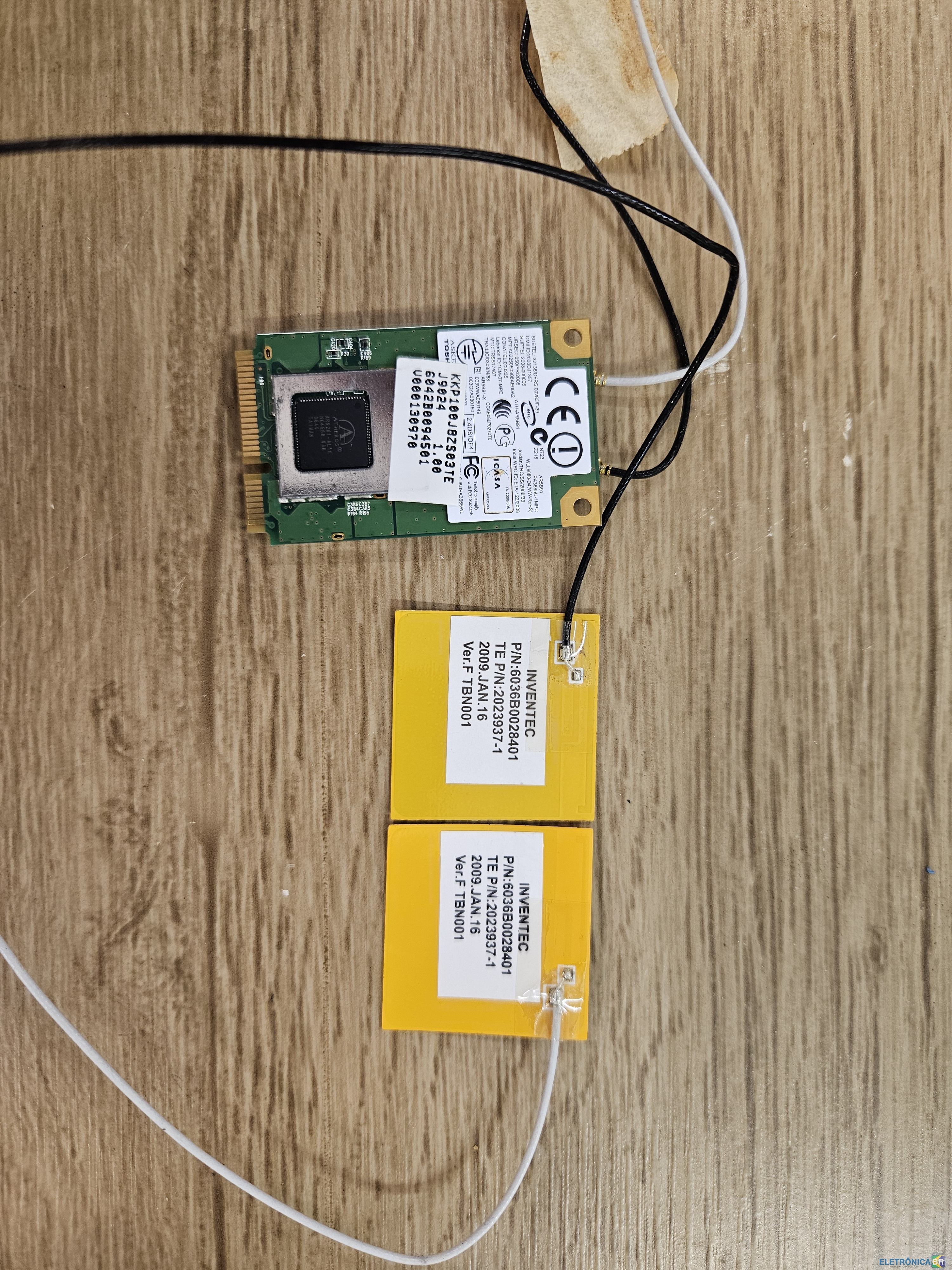
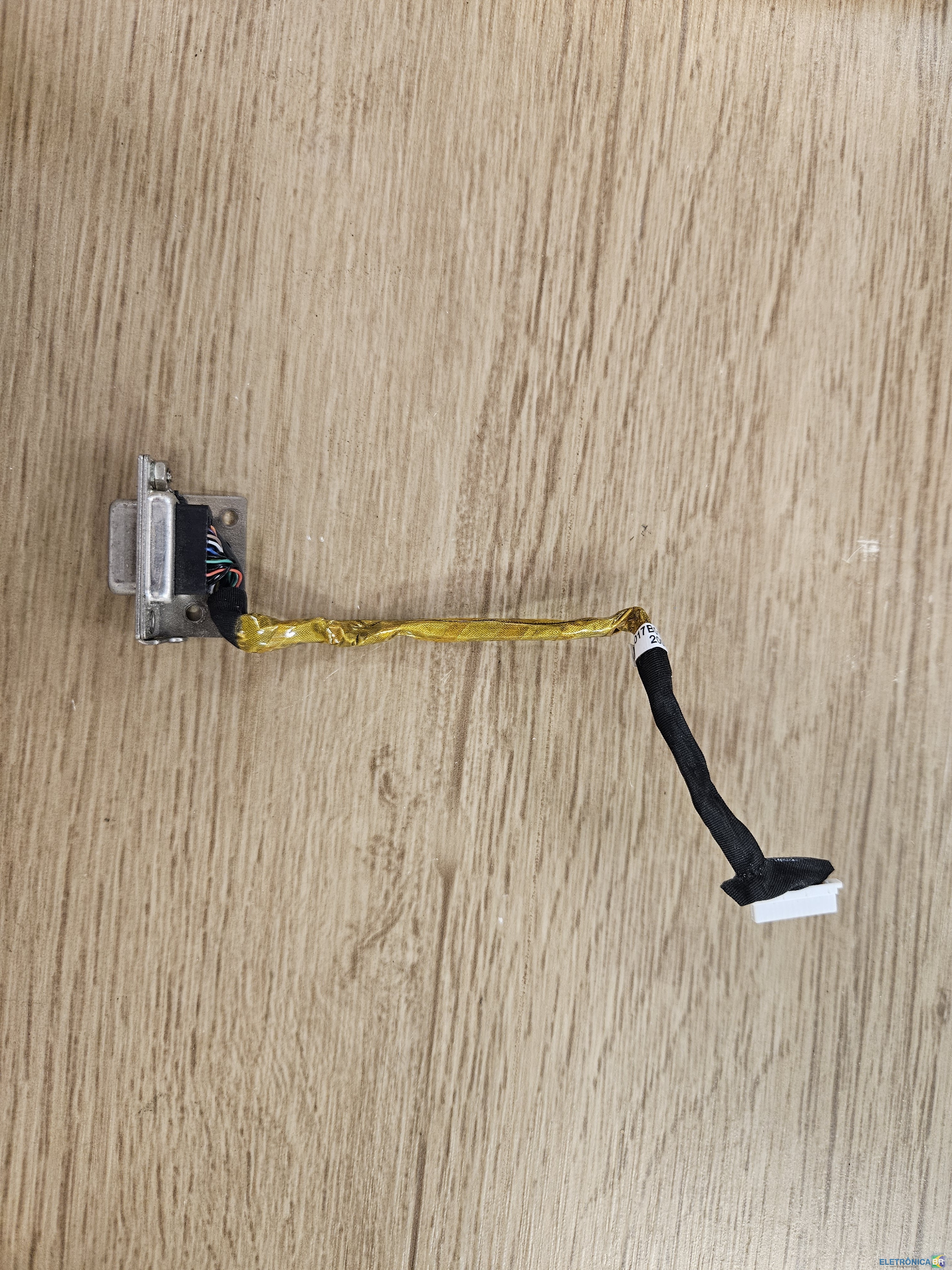
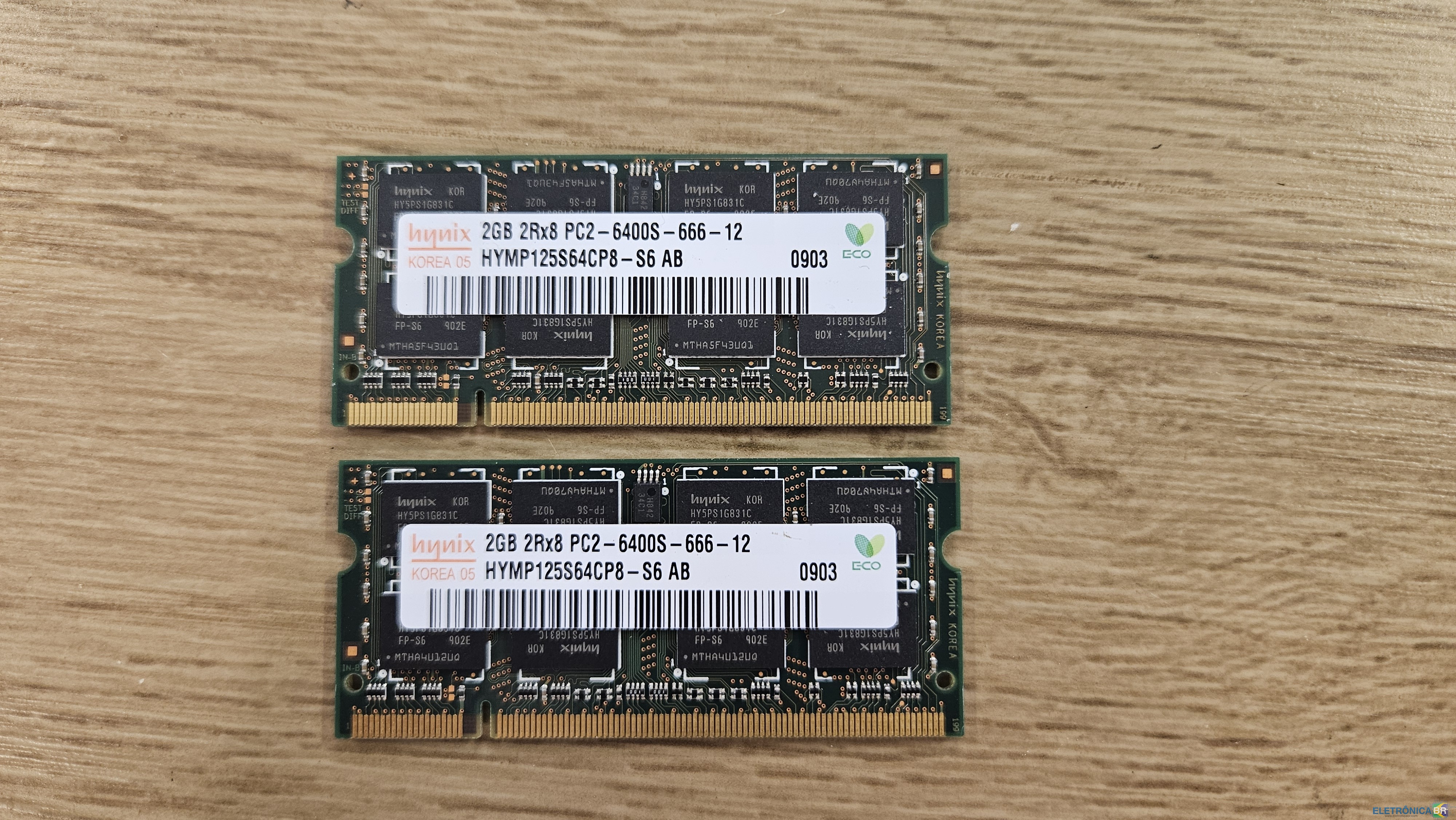
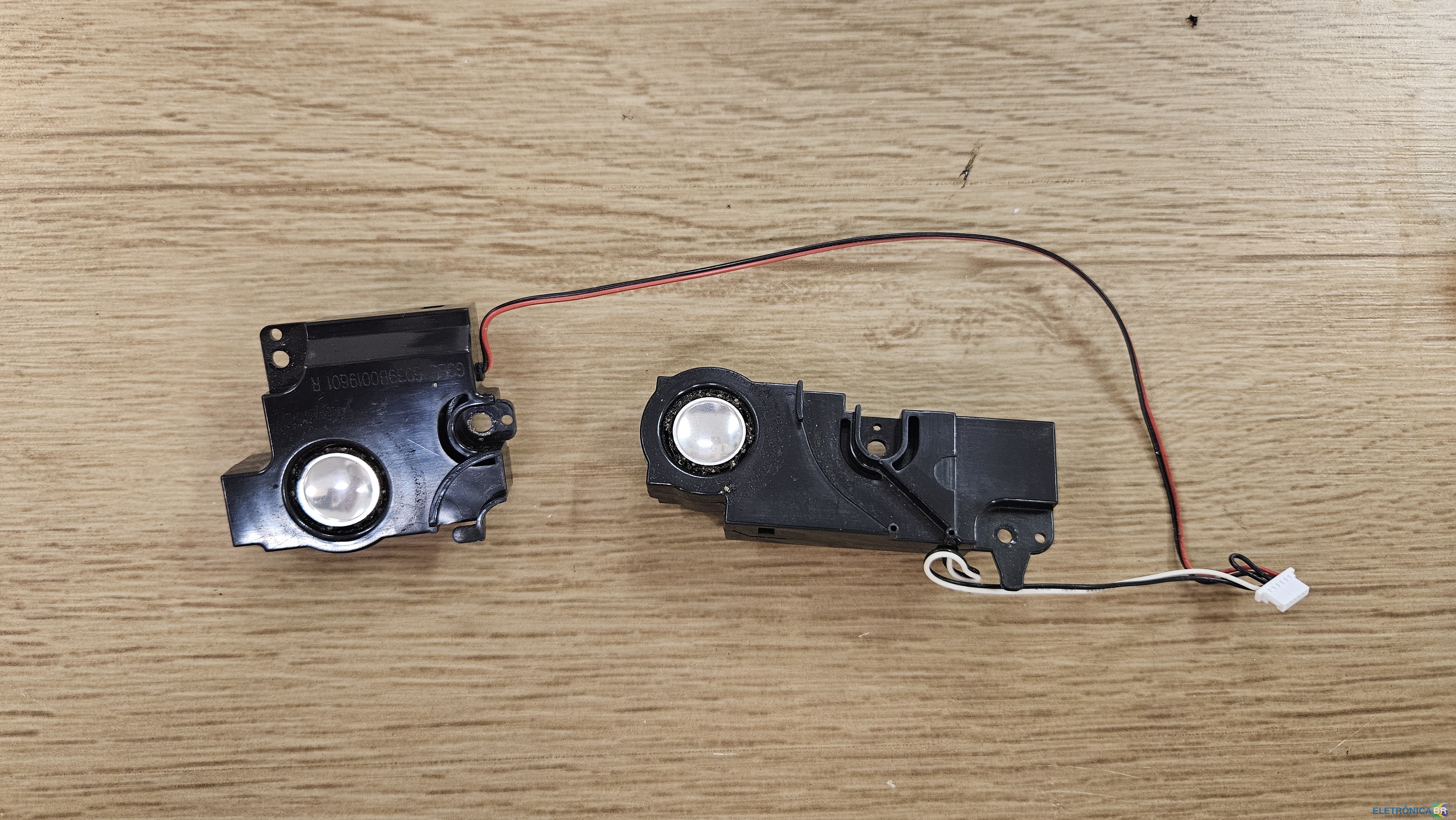
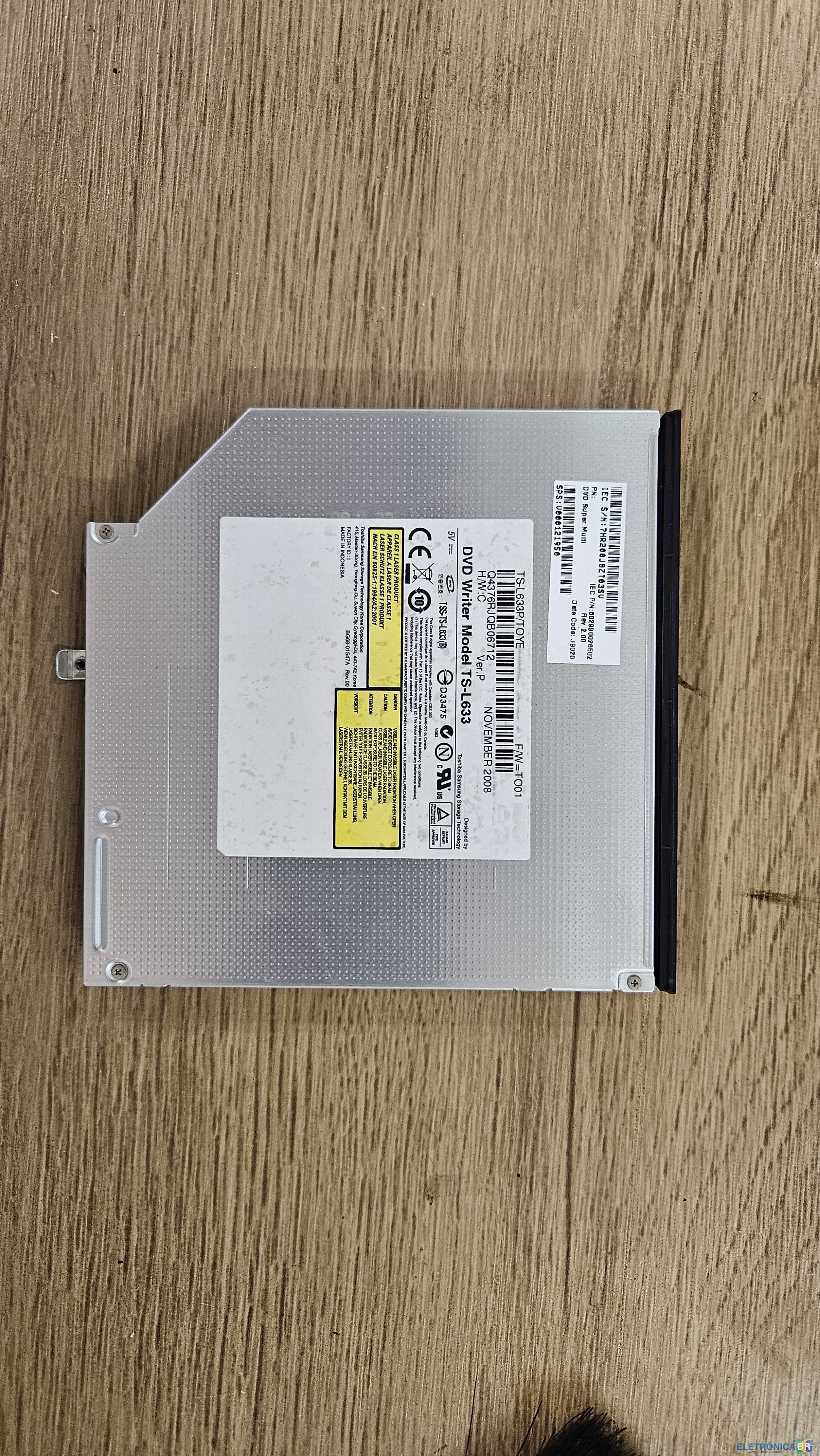
  1. Tenho essas peças tirada de um Toshiba Satellite A305-S6909 estava com problema de Video. Se alguém tiver interesse entre em contato. Aceito troca em um notebook funcionando e pago a diferença. Local Campinas, SP Esse notebook foi pouco usado, meu sobrinho deixou cair logo que ganhou e quebrou a carcaça e desmontou tudo tentando arrumar sem sucesso. O sistema inicializava mas logo em seguida a imagem ficava com listas e acho que apagava, não lembro bem.

Account

Navigation

Pesquisar

Pesquisar

Configure browser push notifications

Chrome (Android)
  1. Tap the lock icon next to the address bar.
  2. Tap Permissions → Notifications.
  3. Adjust your preference.
Chrome (Desktop)
  1. Click the padlock icon in the address bar.
  2. Select Site settings.
  3. Find Notifications and adjust your preference.