luiz_gilr
Membros
-
Registrado em
-
Última visita
-
Créditos EBR
1
-
https://www.eletronicacastro.com.br/lanternas/5907-lanterna-recarregavel-25-leds.html

-
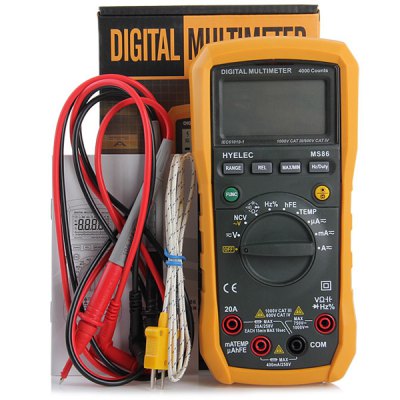
http://www.gearbest.com/measurement-analysis/pp_167152.html
-
Gravado a bios no gravador externo e resolveu o problema.
-
Alterei, esta certo agora.Não perde a configuração da bios, já testei a bateria.Já testei HD esta funcionando ok. já coloquei outro HD e continua o problema.Dell N4050 quando esta parado por 30 minutos, o 1º boot não reconhece o hd (entrando na bios, esta zerado), depois do 3º boot a biso reconhece e não mais problema. Quando fica parado por 30 minutos volta o problema de não reconhecer o HD. Atualizei a bios A06 p/ A08 e nada. Pode ser problema na MB? Regravado no gravador externo e não apresentou mais o problema.Tenho um Dell N4050 qdo dou 1º boot não reconhece o HD depois do 2º ou 3º boot reconhece o hd. Se note ficar de 30 minutos desligado, dá este problema. Alguém pode me ajudar?