Clayton Augusto
Membros
-
Registrado em
-
Última visita
-
Créditos EBR
0
-
OK, muito obrigado pela orientação e link do esquema.
-
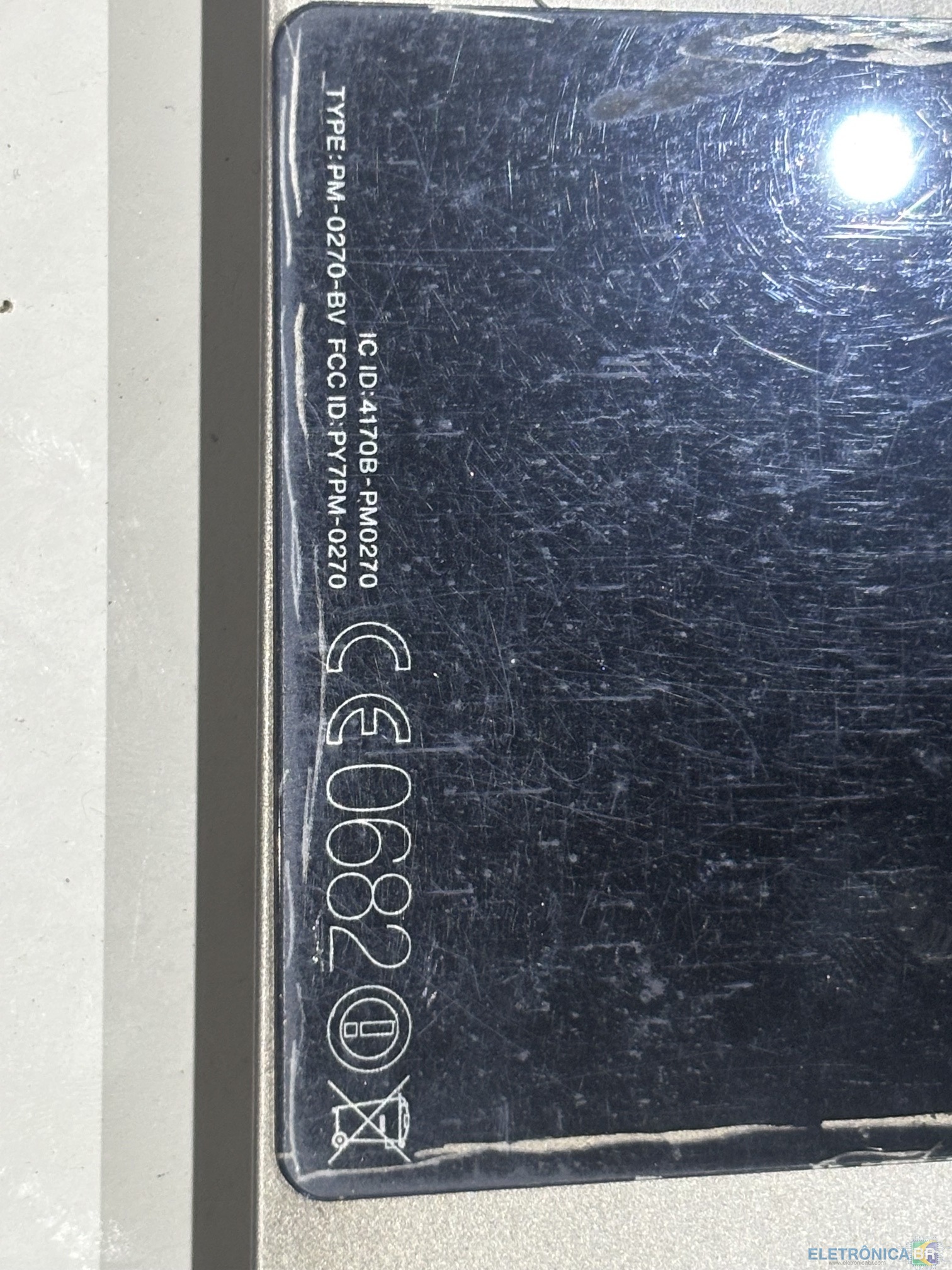
Este aparelho não está ligando, realizei algumas medições mas deu para aprofundar muito a pesquisa. Verifiquei com a fonte de bancada que ele está consumindo 160ma com uma voltagem de 4,2Volts; Porém, não consigo aprofundar a pesquisa porque não tenho o manual de serviço com o esquema elétrico. Por isso, estou aqui neste fórum tentando conseguir este manual de serviço.
.thumb.jpeg.2438138c1c08c2a2f4c8575d897d9b65.jpeg)

-
Sou técnico eletrônica especializado em Aviônica, trabalhei 30 anos nessa área e agora me aposentei. Agora estou entrando mais fundo na área de reparos em equipamentos eletrônicos.
.jpeg.b05a7894d2b648fc1c6132325a581939.jpeg)