JuniorCiro
Membros
-
Registrado em
-
Última visita
-
Créditos EBR
1
-
Copiadora Ricoh Aficio MP5001 sai com as impressões tortas, limpamos as pick-ups, trocamos fotocondutor e fusor. Obrigado.
-
Bom dia. Alguém teria algum tutorial ou peça de reposição da antena wifi do tablet CCE motion TR101 é que o fio cinza fino que é soldado a uma pequena chapa metálica encaixada à lateral do tablet rasgou-se. Obrigado..
-
Tablet CCE Motion Tr101 quando ligado na fonte de bancada a tela fica preta, mas quando retirado o flex do display a tela fica esbranquiçada. Já testei com o cabo hdmi. Obrigado..
-
Tablet tectoy Tt2501 quando conectado na força só fica o led vermelho piscando mas não liga o aparelho, já foi realizado o carregamento da bateria. Se alguém tem essa placa lógica?
-
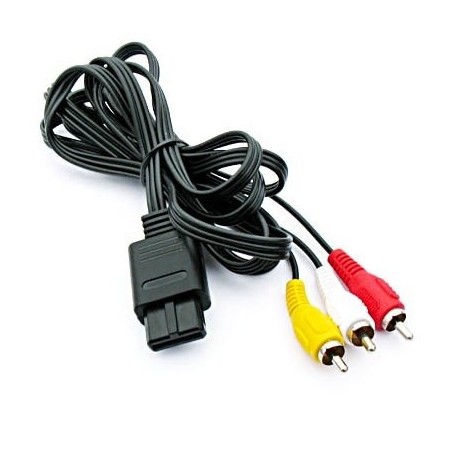
https://www.eletronicacastro.com.br/video-game/3833-cabo-audio-e-video-super-nitendo.html
-
http://www.gearbest.com/3d-printer-supplies/pp_350842.html

-
Técnico. Trabalho com impressoras laser.