Ir para conteúdo
View in the app

A better way to browse. Learn more.

EletrônicaBR.com

A full-screen app on your home screen with push notifications, badges and more.

To install this app on iOS and iPadOS
  1. Tap the Share icon in Safari
  2. Scroll the menu and tap Add to Home Screen.
  3. Tap Add in the top-right corner.
To install this app on Android
  1. Tap the 3-dot menu (⋮) in the top-right corner of the browser.
  2. Tap Add to Home screen or Install app.
  3. Confirm by tapping Install.

Rodrigo Almeida Santos

Membros
  • Registrado em

  • Última visita

  • Créditos EBR

    1
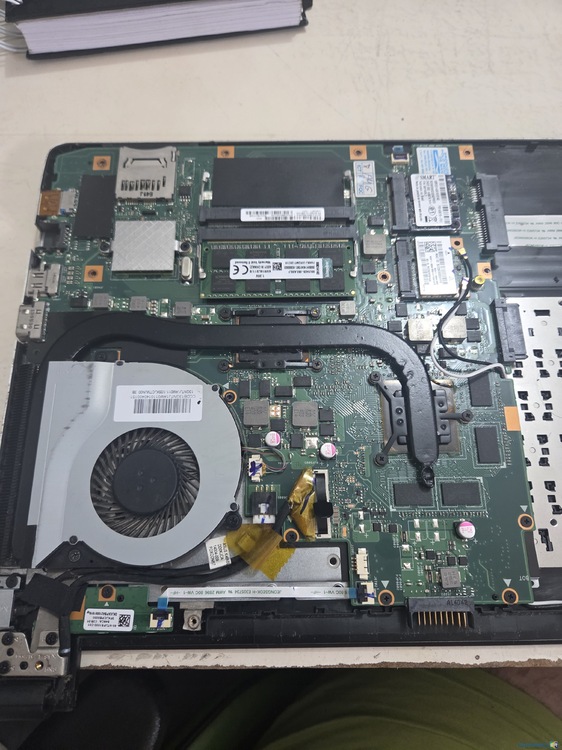
  1. Segue mais fotos para análise, essa versão de notebook tem uma nvidia 740m integrada.
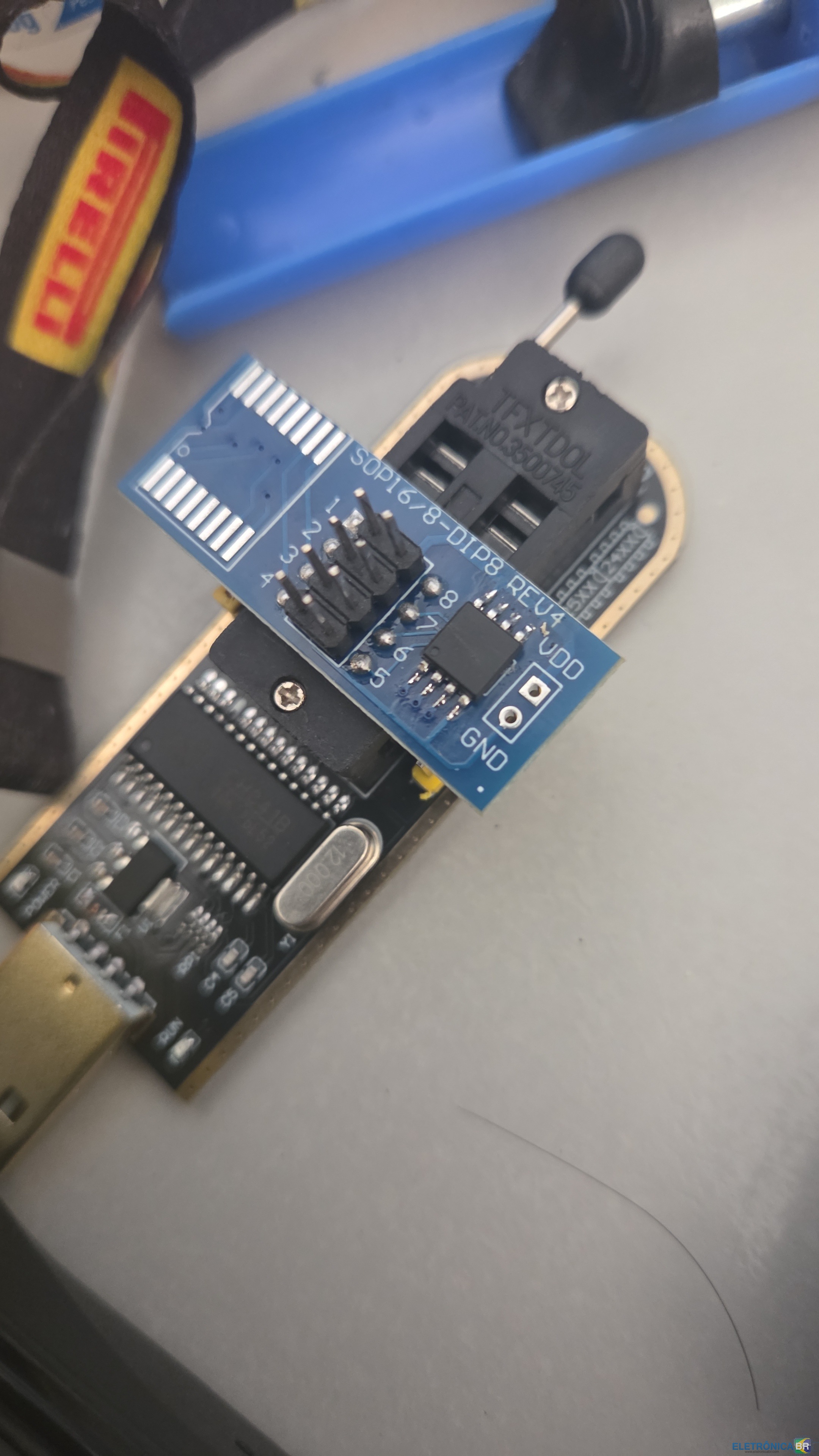
  2. Pessoal, me deparei com um problema em bancada, no site da asus não tem a bios completa, somente as atualizações, fui formatar um notebook e acabou corrompendo a BIOS, fui regravar com CH341, mais o arquivo no site oficial não é completo, alguém mais com esse problema?
  3. Olá me chamo Rodrigo e estou ingressando no concerto de placas, gostaria de ter maior acesso e não tenho muito conhecimento de como posso consegui-lo, pois alguns tópicos estão bloqueados a mim! agradeço desde já a força!

Account

Navigation

Pesquisar

Pesquisar

Configure browser push notifications

Chrome (Android)
  1. Tap the lock icon next to the address bar.
  2. Tap Permissions → Notifications.
  3. Adjust your preference.
Chrome (Desktop)
  1. Click the padlock icon in the address bar.
  2. Select Site settings.
  3. Find Notifications and adjust your preference.