Ir para conteúdo
View in the app

A better way to browse. Learn more.

EletrônicaBR.com

A full-screen app on your home screen with push notifications, badges and more.

To install this app on iOS and iPadOS
  1. Tap the Share icon in Safari
  2. Scroll the menu and tap Add to Home Screen.
  3. Tap Add in the top-right corner.
To install this app on Android
  1. Tap the 3-dot menu (⋮) in the top-right corner of the browser.
  2. Tap Add to Home screen or Install app.
  3. Confirm by tapping Install.

CSI INFORMÁTICA

Membros
  • Registrado em

  • Última visita

  • Créditos EBR

    1
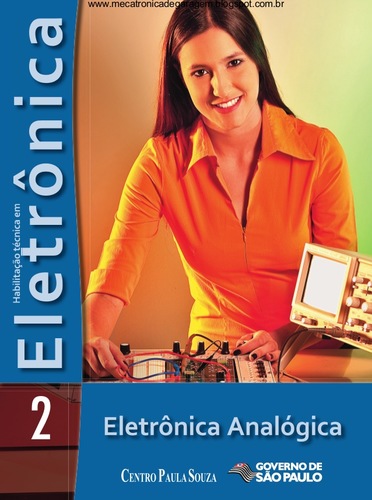
  1. Olá Galera! Acabei de baixar todo a apostila do Centro de Paula Souza! É muito conteúdo para aprender! Eletrônicabr é show!
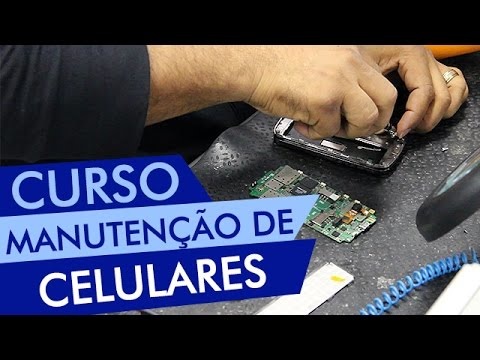
  2. Boa tarde. Galera! Quem puder nos enviar uma esquema elétrico ou trouble Shot do Celular Positivo S544 eu agradeceria muito! Na espera. Grato!
  3. O melhor site para baixar obter e aumentar conhecimentos em eletrônica!
  4. São conteúdos riquíssimos, vale a penas fazer o dowload e estudar! Obrigado Eletrônicabr!
  5. Conheci a Eletrônica Br através do google Sou técnico iniciante, Formatação, Manutenção em Computadores, notebooks. Reparos em bios.

Account

Navigation

Pesquisar

Pesquisar

Configure browser push notifications

Chrome (Android)
  1. Tap the lock icon next to the address bar.
  2. Tap Permissions → Notifications.
  3. Adjust your preference.
Chrome (Desktop)
  1. Click the padlock icon in the address bar.
  2. Select Site settings.
  3. Find Notifications and adjust your preference.