Ir para conteúdo
View in the app

A better way to browse. Learn more.

EletrônicaBR.com

A full-screen app on your home screen with push notifications, badges and more.

To install this app on iOS and iPadOS
  1. Tap the Share icon in Safari
  2. Scroll the menu and tap Add to Home Screen.
  3. Tap Add in the top-right corner.
To install this app on Android
  1. Tap the 3-dot menu (⋮) in the top-right corner of the browser.
  2. Tap Add to Home screen or Install app.
  3. Confirm by tapping Install.

Jona Than

Membros
  • Registrado em

  • Última visita

  • Créditos EBR

    0
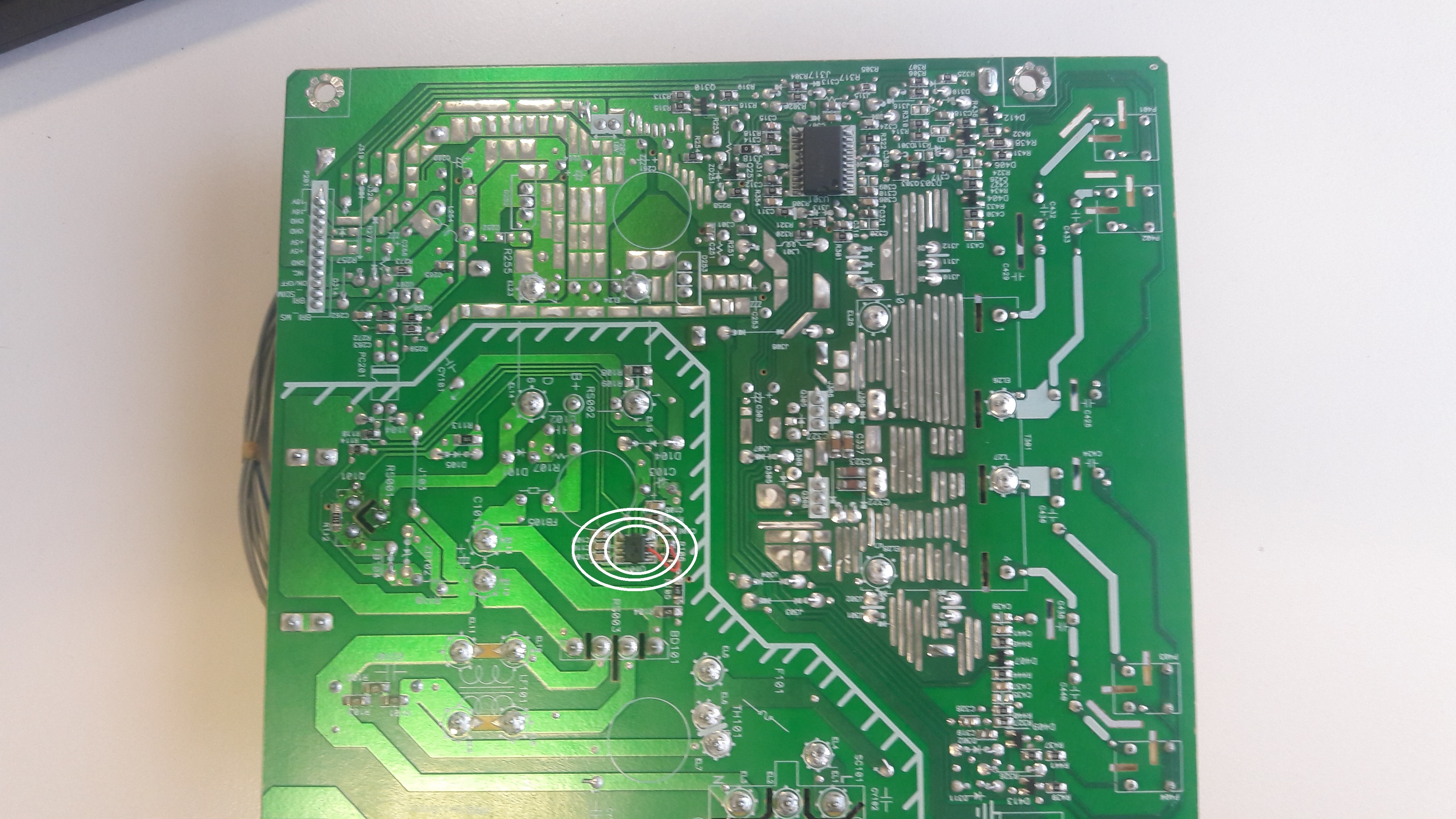
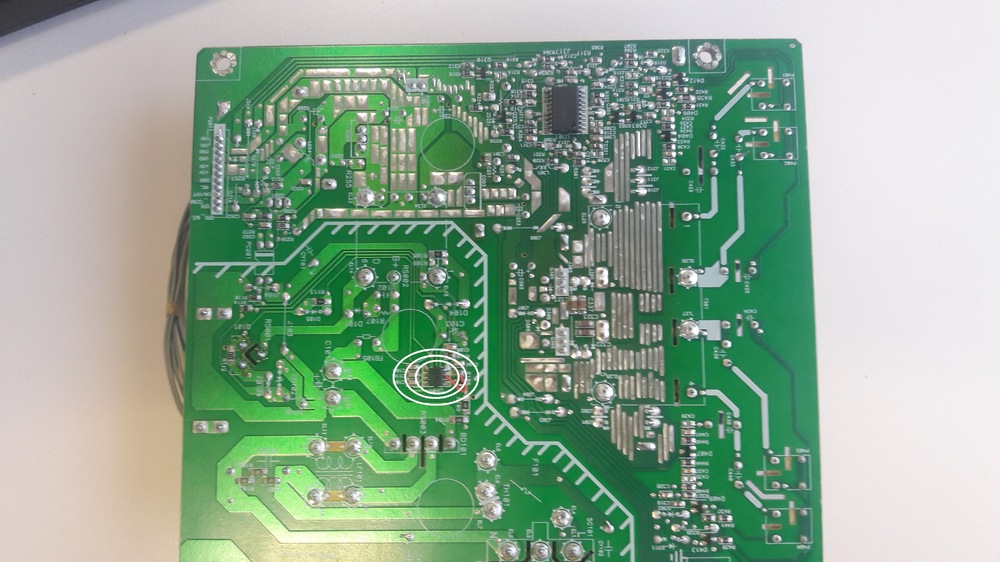
  1. Buscando por internet, algunos dicen 5842 y otros 6842. Muchas gracias. Su ayuda fue muy util. Pesquisando na Internet, alguns dizem 5842 e 6842 outros. Muito obrigado Sua ajuda foi muito útil.
  2. Buenos dias, soy de Argentina, tengo el mismo monitor, pero no prende, veo que el CI U101, parece estar quemada, ¿me podes decir si es SG6842 o SG5842? Gracias Google Traslate Bom dia, sou da Argentina, tenho o mesmo monitor, mas não liga, vejo que o CI U101 parece ser queimado, você pode me dizer se é SG6842 ou SG5842? Obrigado
Account

Navigation

Pesquisar

Pesquisar

Configure browser push notifications

Chrome (Android)
  1. Tap the lock icon next to the address bar.
  2. Tap Permissions → Notifications.
  3. Adjust your preference.
Chrome (Desktop)
  1. Click the padlock icon in the address bar.
  2. Select Site settings.
  3. Find Notifications and adjust your preference.