binladem
Membros
-
Registrado em
-
Última visita
-
Créditos EBR
0
-
O jeito é arrumar uma pessoa mais capacitada, obrigado gente
-
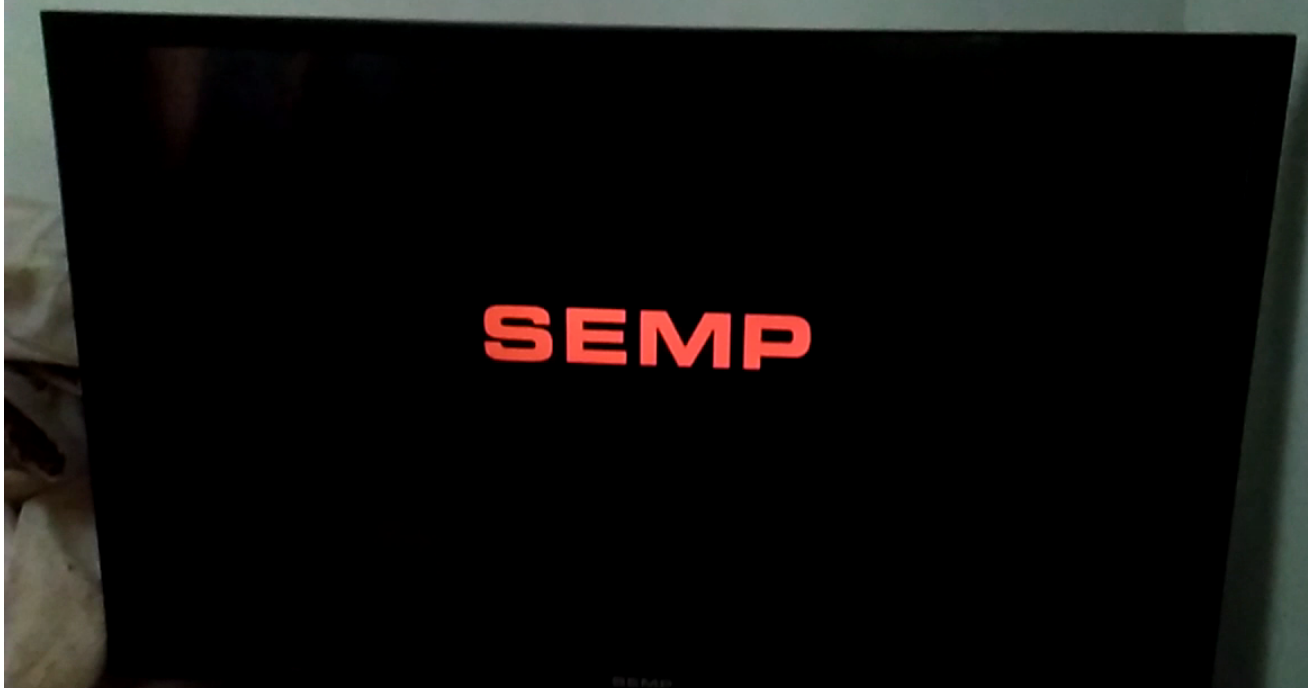
na verdade a logo da semp só aparece por 1 seg, depois tv fica em standby
-
Droga achei que era mais simples
-
@walteruga Eu vi esse, mas não consigo baixar @edward linux Não tenho gravador, na verdade nao tenho certeza de que gravador vc está falando =P
-
Não tem a minha TV, primeiro lugar que eu fui N/S: 923852D448AA085848
-
binladem alterou sua foto pessoal
-
Boa tarde, Estou com problema minha TV da Semp Toshiba do nada ela liga, aparece SEMP e fica em standby. Eu andei vendo uns vídeos e parece que corrompeu o Firmware, problema que nao consegui encontro parar baixar. Se puderem me ajudar fico muito agradecido

-
Olá, minha Tv ela aparece o Logo da SEMP e depois fica em standby. Aconteceu isso de um dia para outro do nada.