Ir para conteúdo
View in the app

A better way to browse. Learn more.

EletrônicaBR.com

A full-screen app on your home screen with push notifications, badges and more.

To install this app on iOS and iPadOS
  1. Tap the Share icon in Safari
  2. Scroll the menu and tap Add to Home Screen.
  3. Tap Add in the top-right corner.
To install this app on Android
  1. Tap the 3-dot menu (⋮) in the top-right corner of the browser.
  2. Tap Add to Home screen or Install app.
  3. Confirm by tapping Install.

Rafael ions

Membros
  • Registrado em

  • Última visita

  • Créditos EBR

    0
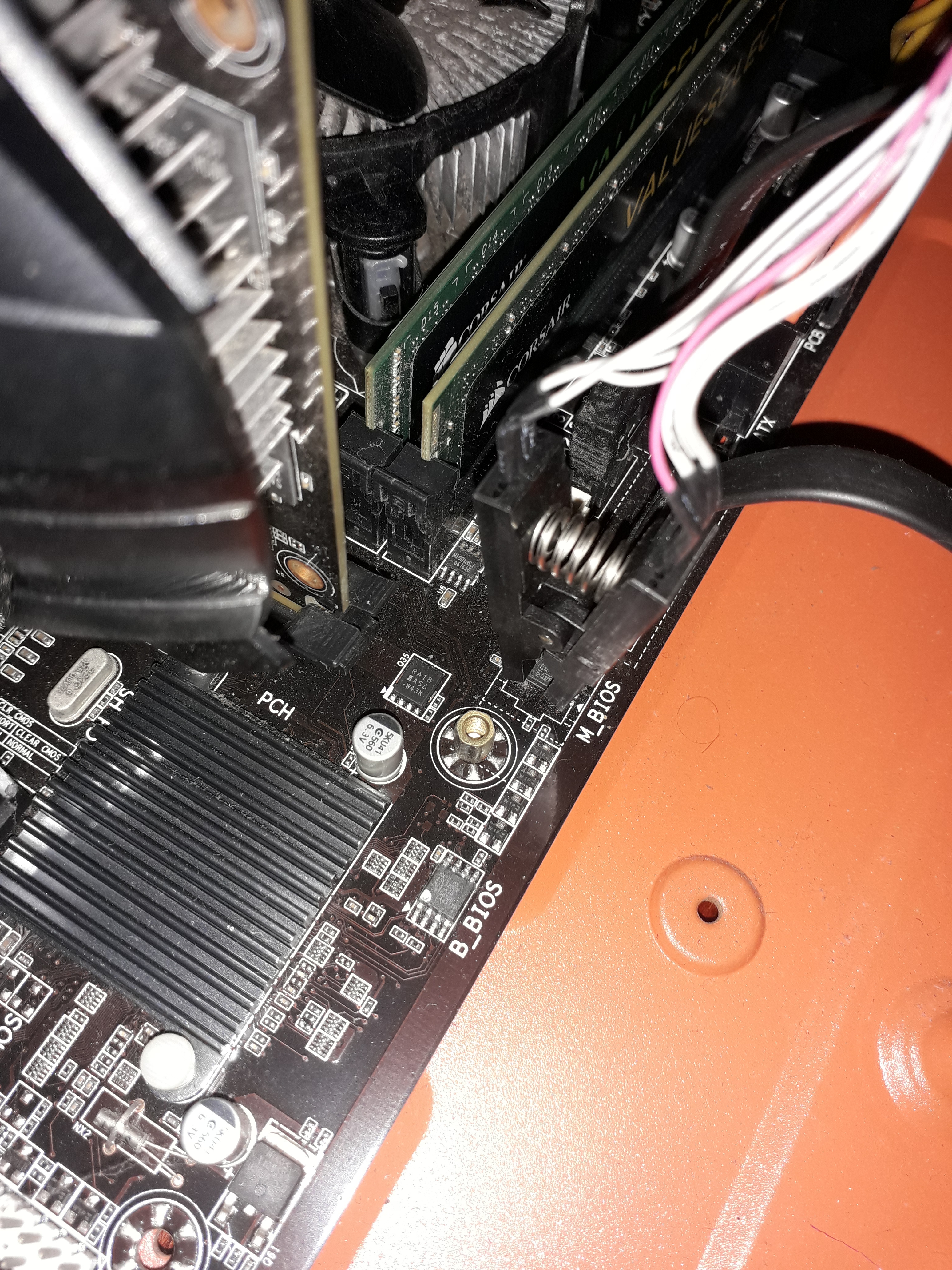
  1. Sou um usuário comum, porém possuo uma placa mãe com a main bios e o backup bios corrompidos. Por favor, alguém poderia me ceder um arquivo .bin dessa bios(?) Muito Obrigado desde já.
  2. 1. Como conheceu o EletrônicaBR? (ex: Google ou outro site) R:Recomendação de um técnico em uma assistência. 2. Qual seu nível técnico? (Amador, Estudante, Técnico, Engenheiro, Empresário) R: Estudante 3. Quais habilidades você pretende desenvolver? R: conhecimento (?) 4. Conte um pouco de você. Qualquer coisa R: Sou um pouco teimoso as vezes. Tenho uma paixão particular pelos estudos. Estou em busca sempre de mais.

Account

Navigation

Pesquisar

Pesquisar

Configure browser push notifications

Chrome (Android)
  1. Tap the lock icon next to the address bar.
  2. Tap Permissions → Notifications.
  3. Adjust your preference.
Chrome (Desktop)
  1. Click the padlock icon in the address bar.
  2. Select Site settings.
  3. Find Notifications and adjust your preference.