Ir para conteúdo
View in the app

A better way to browse. Learn more.

EletrônicaBR.com

A full-screen app on your home screen with push notifications, badges and more.

To install this app on iOS and iPadOS
  1. Tap the Share icon in Safari
  2. Scroll the menu and tap Add to Home Screen.
  3. Tap Add in the top-right corner.
To install this app on Android
  1. Tap the 3-dot menu (⋮) in the top-right corner of the browser.
  2. Tap Add to Home screen or Install app.
  3. Confirm by tapping Install.

Pompiere

Membros
  • Registrado em

  • Última visita

  • Créditos EBR

    0
  1. Pompiere alterou sua foto pessoal
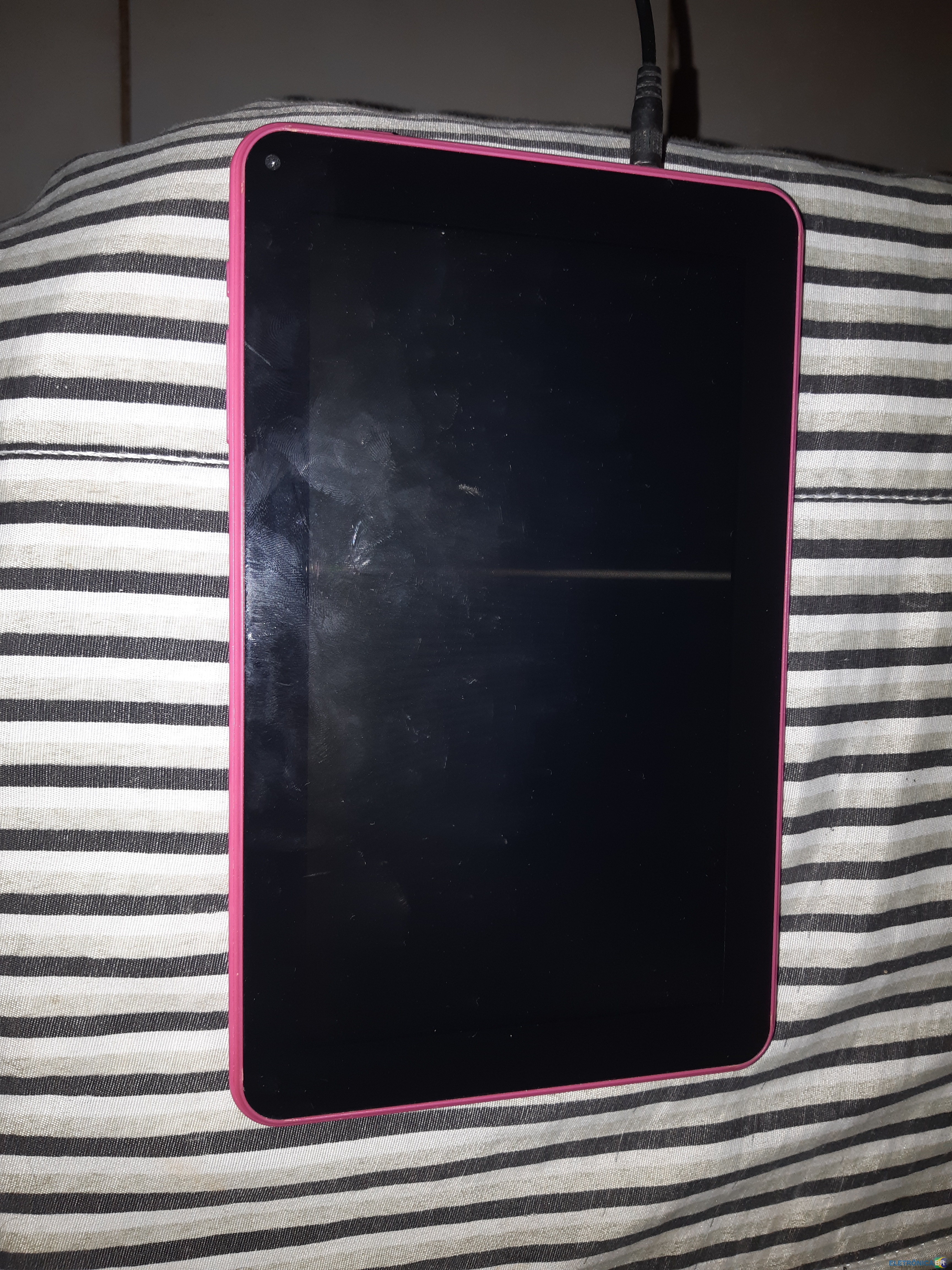
  2. @Montaiuti Lorenzo O tablet e um bright rosa 0397 system operacional e Android 4.2.2. Não resetar de jeito nenhum já levei em 3 técnico e nunhum deles conseguirá. Resetar e não achei nenhum método na net. Que me ajudava nisso vou posta uma foto do aparelho vc ver se conseguir me ajudar não consigo resetar de jeito nenhum esse aparelho é quando vai nas configuração não resetar não passar pra yes e volta pra no aff
  3. Olá pessoa boa noite venho aqui pedi ajudar de vcs tenha um tablet da bright rosa foi colocado uma senha padrão só que foi esquecida pois o tablet ficouparado por mêsea ai venho aqui pedi a ajudar de vcs sendo que entro na configuração dele e quando foi pra resetar ele não resetar Vai pra no no lugar de yes me ajudar por favor

Account

Navigation

Pesquisar

Pesquisar

Configure browser push notifications

Chrome (Android)
  1. Tap the lock icon next to the address bar.
  2. Tap Permissions → Notifications.
  3. Adjust your preference.
Chrome (Desktop)
  1. Click the padlock icon in the address bar.
  2. Select Site settings.
  3. Find Notifications and adjust your preference.