Ir para conteúdo
View in the app

A better way to browse. Learn more.

EletrônicaBR.com

A full-screen app on your home screen with push notifications, badges and more.

To install this app on iOS and iPadOS
  1. Tap the Share icon in Safari
  2. Scroll the menu and tap Add to Home Screen.
  3. Tap Add in the top-right corner.
To install this app on Android
  1. Tap the 3-dot menu (⋮) in the top-right corner of the browser.
  2. Tap Add to Home screen or Install app.
  3. Confirm by tapping Install.

Antonio Marcos Parada

Membros
  • Registrado em

  • Última visita

  • Créditos EBR

    10
  1. Bom dia, troquei a placa da tv Philco PH32B51, versão D, mas não bateu a versão, ficou com imagem ruim e tela espelhada, não consigo achar os dados que funcione. Peço ajuda para obter a atualização versão D, se alguém puder me ajudar, agradeço.
  2. Bom dia a todos; Conheci o site navegando no google, tenho 32 anos de bancada, sempre procurando mais conhecimento, trabalho com eletroeletronicos em geral, recuperação de falantes. Atualmente cursando: engenharia e especialista em fontes chaveadas.
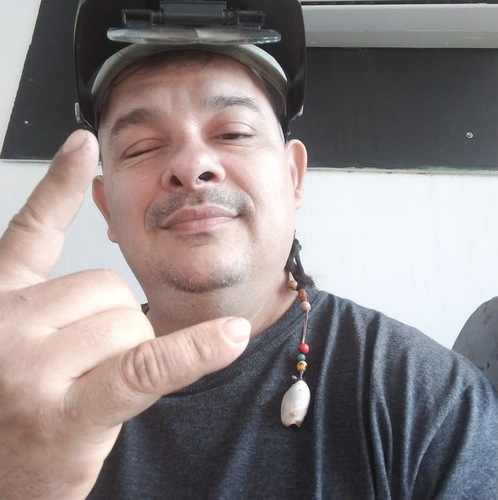
  3. Antonio Marcos Parada alterou sua foto pessoal
  4. Técnico profissional autônomo, serviço autorizado, 30 anos de bancada.

Account

Navigation

Pesquisar

Pesquisar

Configure browser push notifications

Chrome (Android)
  1. Tap the lock icon next to the address bar.
  2. Tap Permissions → Notifications.
  3. Adjust your preference.
Chrome (Desktop)
  1. Click the padlock icon in the address bar.
  2. Select Site settings.
  3. Find Notifications and adjust your preference.