Carlos Alberto Fontoura Junior
Membros
-
Registrado em
-
Última visita
-
Créditos EBR
0
-
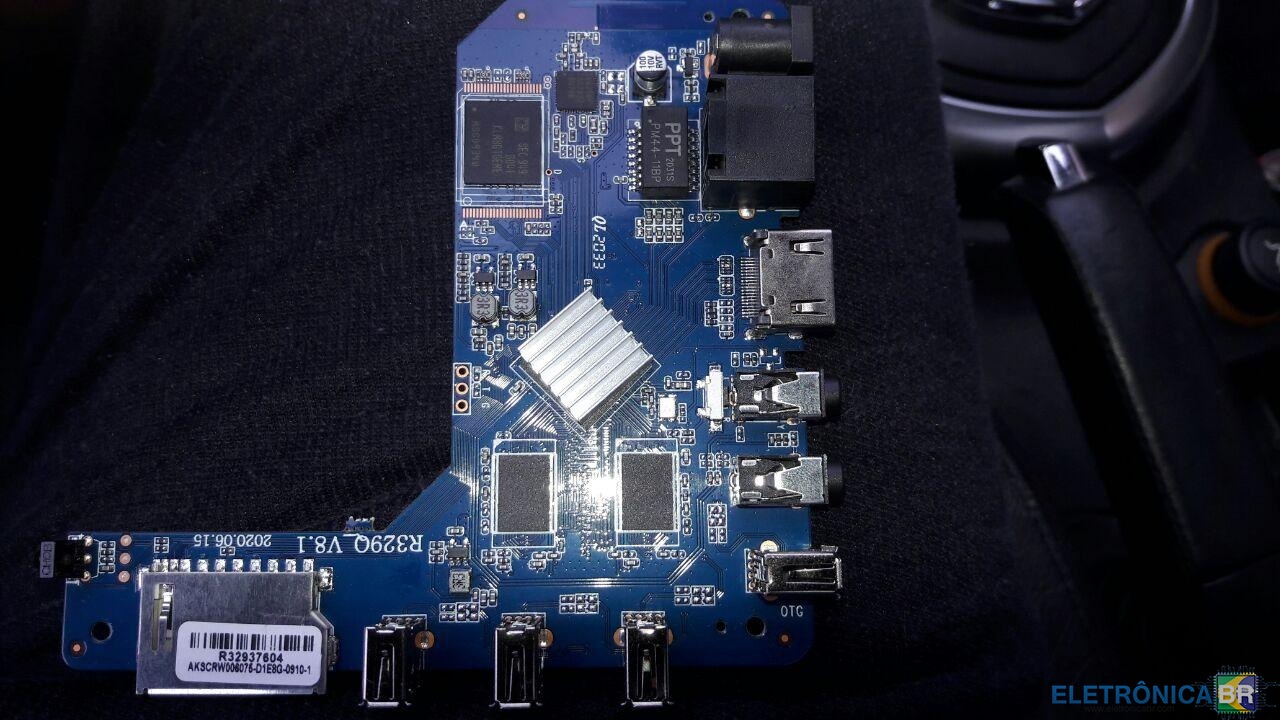
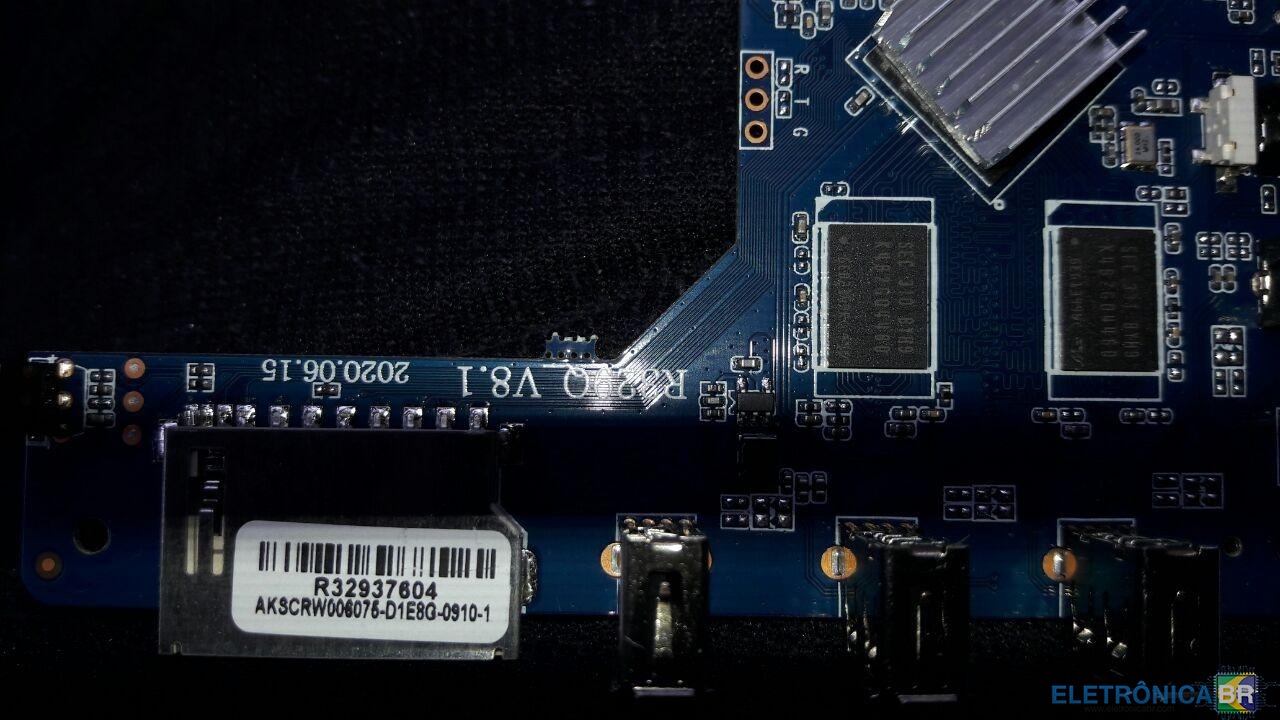
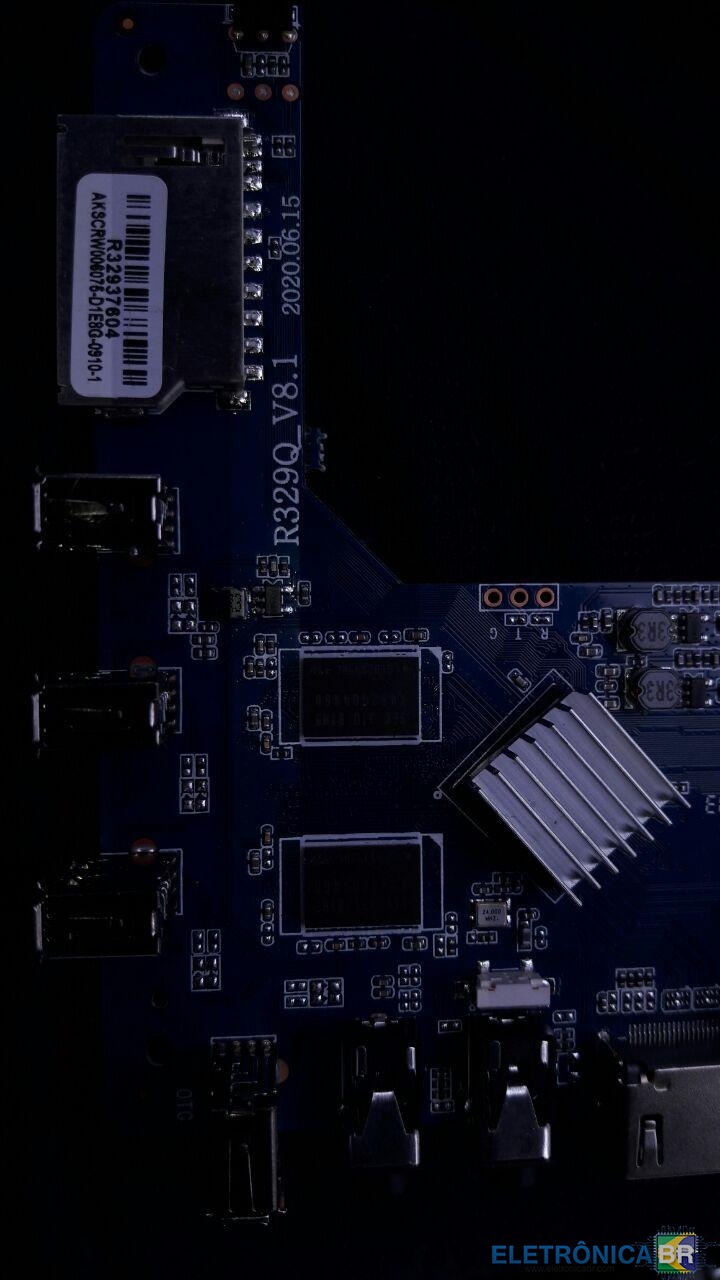
Alguem tem a ROM do MXQ PRO 4k Placa R329Q_V8.1? ou posso usar a de alguma outra placa compatível?

-
Prezados.. Comprei a TV BOX MXQ PRO 4k placa R329Q_V8.1. Instalei normalmente com todos apps funcionando. Depois de 10 minutos, tela verde. Desliguei, reiniciei, tudo volta ao normal, em 10 minutos tela verde. Fui para o youtube procurar informações. Fiz reset no palito (AV). Nada. Ligo e volta pra tela verde. Fiz o esquema do palito com usb/usb. Ai dá um erro de idb e não vai pra frente. Lendo alguns tutoriais vi que tem um jamping a ser feito e inserir nova firmware mas tem que ser o firm especifico da placa. Não achei nas minhas buscar nenhum firm para placa V8.1. Apenas achei a 8.0. Posso usar o mesmo? Alguem tem tutorial correto para o procedimento? Agradeço.