Ir para conteúdo
View in the app

A better way to browse. Learn more.

EletrônicaBR.com

A full-screen app on your home screen with push notifications, badges and more.

To install this app on iOS and iPadOS
  1. Tap the Share icon in Safari
  2. Scroll the menu and tap Add to Home Screen.
  3. Tap Add in the top-right corner.
To install this app on Android
  1. Tap the 3-dot menu (⋮) in the top-right corner of the browser.
  2. Tap Add to Home screen or Install app.
  3. Confirm by tapping Install.

johann TOUCHE

Membros
  • Registrado em

  • Última visita

  • Créditos EBR

    0
  1. Je vous remercie vraiment pour votre aide, j'ai pu télécharger le manuel de service et identifier le composant. merci
  2. ok merci, pouvez-vous me fournir ce manuel d'entretient s'il vous plaît ?
  3. Merci de votre réponse mais je n'arrive pas mettre la main dessus aucun schéma de la boombox 2
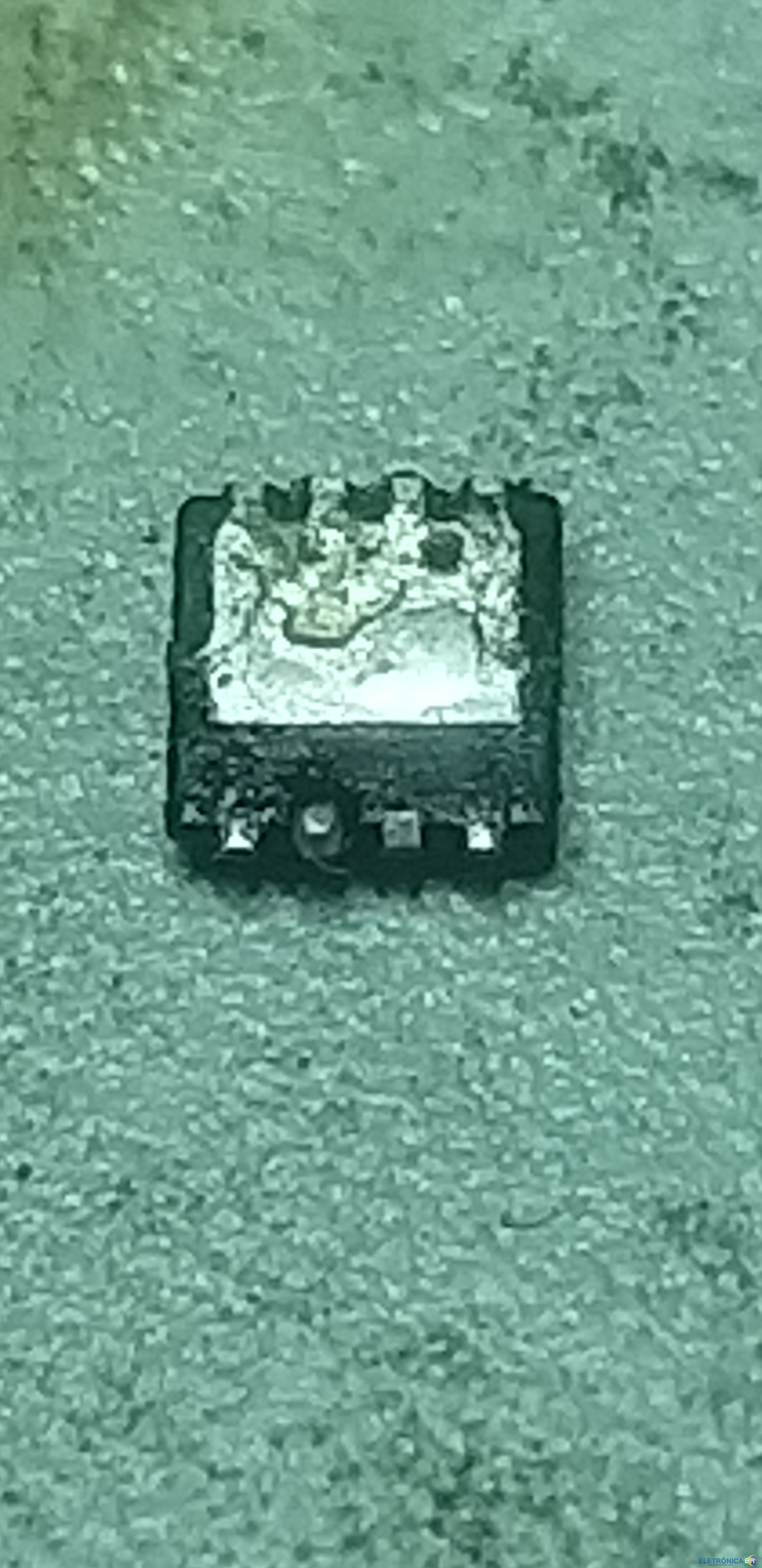
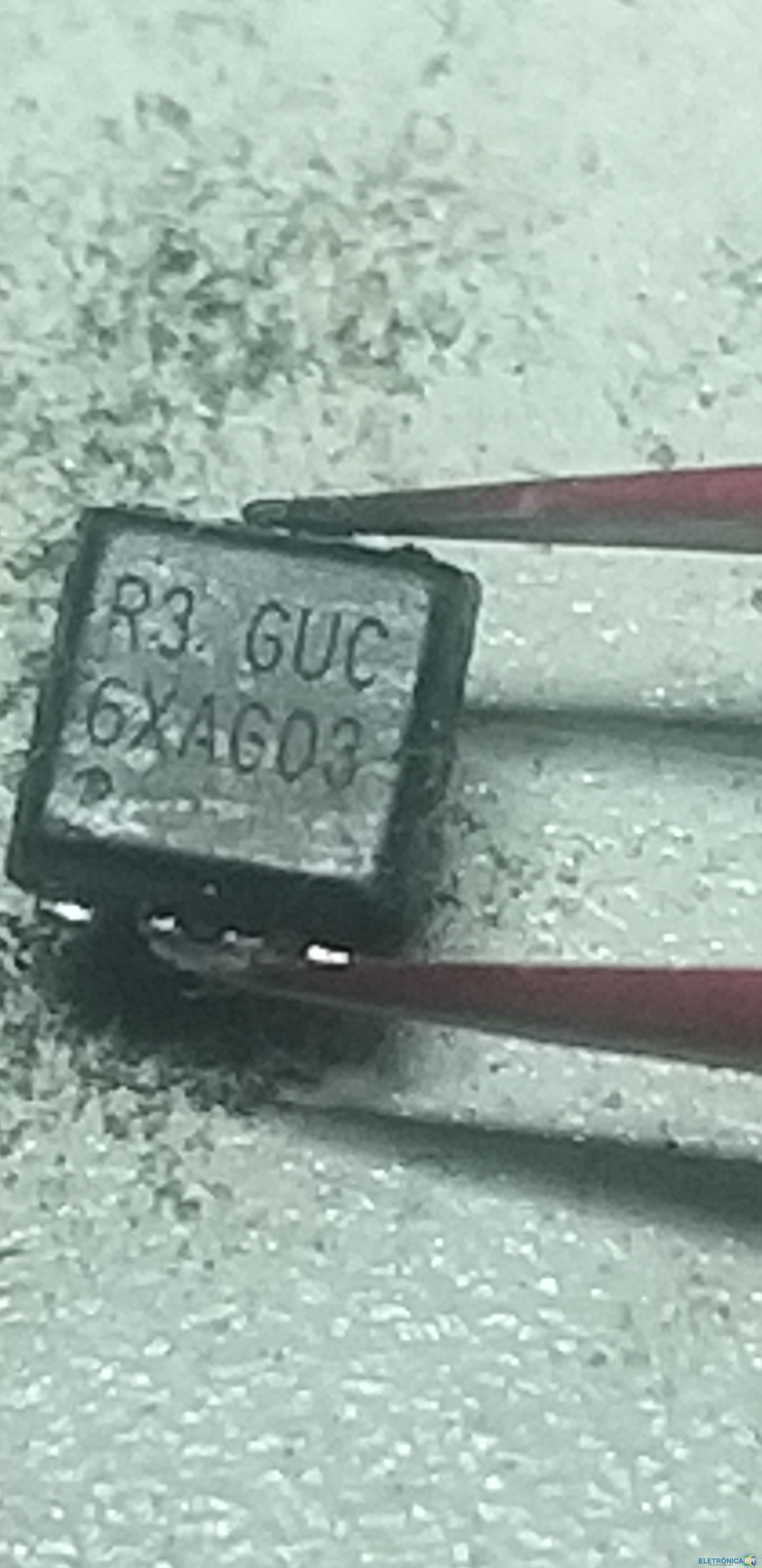
  4. Salut je me présente johann, réparateur en micro soudure et je n'arrive pas à identifier un composant qui était en court-circuit sur une carte mère de boombox 2, ils se trouvent en Q5 et Q6. j'aimerais en trouver un qui s'en raaproche afin de le remplacer pour le client.

Account

Navigation

Pesquisar

Pesquisar

Configure browser push notifications

Chrome (Android)
  1. Tap the lock icon next to the address bar.
  2. Tap Permissions → Notifications.
  3. Adjust your preference.
Chrome (Desktop)
  1. Click the padlock icon in the address bar.
  2. Select Site settings.
  3. Find Notifications and adjust your preference.