Ir para conteúdo
View in the app

A better way to browse. Learn more.

EletrônicaBR.com

A full-screen app on your home screen with push notifications, badges and more.

To install this app on iOS and iPadOS
  1. Tap the Share icon in Safari
  2. Scroll the menu and tap Add to Home Screen.
  3. Tap Add in the top-right corner.
To install this app on Android
  1. Tap the 3-dot menu (⋮) in the top-right corner of the browser.
  2. Tap Add to Home screen or Install app.
  3. Confirm by tapping Install.

matheusstout

Membros
  • Registrado em

  • Última visita

  • Créditos EBR

    22
  1. Eu fiz com a do site da Philco nas sem sucesso. Acredito que tenha deixado de ter suporte. Vou tentar com a do fórum.
  2. Já chequei todos esses itens. Inclusive hora e data da tv. Reiniciei o modem da internet. Só me restou reinstalar a fw. Porém não tenho permissão para baixar esse arquivo.
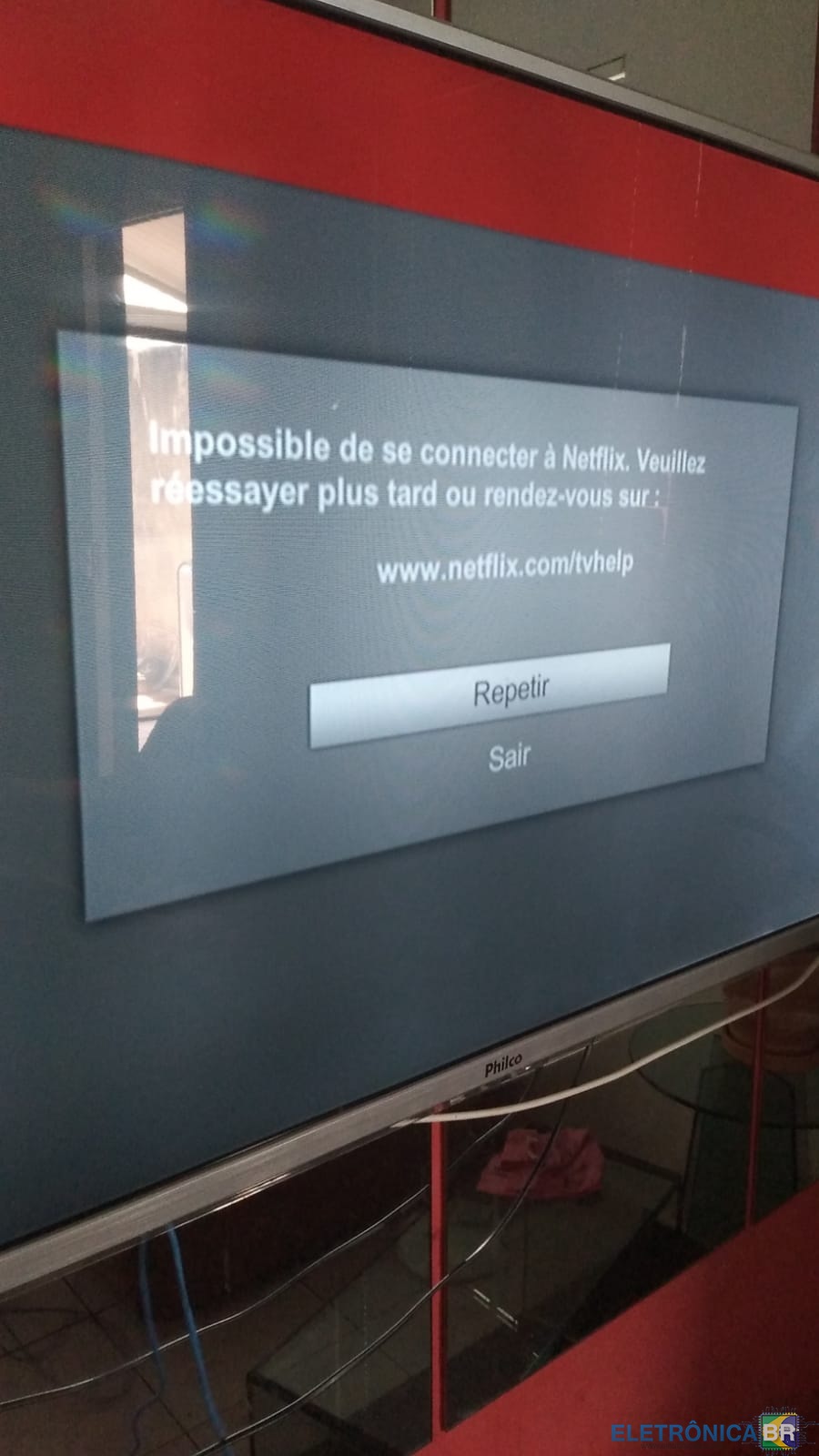
  3. Como fazer a atualização da TV Philco PH55M ? A Netflix parou de funcionar apresentando o erro da foto anexo. Não encontrei nada no site da Philco.
  4. Conheci o fórum através de pesquisas no Google. Sou técnico e trabalho com manutenção de computadores e celulares em geral. Nas horas vagas sou músico.

Account

Navigation

Pesquisar

Pesquisar

Configure browser push notifications

Chrome (Android)
  1. Tap the lock icon next to the address bar.
  2. Tap Permissions → Notifications.
  3. Adjust your preference.
Chrome (Desktop)
  1. Click the padlock icon in the address bar.
  2. Select Site settings.
  3. Find Notifications and adjust your preference.