Ir para conteúdo
View in the app

A better way to browse. Learn more.

EletrônicaBR.com

A full-screen app on your home screen with push notifications, badges and more.

To install this app on iOS and iPadOS
  1. Tap the Share icon in Safari
  2. Scroll the menu and tap Add to Home Screen.
  3. Tap Add in the top-right corner.
To install this app on Android
  1. Tap the 3-dot menu (⋮) in the top-right corner of the browser.
  2. Tap Add to Home screen or Install app.
  3. Confirm by tapping Install.

Kazuak confuser

Membros
  • Registrado em

  • Última visita

  • Créditos EBR

    0
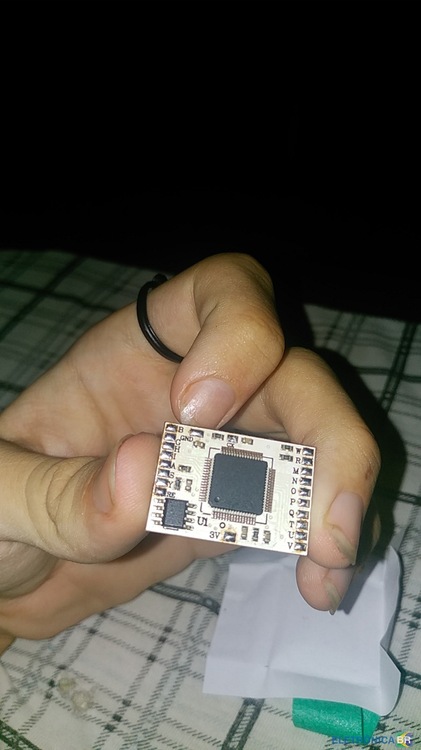
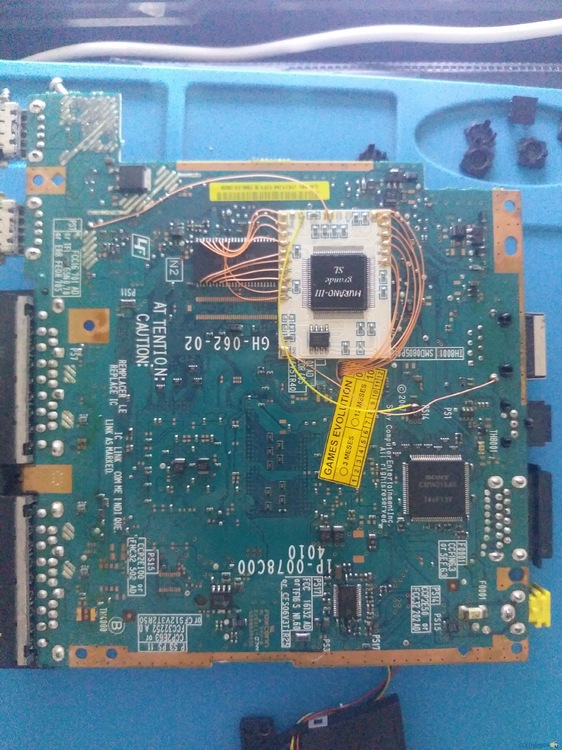
  1. eu tinha baixado um pack de diagramas porem não achei a minha placa e estou umpouco recioso em usar augum outro diagrama e falhar, meu ps2 ate tem desbloqueio mas o DMS4 é muito velho é ja deu pau, se auguém puder me ajudar agradeço muito
  2. Conheci o Eletronica BR atravez de pesquisas Sou bem amador mais provavelmente só por enquanto Não tenho muita abilidade, mais estou aprendendo Comecei desde pequeno, desmontando pequenos binquedos de camelo pra fazer novos a base de gambiarras, hoje em dia eu faço pequenos concertos em celulares

Account

Navigation

Pesquisar

Pesquisar

Configure browser push notifications

Chrome (Android)
  1. Tap the lock icon next to the address bar.
  2. Tap Permissions → Notifications.
  3. Adjust your preference.
Chrome (Desktop)
  1. Click the padlock icon in the address bar.
  2. Select Site settings.
  3. Find Notifications and adjust your preference.