Um Mundo alem do obvio
Membros
-
Registrado em
-
Última visita
-
Créditos EBR
10
-
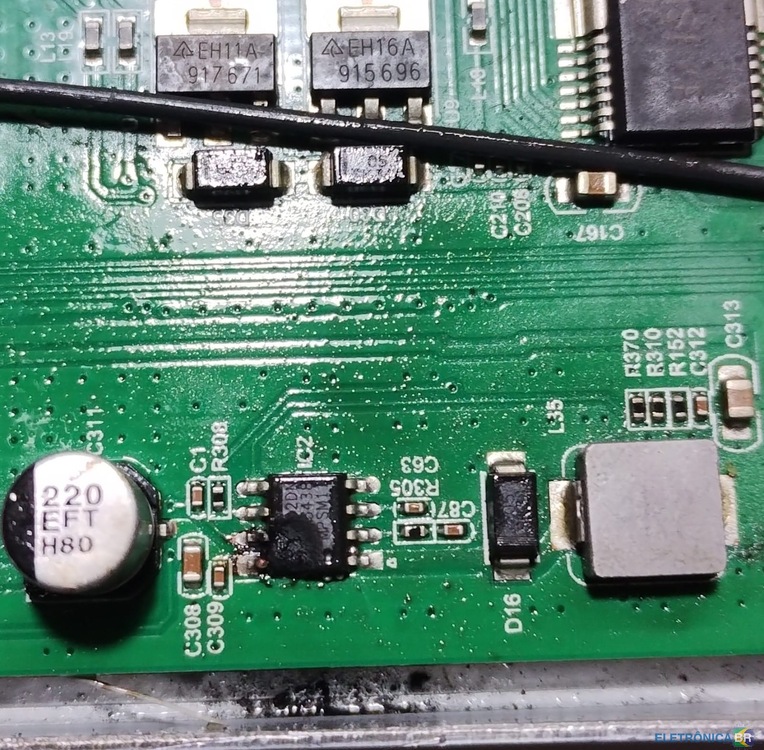
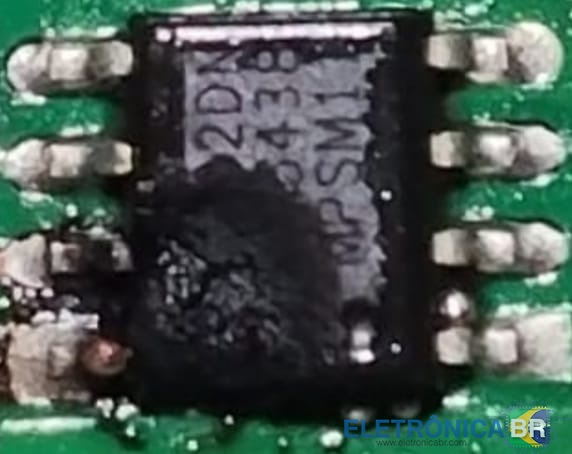
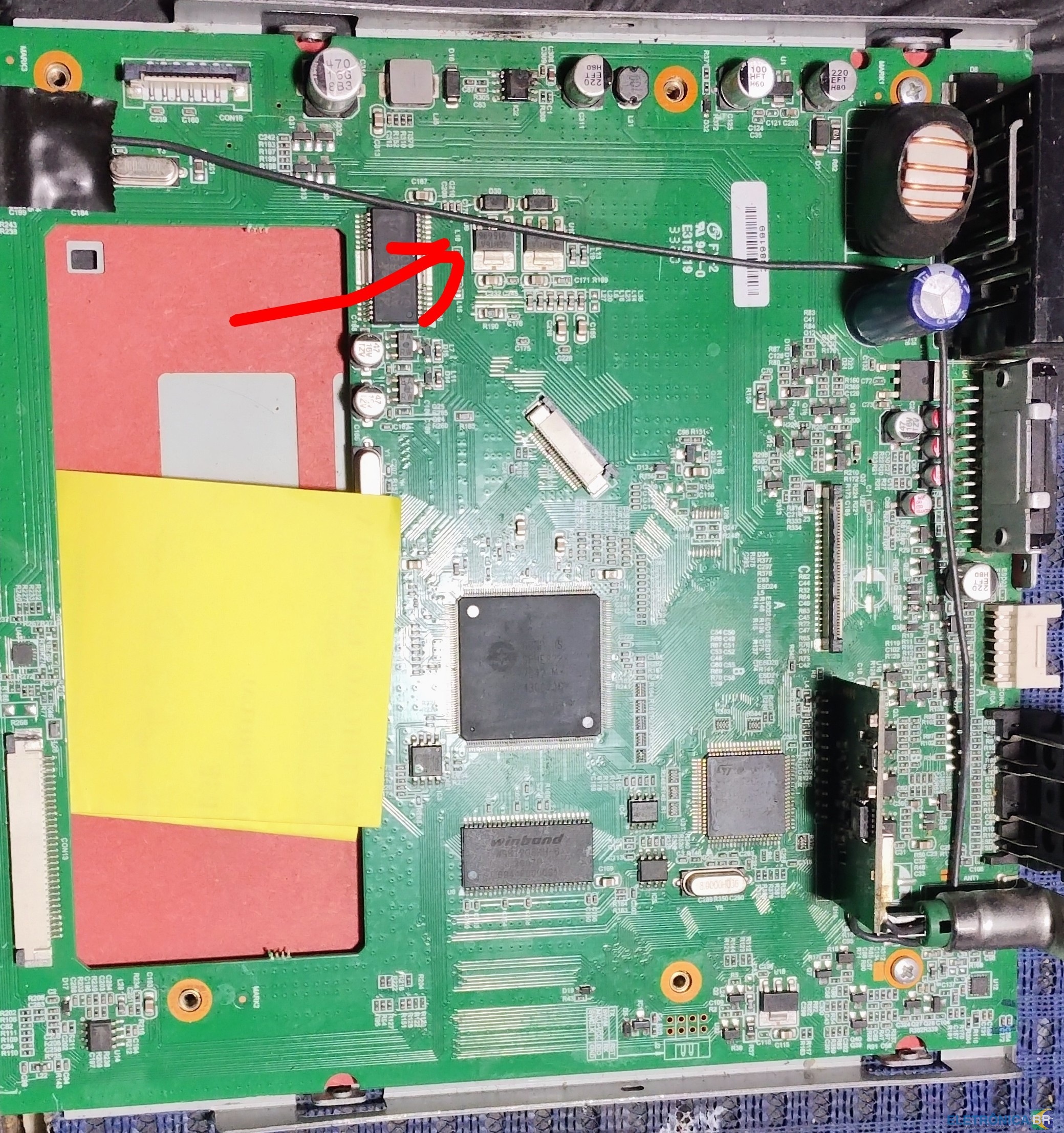
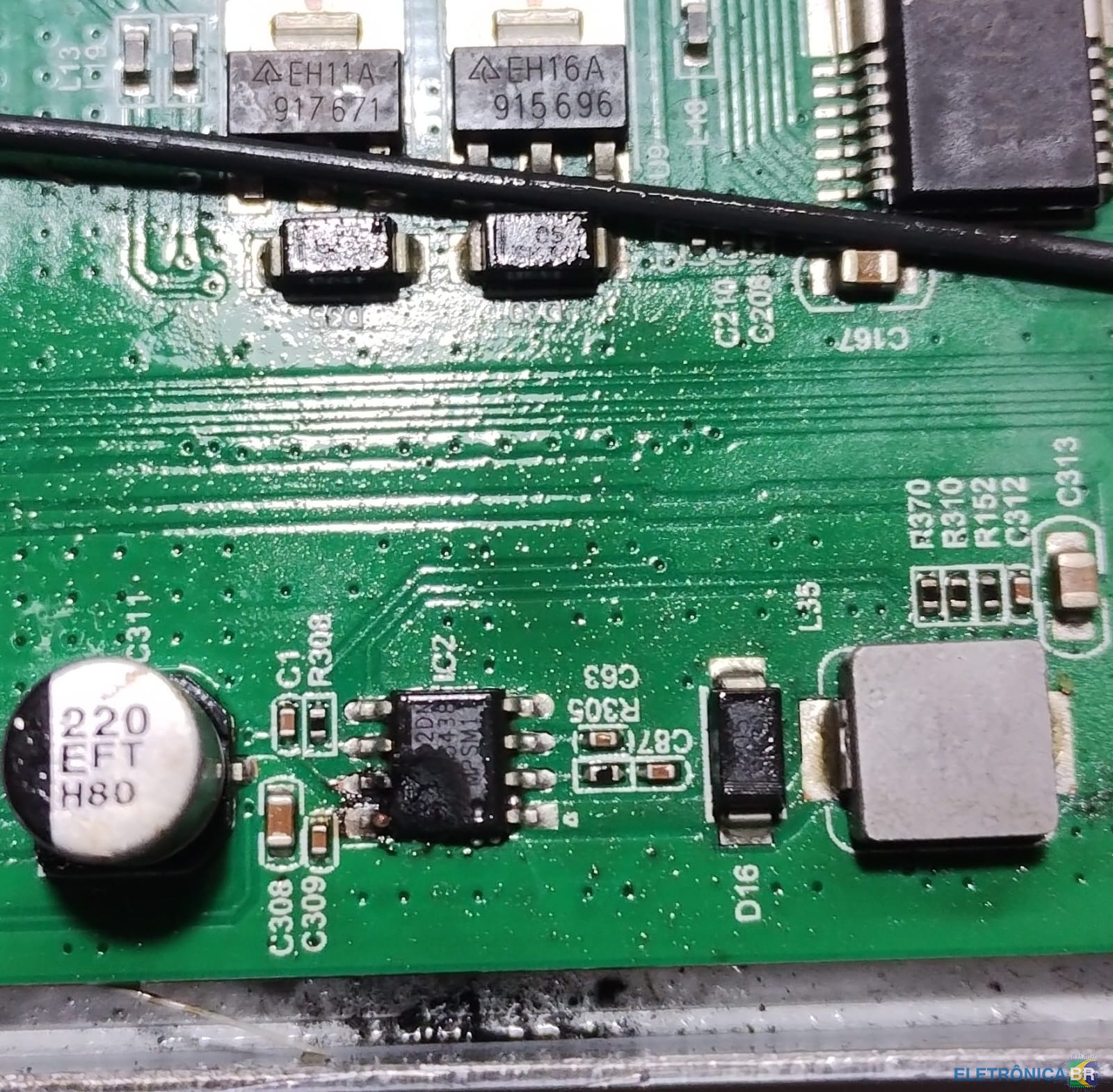
Um Mundo alem do obvio respondeu o tópico de Um Mundo alem do obvio em Identificação e Equivalência de ComponentesESTA AI A FOTO QUE PEDIU
-
Um Mundo alem do obvio respondeu o tópico de Um Mundo alem do obvio em Identificação e Equivalência de ComponentesUm Mundo alem do obvio respondeu o tópico de Um Mundo alem do obvio em Identificação e Equivalência de Componentesok
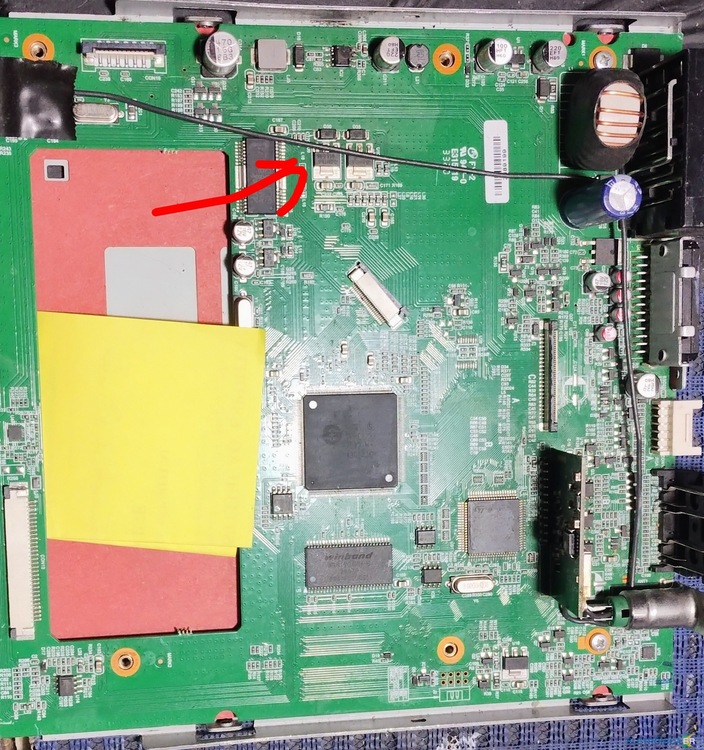 Olá, Sou técnico iniciante aqui em Jabaquara e preciso de um regulador de tensão para o Positron SP6330TV . Como o cliente entregou com o componente queinado, não deu para idenficar o codigo da peça. Precisa do contato do fornecedor de peças e do manual técnico do Positron SP6330TV Obrigado