Ir para conteúdo
View in the app

A better way to browse. Learn more.

EletrônicaBR.com

A full-screen app on your home screen with push notifications, badges and more.

To install this app on iOS and iPadOS
  1. Tap the Share icon in Safari
  2. Scroll the menu and tap Add to Home Screen.
  3. Tap Add in the top-right corner.
To install this app on Android
  1. Tap the 3-dot menu (⋮) in the top-right corner of the browser.
  2. Tap Add to Home screen or Install app.
  3. Confirm by tapping Install.

Zerstoren

Membros
  • Registrado em

  • Última visita

  • Créditos EBR

    0
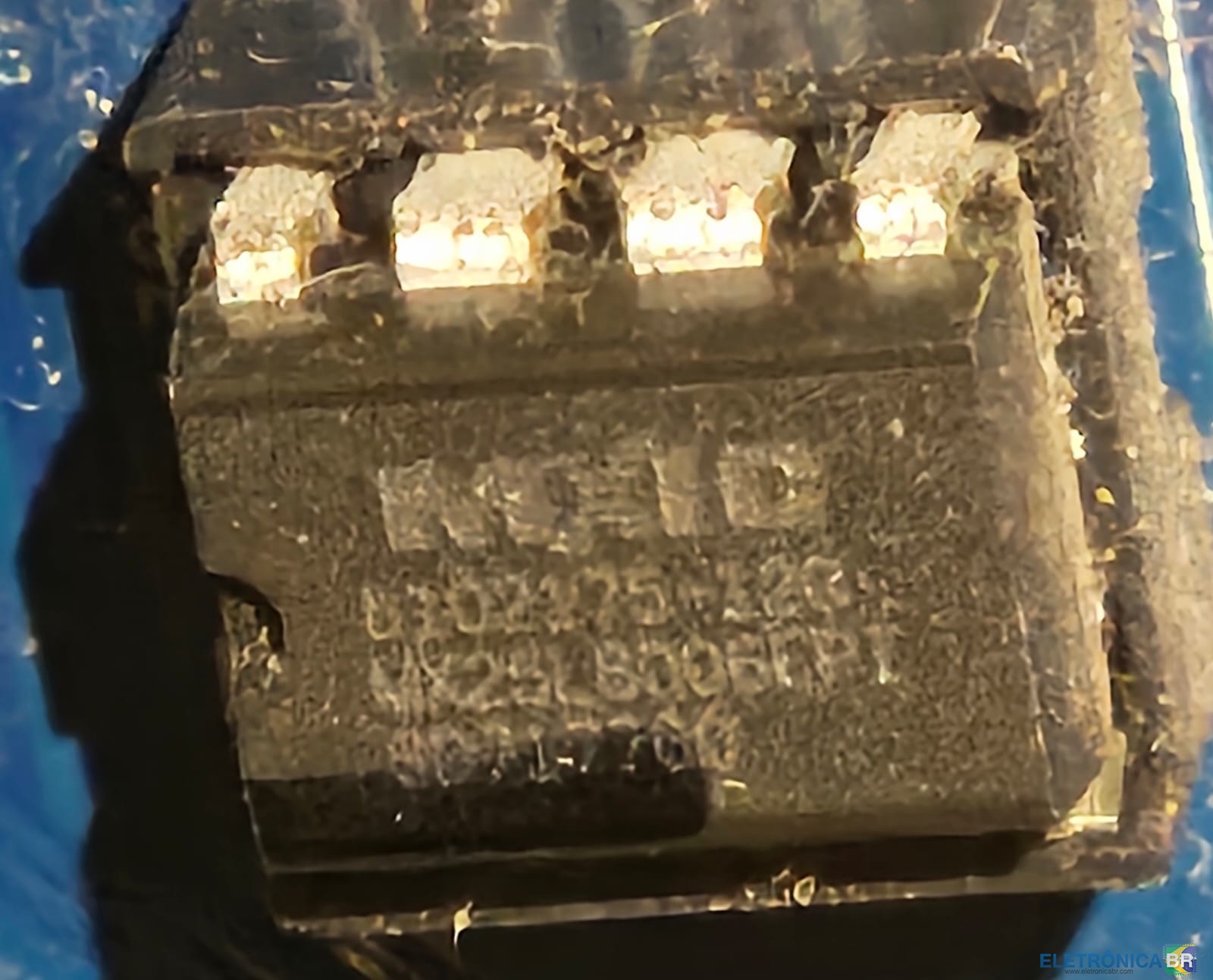
  1. Olá pessoal, Tenho uma Phitronics N68C-M REV 1.03 e preciso confirmar se um dump que baixei é o original para minha placa. Arquivo: N68C-M.bin Tamanho: 1.048.576 bytes (1 MB) Hashes: MD5: 72f3493803a513782b0bbd2485ffc3c5 SHA1: 0a8727ed1adf70af3787df52e4453acb9c981c83 SHA256: cde45098d9cf52a98b272f24b932321b34c348f5919319ef48e38d0f21b52936 Alguém com N68C-M REV 1.03 poderia confirmar se esses hashes batem com o dump da placa de vocês? Prefiro não gravar sem confirmação. Obrigado!

Account

Navigation

Pesquisar

Pesquisar

Configure browser push notifications

Chrome (Android)
  1. Tap the lock icon next to the address bar.
  2. Tap Permissions → Notifications.
  3. Adjust your preference.
Chrome (Desktop)
  1. Click the padlock icon in the address bar.
  2. Select Site settings.
  3. Find Notifications and adjust your preference.