Ivan Henrique
Membros
-
Registrado em
-
Última visita
-
Créditos EBR
0
-
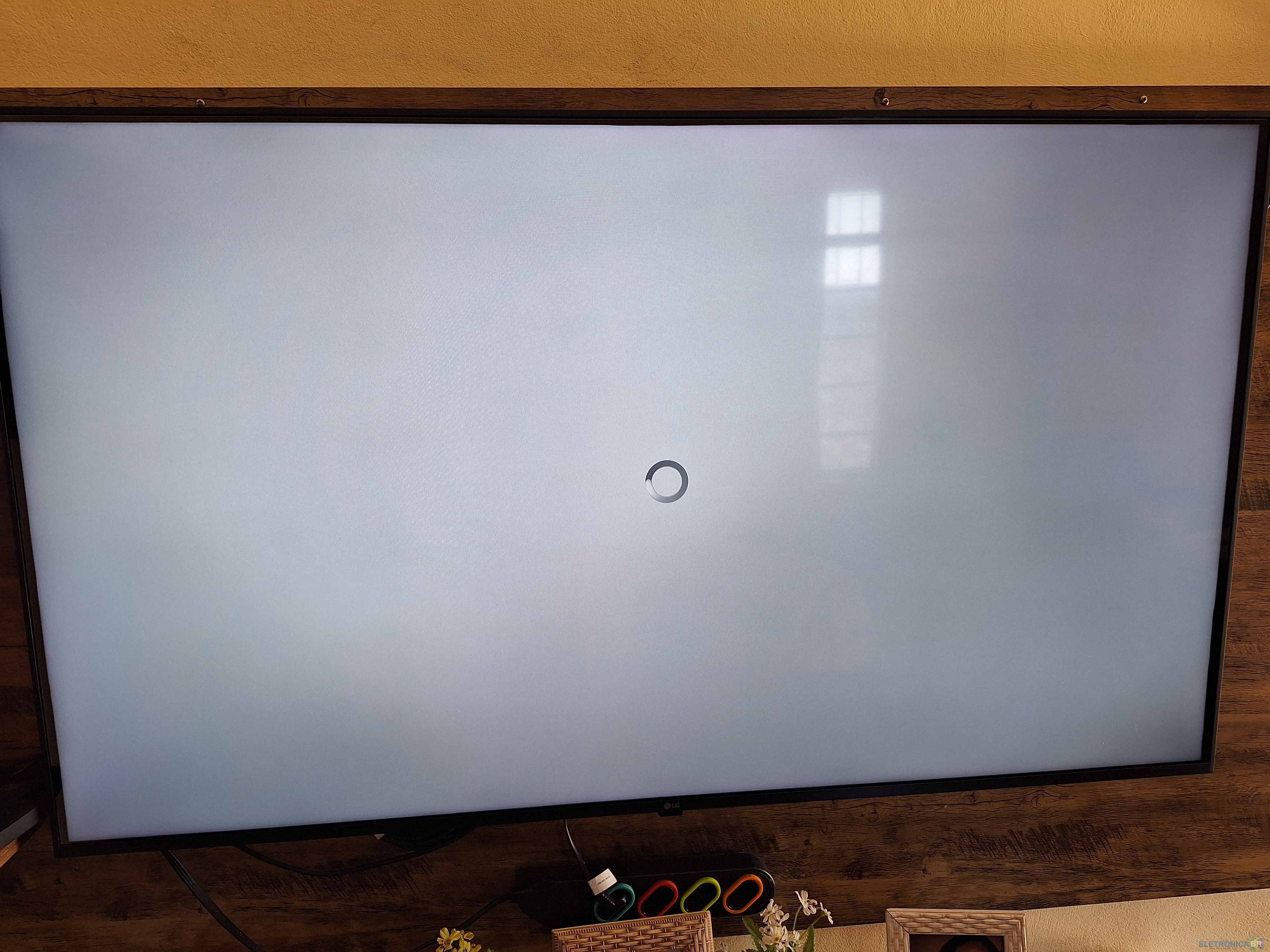
Preciso de orientação de vocês Instalei rom na Minha tv box tigre 2, quando tento abrir a loja de aplicativos, só fica carregando e não abre, já verifiquei atualização não tem, já fiz limpeza de dados e cache e nada até fiz reset e nada Android utilizado 7.1 Obs já instalei rom do tigre 3 fica a mesma situação

-
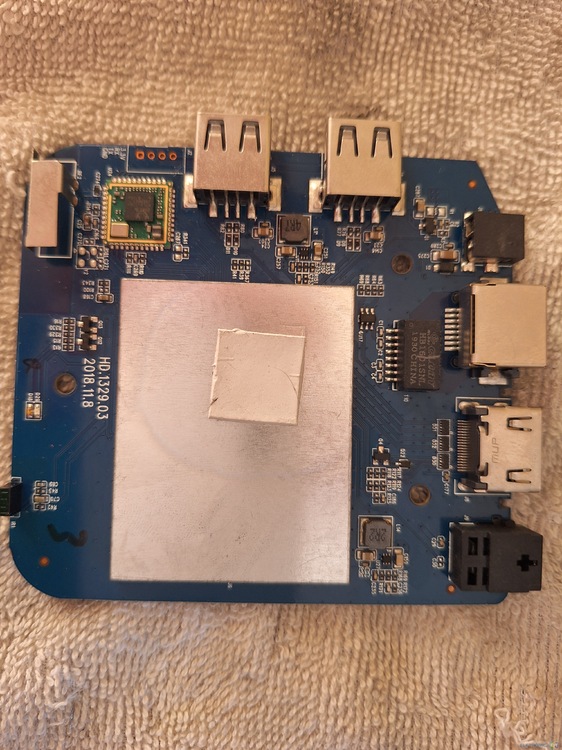
Ivan: Bom dia para todos, espero que esta tudo bem com vocês Estou com tv box tigre 2 com luz vermelha, que operadora Claro fez o favor de travar kkkk Alguém pode me ajudar ?

-