Ir para conteúdo
View in the app

A better way to browse. Learn more.

EletrônicaBR.com

A full-screen app on your home screen with push notifications, badges and more.

To install this app on iOS and iPadOS
  1. Tap the Share icon in Safari
  2. Scroll the menu and tap Add to Home Screen.
  3. Tap Add in the top-right corner.
To install this app on Android
  1. Tap the 3-dot menu (⋮) in the top-right corner of the browser.
  2. Tap Add to Home screen or Install app.
  3. Confirm by tapping Install.

Ailton Da Guarda

Membros
  • Registrado em

  • Última visita

  • Créditos EBR

    1
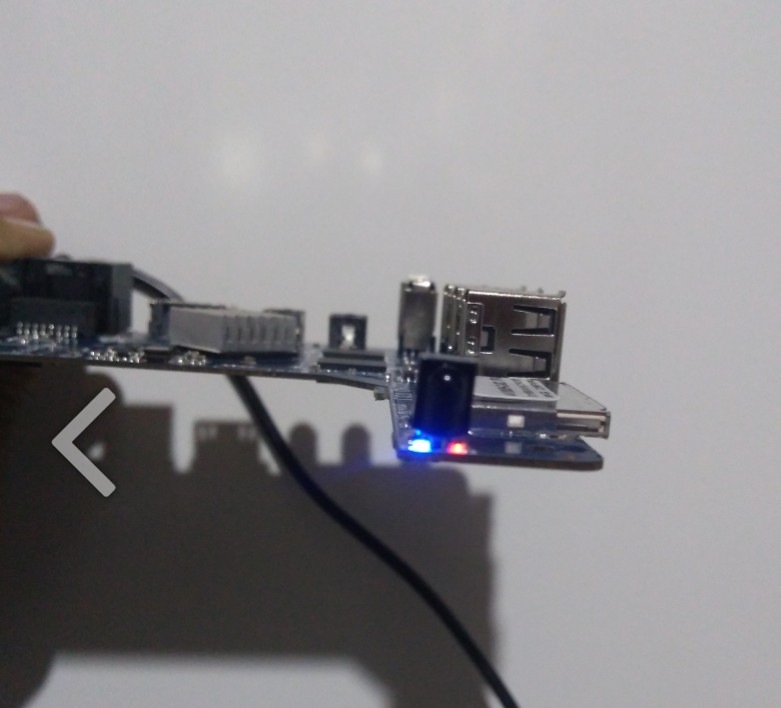
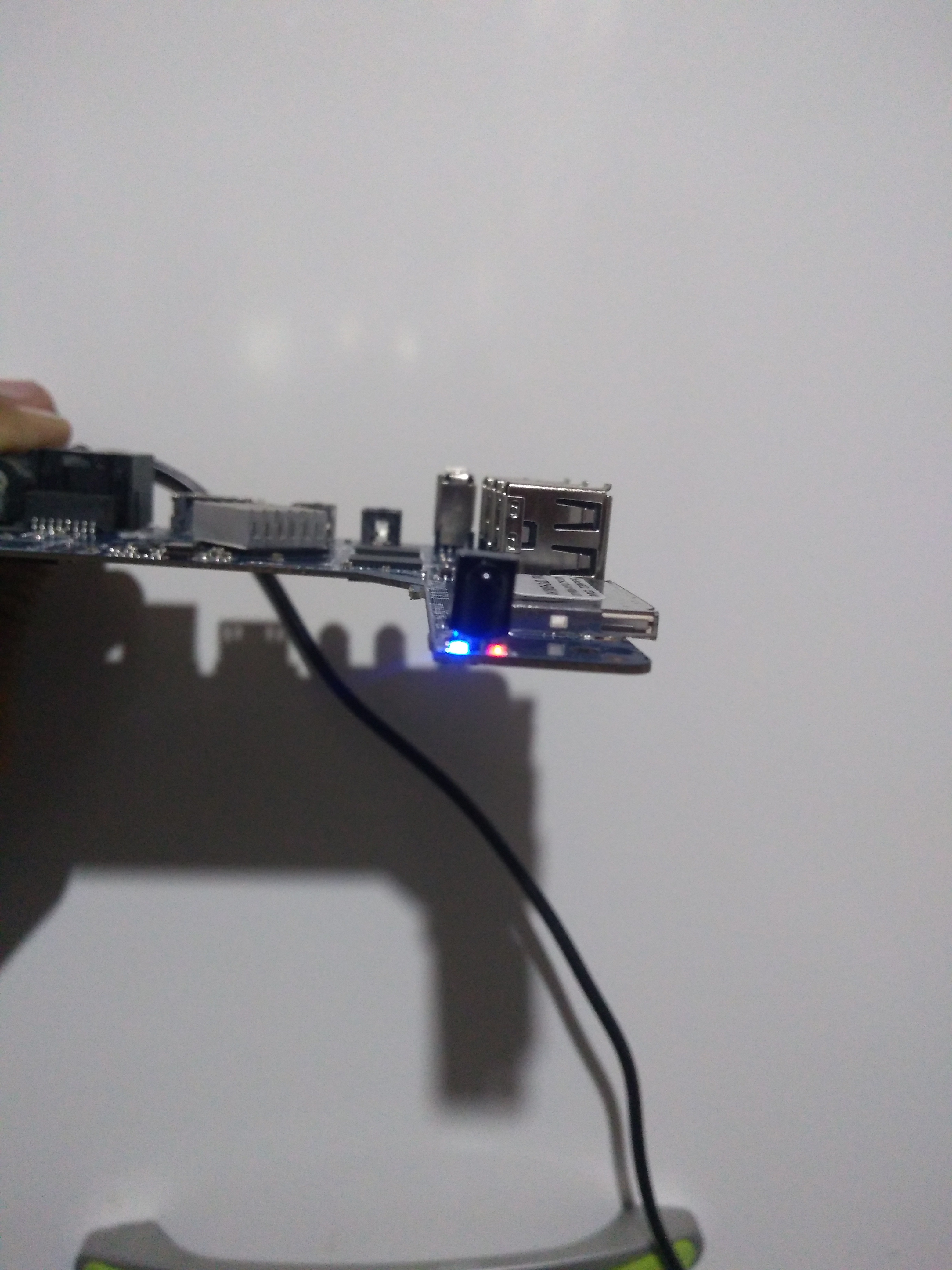
  1. Olá pessoal estou precisando de ajuda tem um TV Box com a placa R329Q_V3.1 de um dia para o outro ela parou não da imagem ligo na fonte fica aceso LED vermelho e azul já tentei conectar no PC com programa aberto mas não reconhece ficar cinza quem puder me ajudar muito obrigado.
  2. @lecarvalhofranca Boa noite pessoal estou com o mesmo problema o meu as duas luz fica acesa fraca o que posso fazer alguém pode me ajudar a minha placa é essa da foto aí....

Account

Navigation

Pesquisar

Pesquisar

Configure browser push notifications

Chrome (Android)
  1. Tap the lock icon next to the address bar.
  2. Tap Permissions → Notifications.
  3. Adjust your preference.
Chrome (Desktop)
  1. Click the padlock icon in the address bar.
  2. Select Site settings.
  3. Find Notifications and adjust your preference.