Paulo Andre Rodrigues Marin
Membros
-
Registrado em
-
Última visita
-
Créditos EBR
0
-
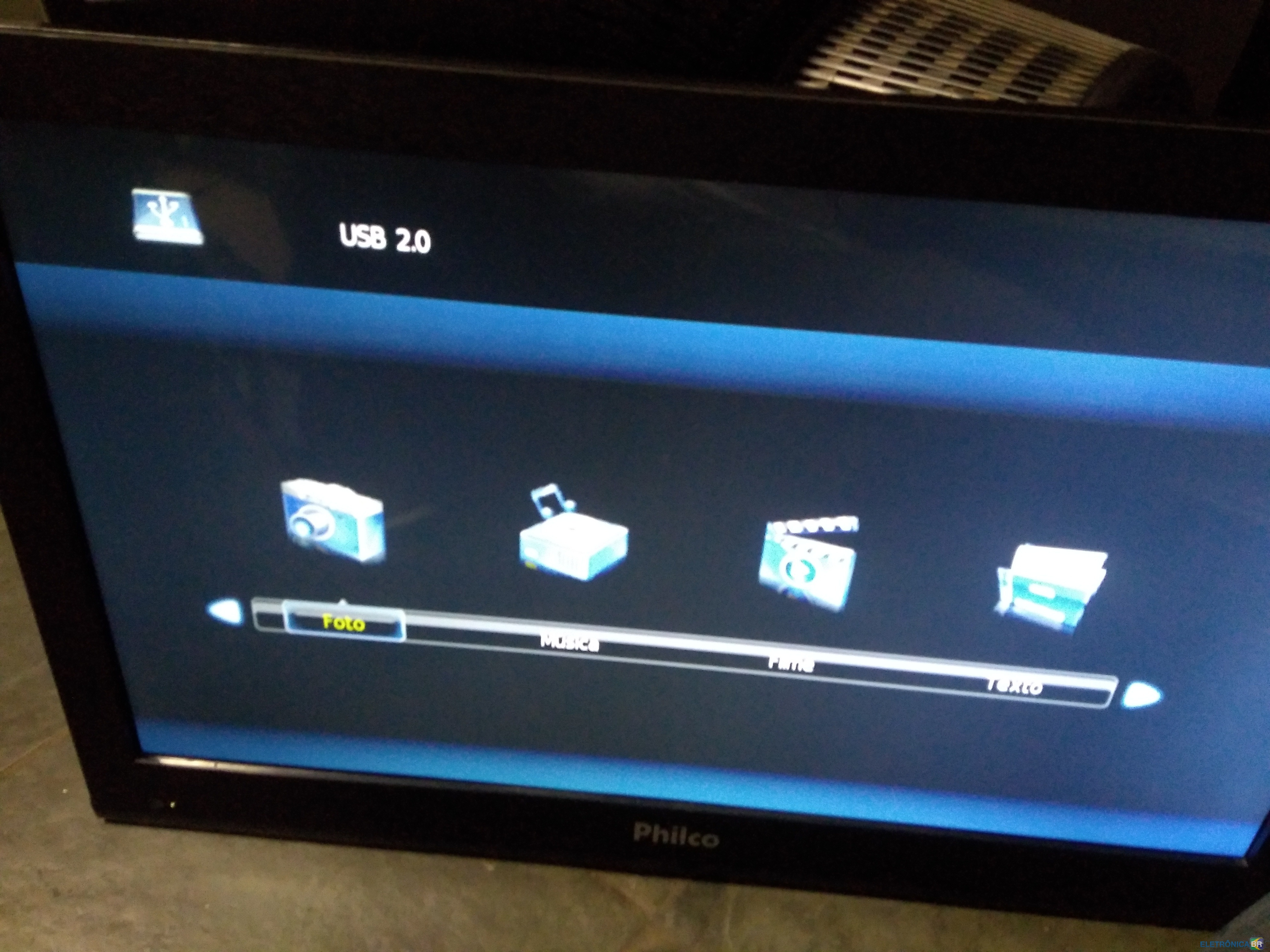
Paulo Andre Rodrigues Marin respondeu o tópico de Paulo Andre Rodrigues Marin em Reparo em TelevisoresNão consigo entrar no menu ,fica só na tela USB, toda vez que liga entra direto nessa tela

-
Paulo Andre Rodrigues Marin respondeu o tópico de Paulo Andre Rodrigues Marin em Reparo em Televisores1- conheci Eletrônica BR pelo Google 2- Sou técnico profissional 3- Em eletrônica 4- Tenho uma oficina de manutenção faz 25 anos.Gostariade estar participando desse fórum para troca de conhecimento e experiências. Fiz eletrônica industrial e mecatrônica,
 Boa tarde , estou precisando de uma ajuda com essa TV Philco ph32e 32 que que só fica na tela USB e não sai, fica tudo travado. Grato Paulo André