Ir para conteúdo
View in the app

A better way to browse. Learn more.

EletrônicaBR.com

A full-screen app on your home screen with push notifications, badges and more.

To install this app on iOS and iPadOS
  1. Tap the Share icon in Safari
  2. Scroll the menu and tap Add to Home Screen.
  3. Tap Add in the top-right corner.
To install this app on Android
  1. Tap the 3-dot menu (⋮) in the top-right corner of the browser.
  2. Tap Add to Home screen or Install app.
  3. Confirm by tapping Install.

fabio-flashtech

Membros
  • Registrado em

  • Última visita

  • Créditos EBR

    1
  1. bruno so ta ligada a placa mae e a tela memoria tbm faz isso
  2. bom dia pessoal vai ai uma dica transistor q 15 notebook so fucionava na monitor externo
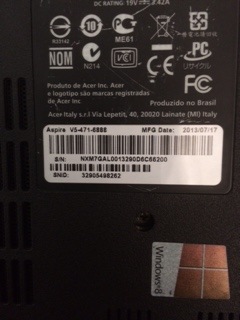
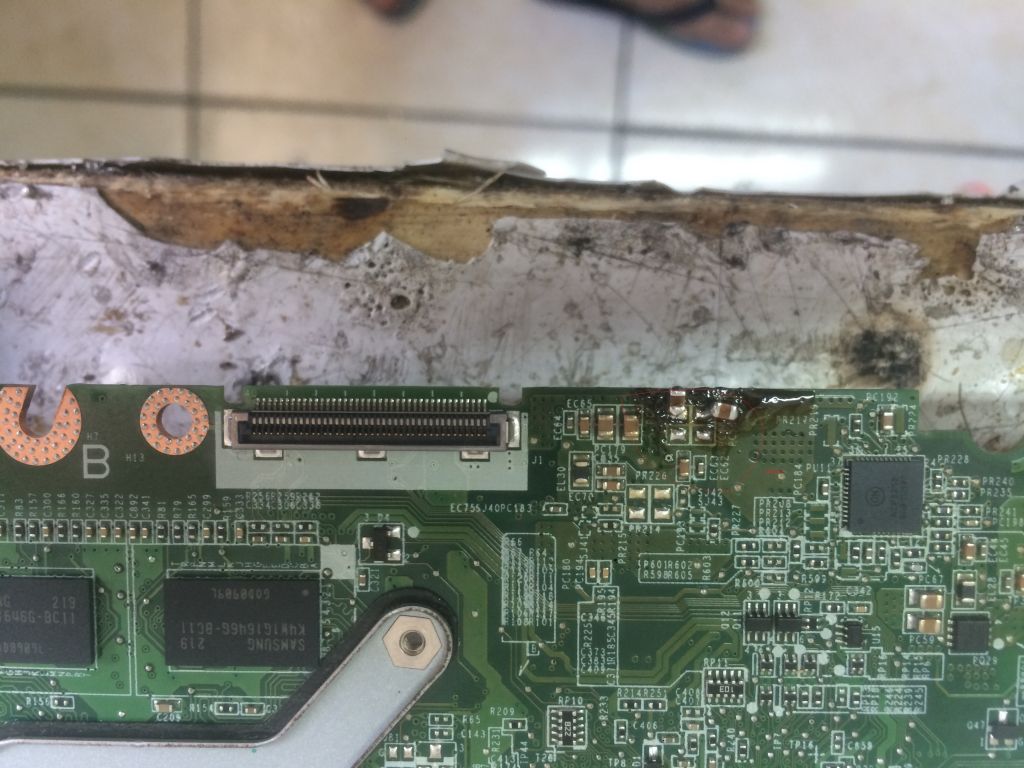
  3. bom dia pessoal vai ai um dica acer nao liga nada quando conectar o carregador tensao auxilando capacitor c440
  4. BOA NOITE PESSOAL SOU DE PE TEM ASSISTENCIA EM NOTEBOOK TABLET E ELETRONICA TO AKI PRA PASSA MINHAS EXPERIENCIAS E MACETES
Account

Navigation

Pesquisar

Pesquisar

Configure browser push notifications

Chrome (Android)
  1. Tap the lock icon next to the address bar.
  2. Tap Permissions → Notifications.
  3. Adjust your preference.
Chrome (Desktop)
  1. Click the padlock icon in the address bar.
  2. Select Site settings.
  3. Find Notifications and adjust your preference.