Ir para conteúdo
View in the app

A better way to browse. Learn more.

EletrônicaBR.com

A full-screen app on your home screen with push notifications, badges and more.

To install this app on iOS and iPadOS
  1. Tap the Share icon in Safari
  2. Scroll the menu and tap Add to Home Screen.
  3. Tap Add in the top-right corner.
To install this app on Android
  1. Tap the 3-dot menu (⋮) in the top-right corner of the browser.
  2. Tap Add to Home screen or Install app.
  3. Confirm by tapping Install.

Lili.regi.

Membros
  • Registrado em

  • Última visita

  • Créditos EBR

    0
  1. Lili.regi. alterou sua foto pessoal
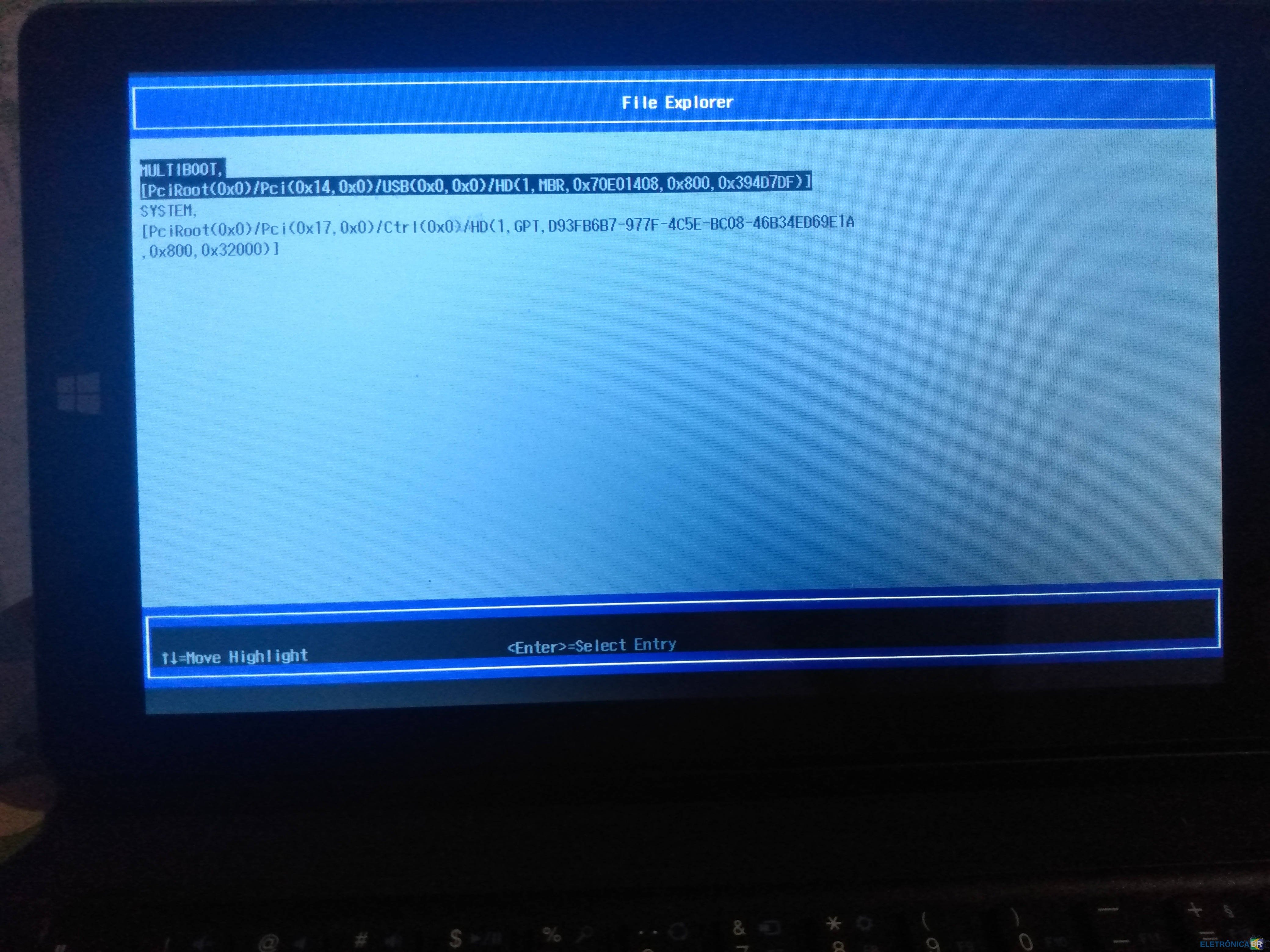
  2. oi! muito obrigada por responder! eu estou tentando com o multisync, mas não está funcionando. na hora de selecionar a forma de boot, o pendrive não aparece como opção
  3. @fernandomaciel muito obrigada por responder! tentei formatar novamente seguindo esse formato no command prompt "diskpart list disk select disk # clean create partition primary select partition 1 active format quick fs=fat32 assign exit" esse é o caminho para deixar em UEFI? Depois dessa formatação, fiz o procedimento no multisync e no tablet mas continuou com o mesmo problema.
  4. Google/amador Vivendo pq não sabemos quanto tempo ainda temos
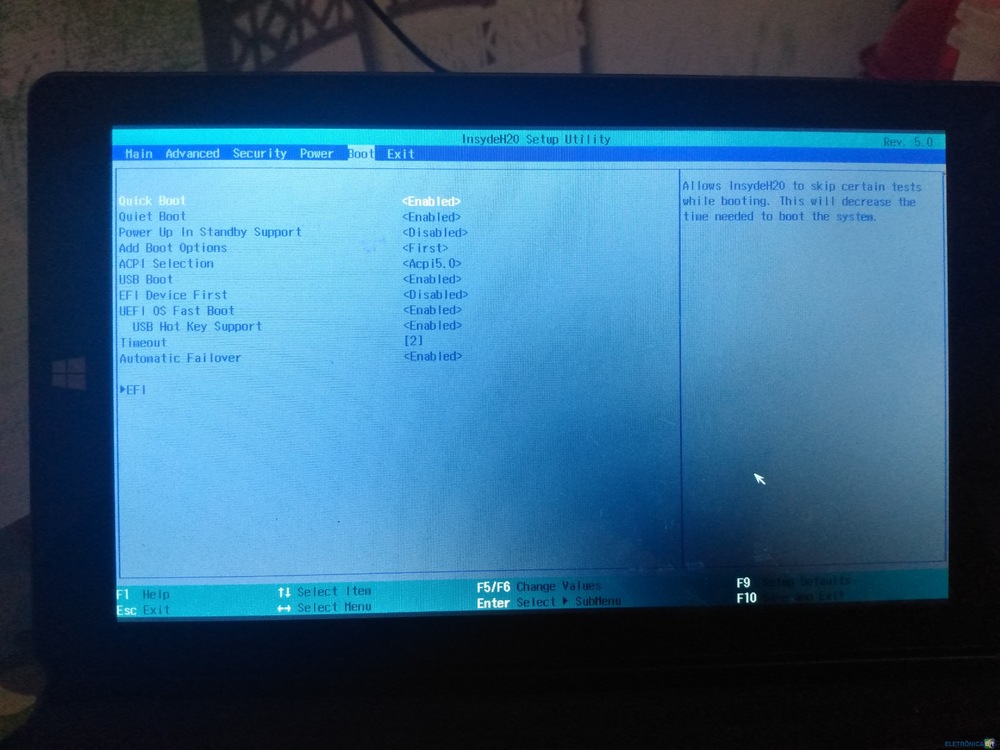
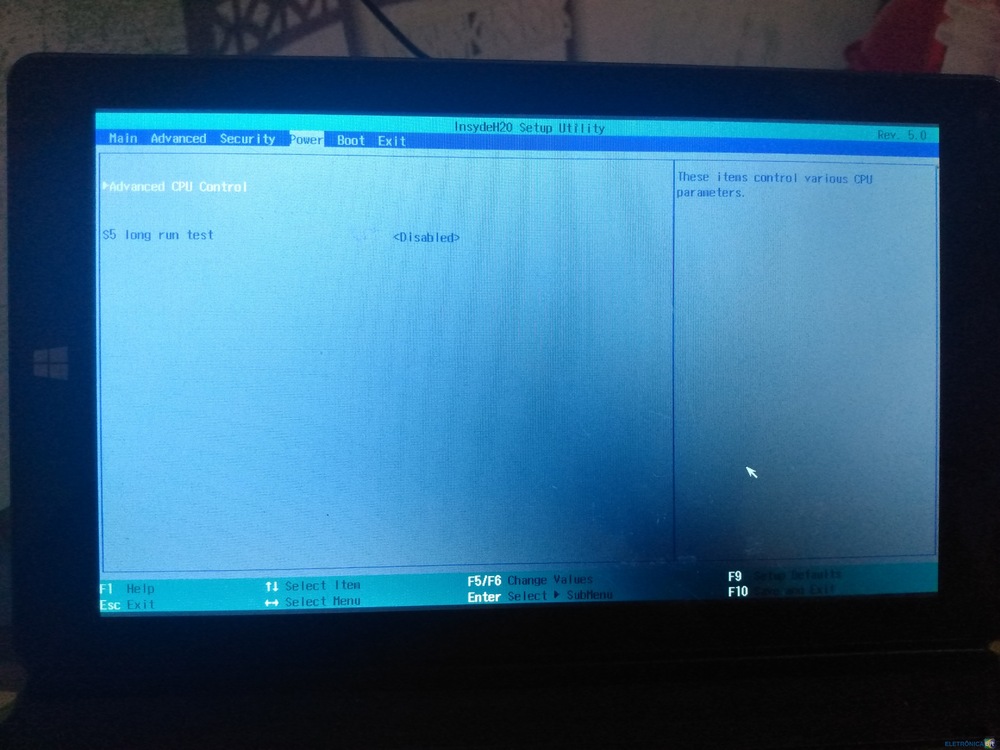
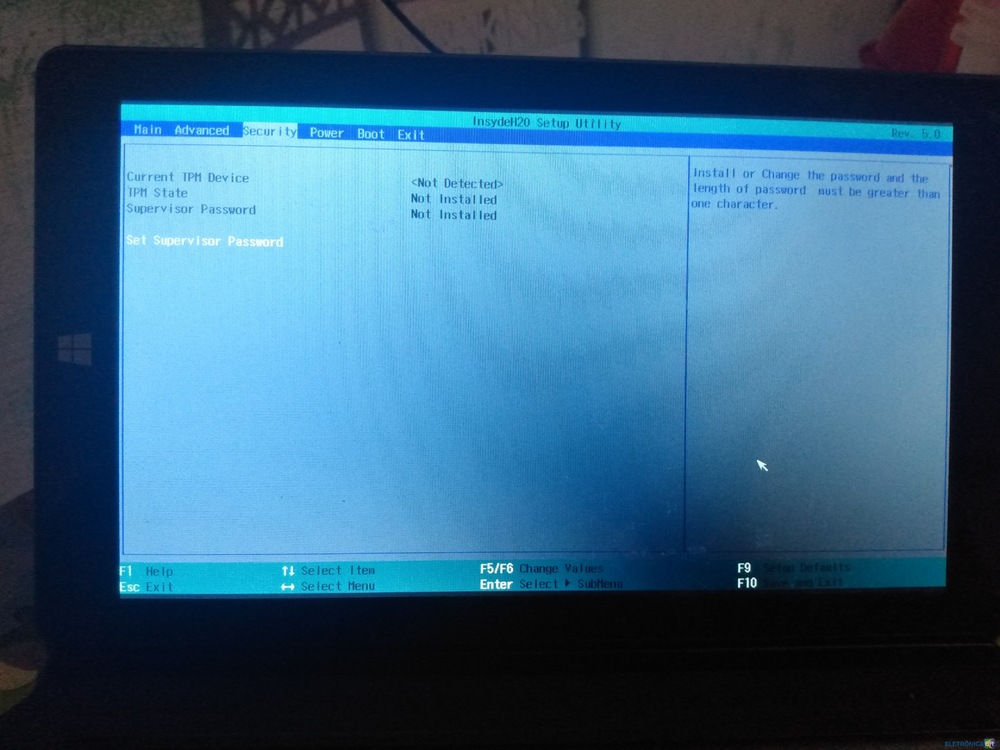
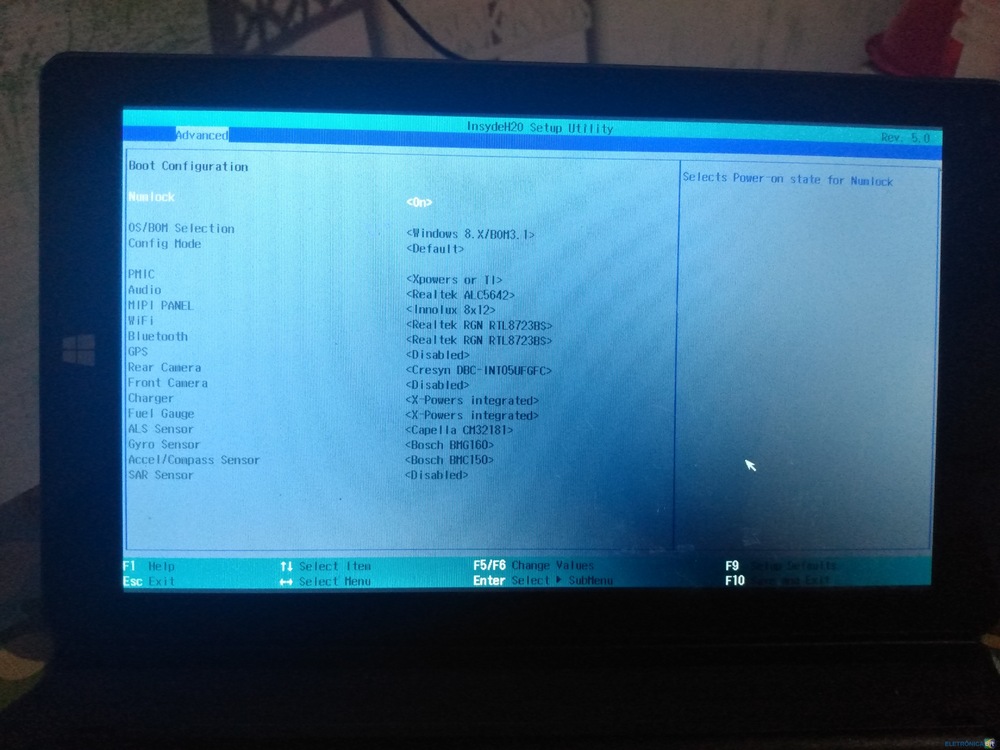
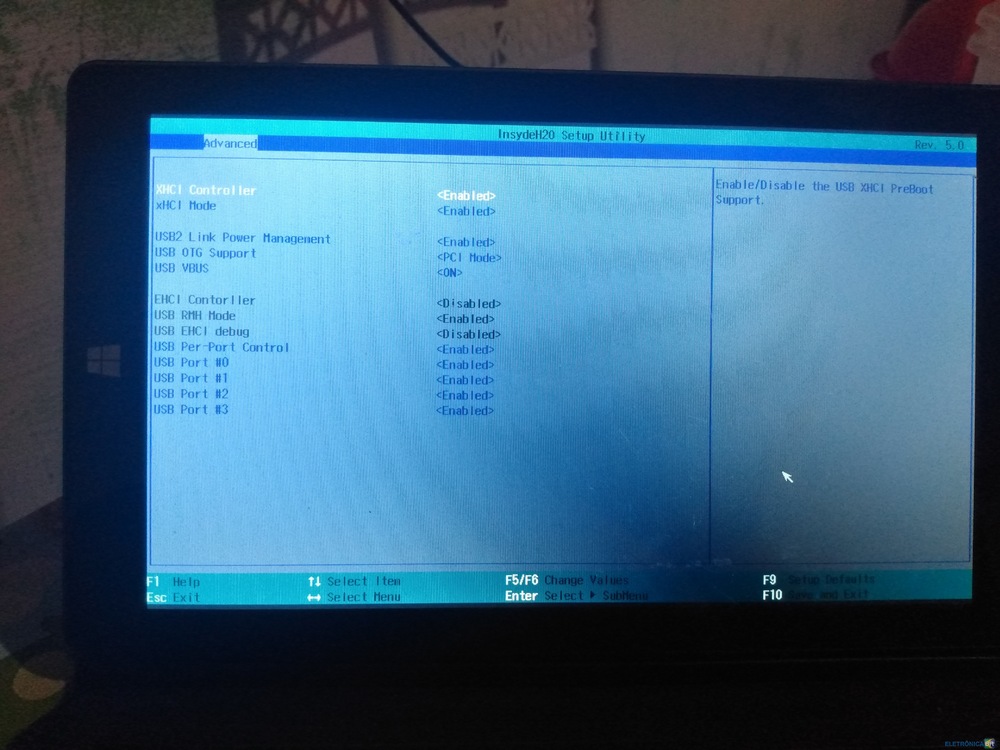
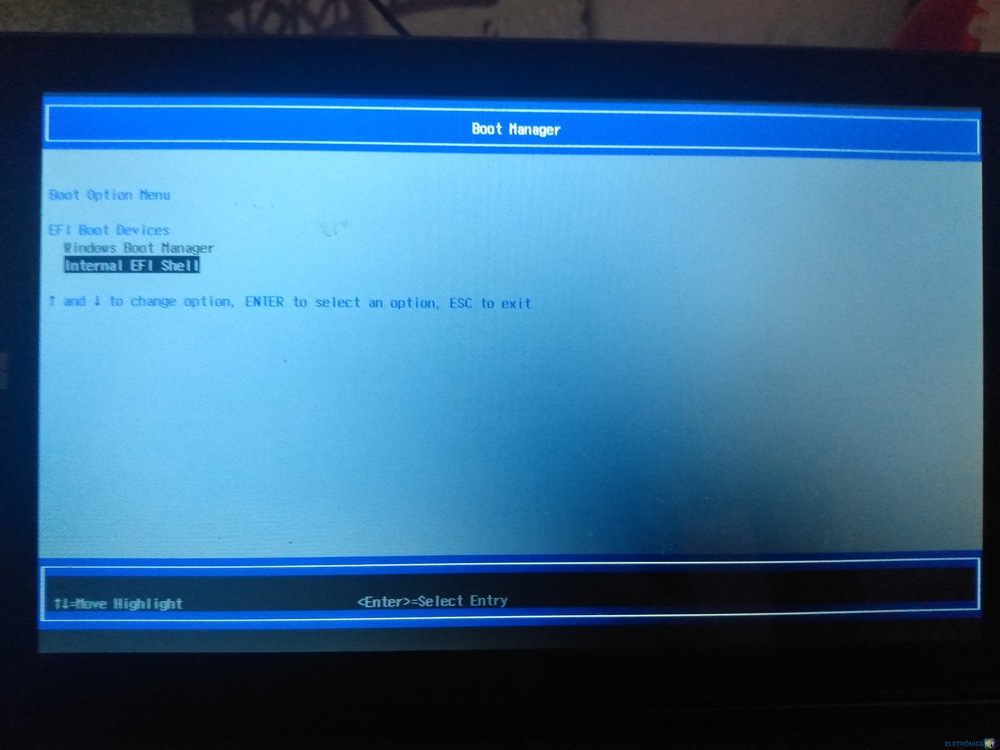
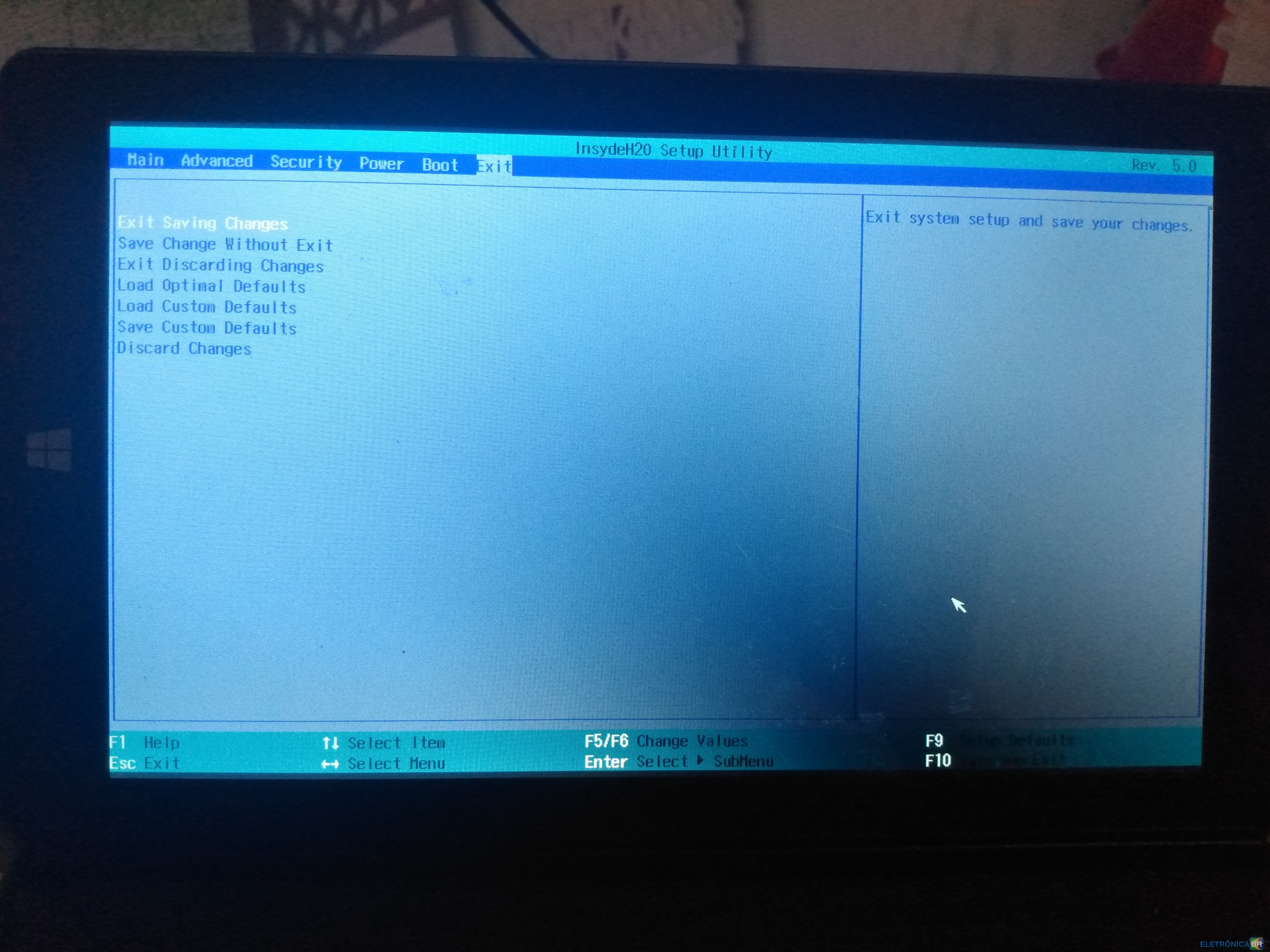
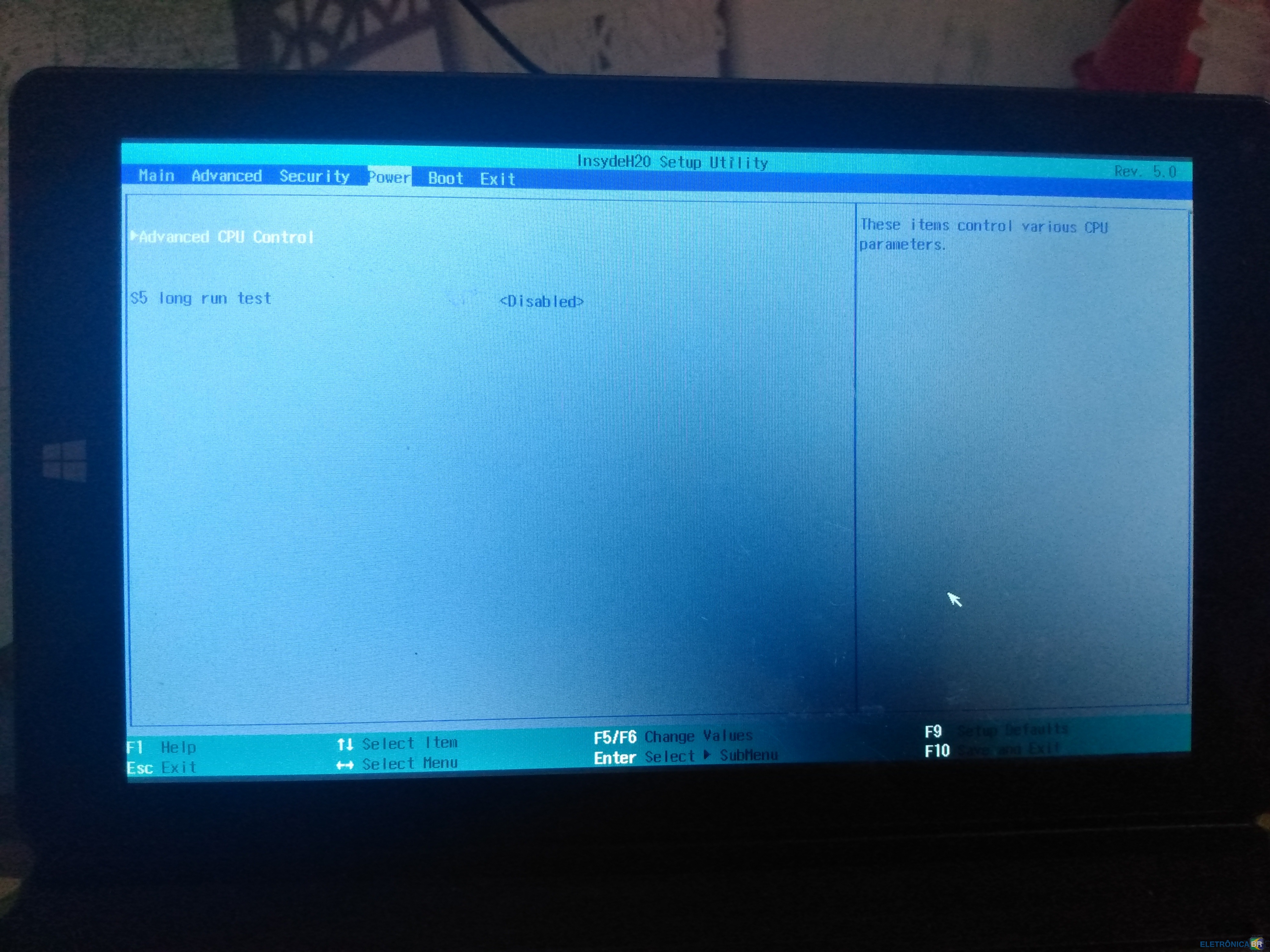
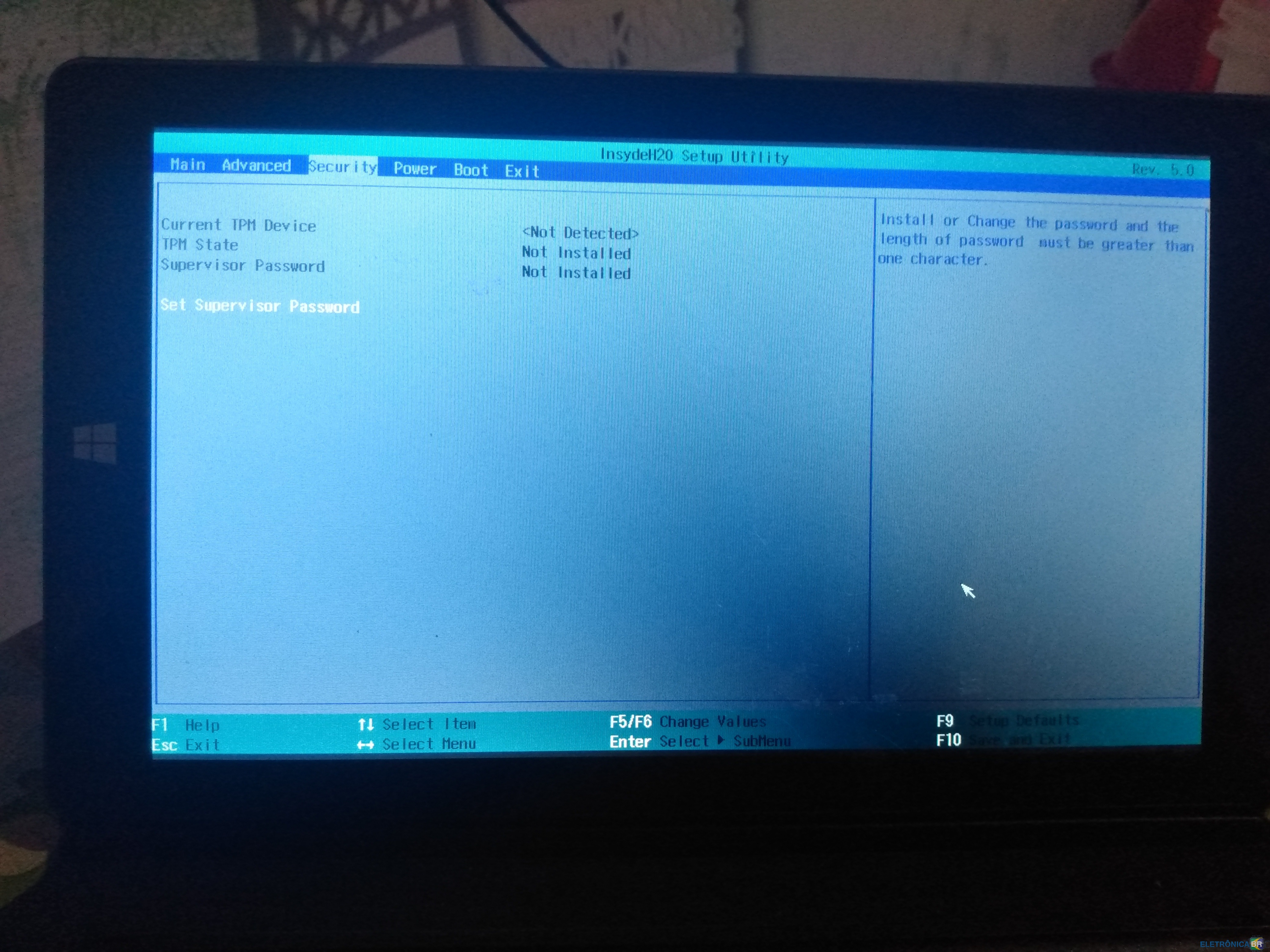
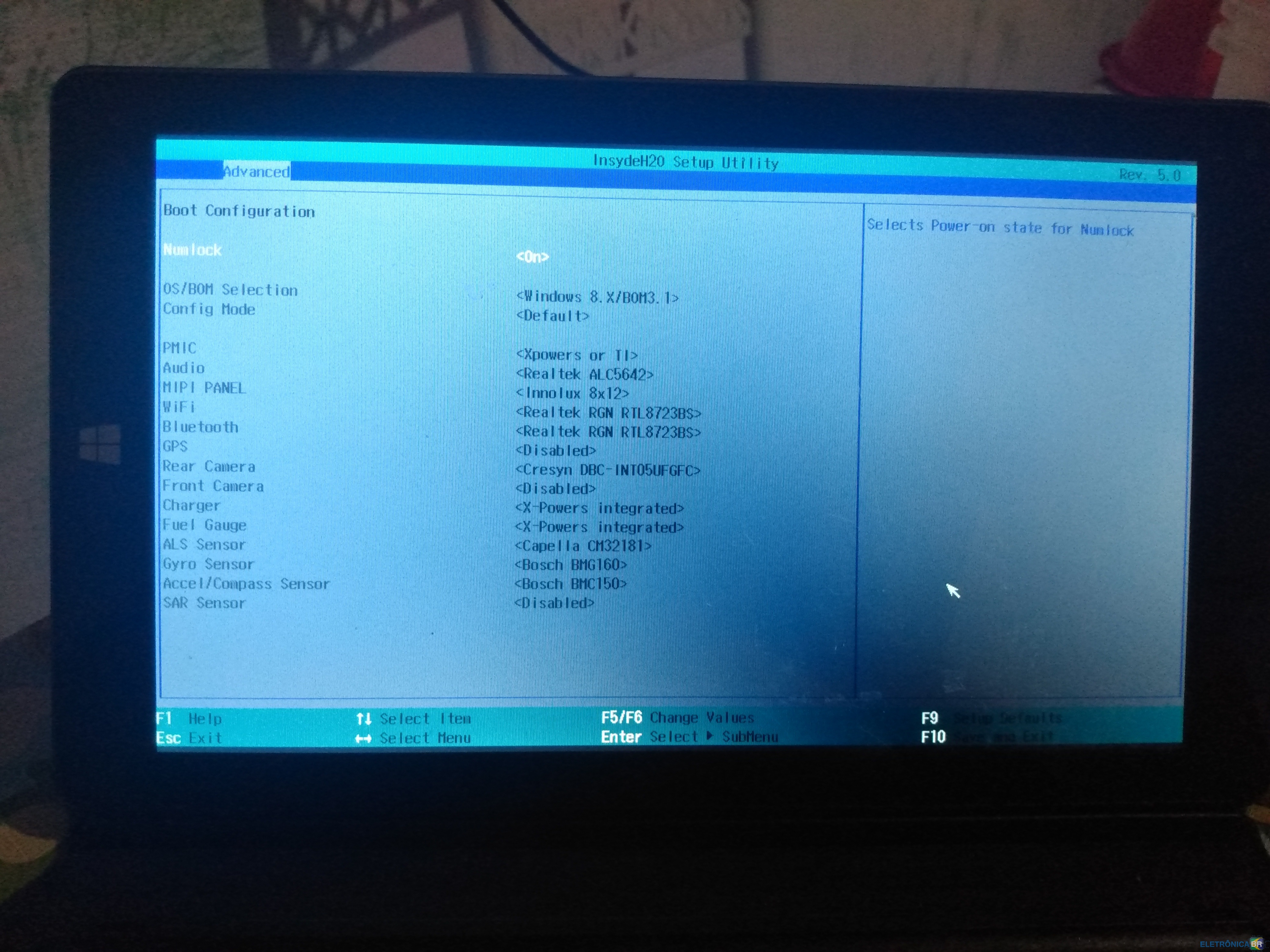
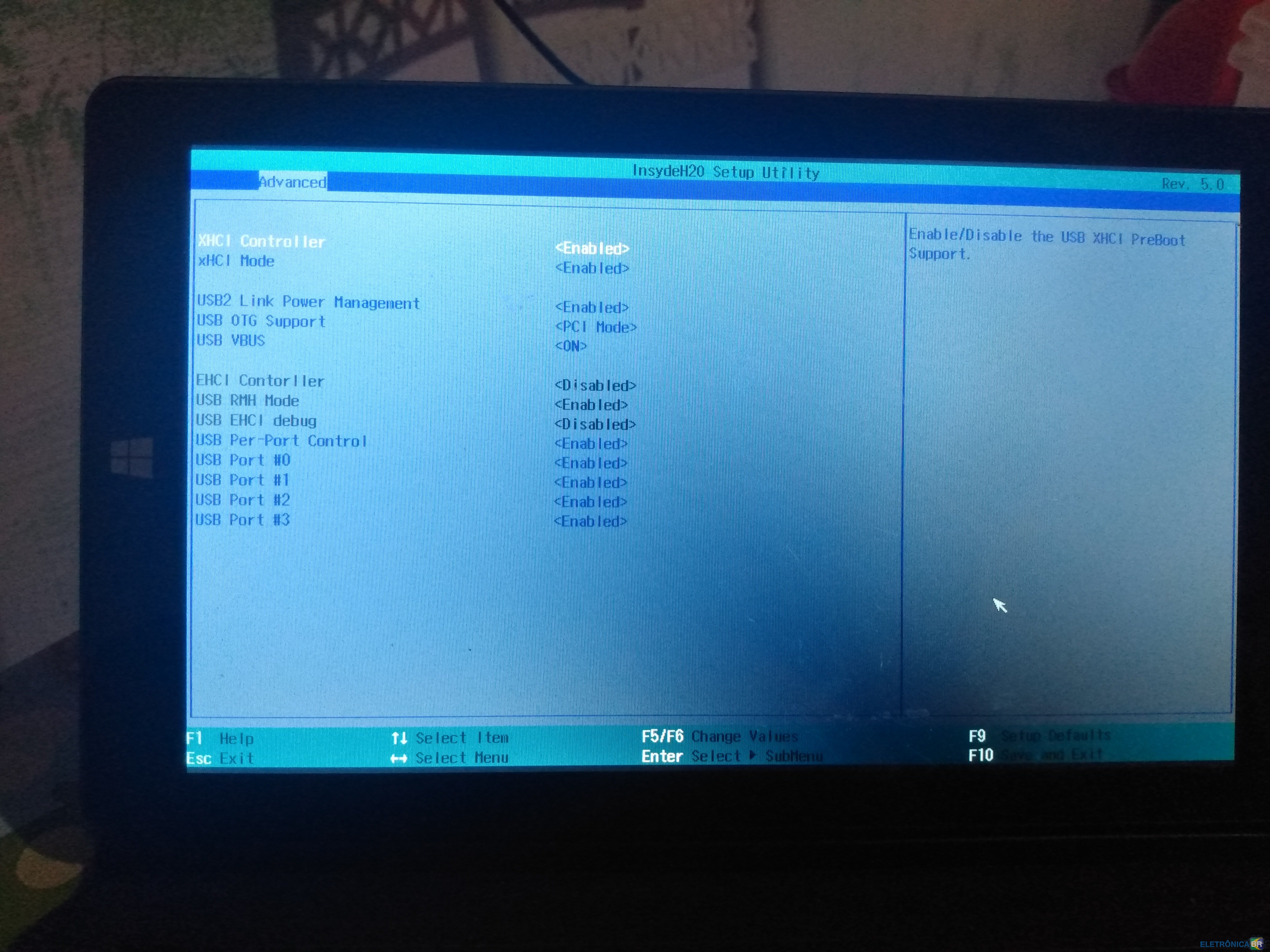
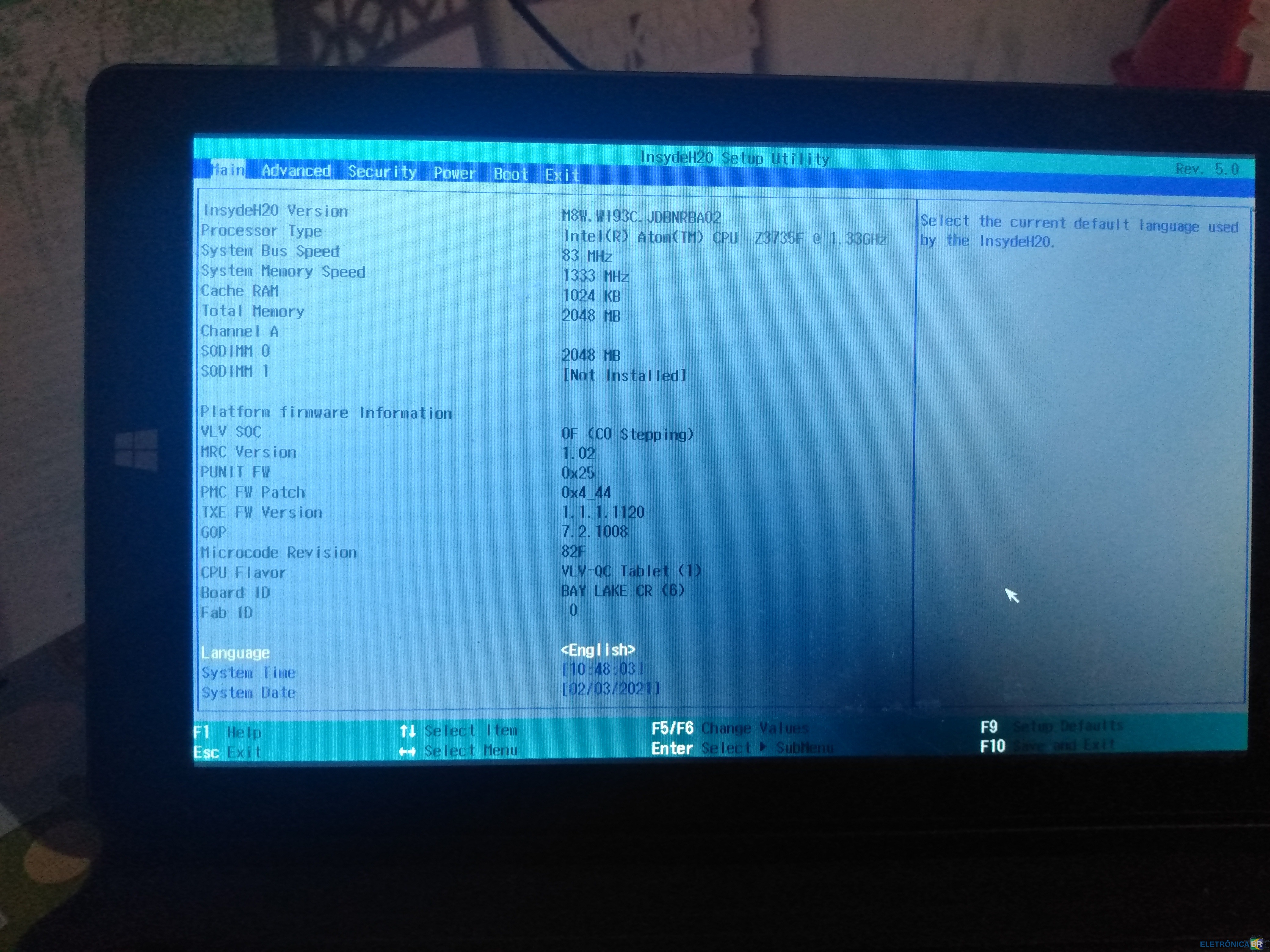
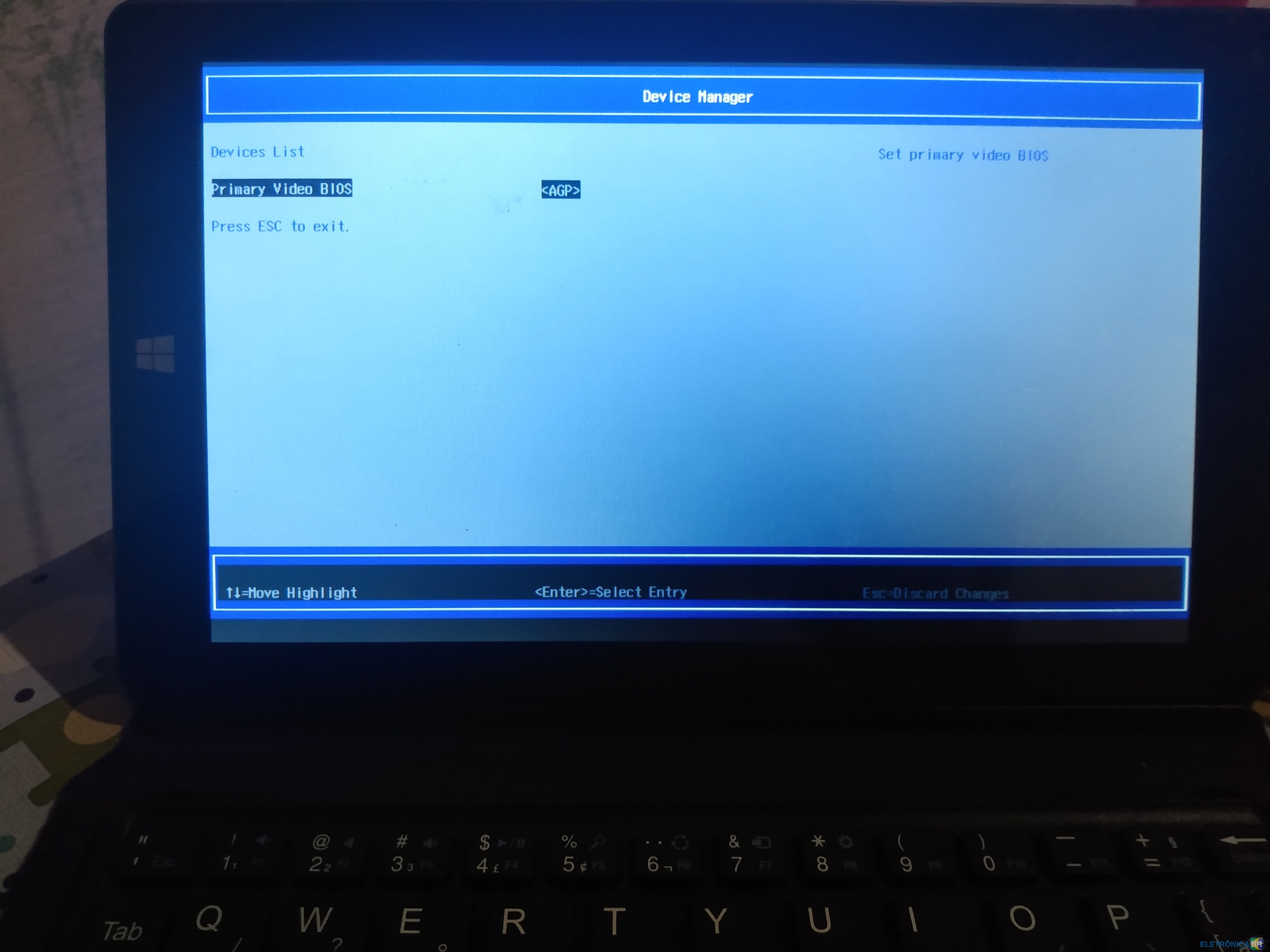
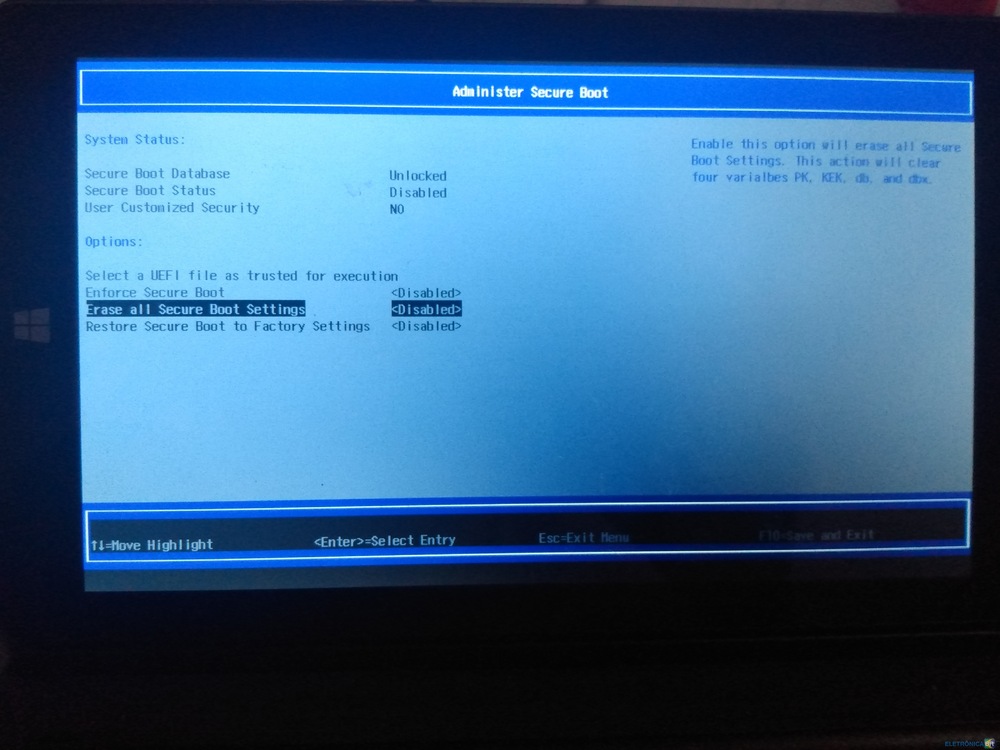
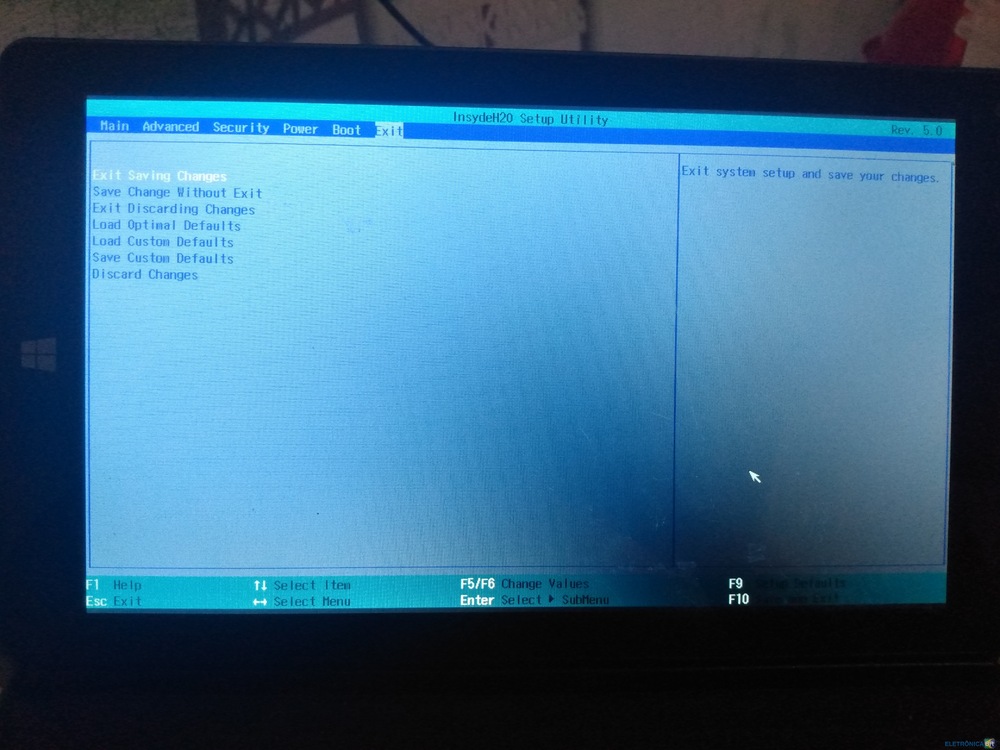
  5. Olá Estou com um tablet da Multilaser, m8w plus, o sistema operacional dele é windows 10 Após restaurar configuração de fábrica, ele está pedindo usuário e senha inexistente. Então fiz o procedimento para reinstalar o windows com pendrive O problema está justamente nessa parte. O tablet não reconhece o pendrive como uma unidade bootável. Coloquei algumas imagens da BIOS em anexo
Account

Navigation

Pesquisar

Pesquisar

Configure browser push notifications

Chrome (Android)
  1. Tap the lock icon next to the address bar.
  2. Tap Permissions → Notifications.
  3. Adjust your preference.
Chrome (Desktop)
  1. Click the padlock icon in the address bar.
  2. Select Site settings.
  3. Find Notifications and adjust your preference.