Estefano Mario Motta
Membros
-
Registrado em
-
Última visita
-
Créditos EBR
0
-
feito! obrigado!
-
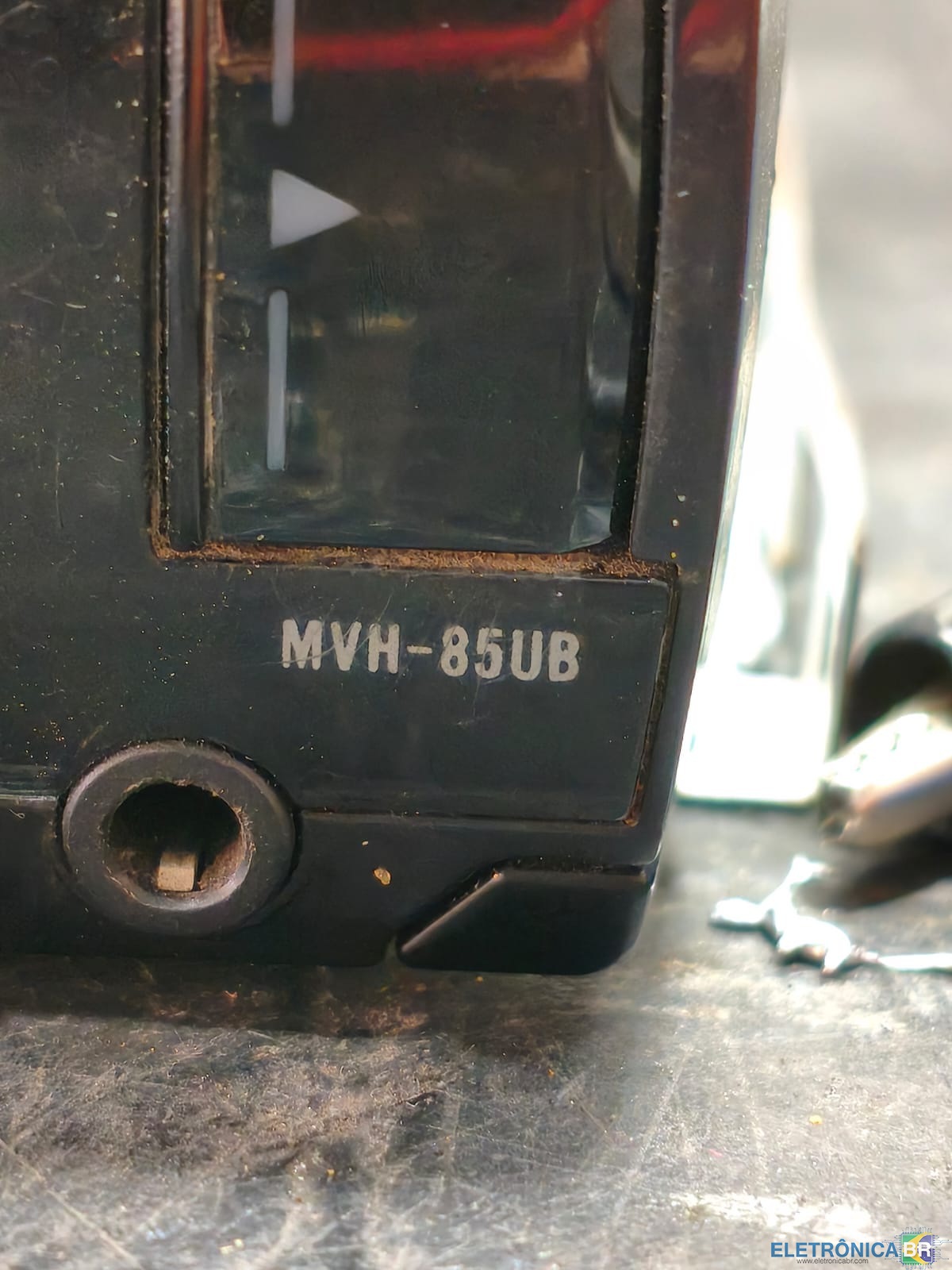
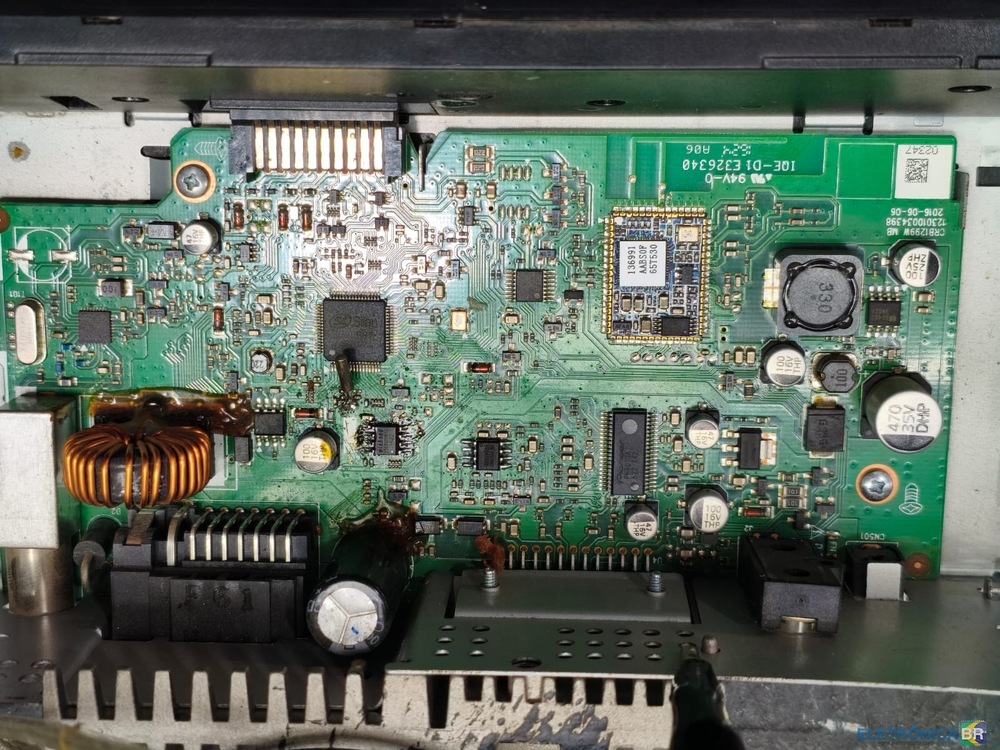
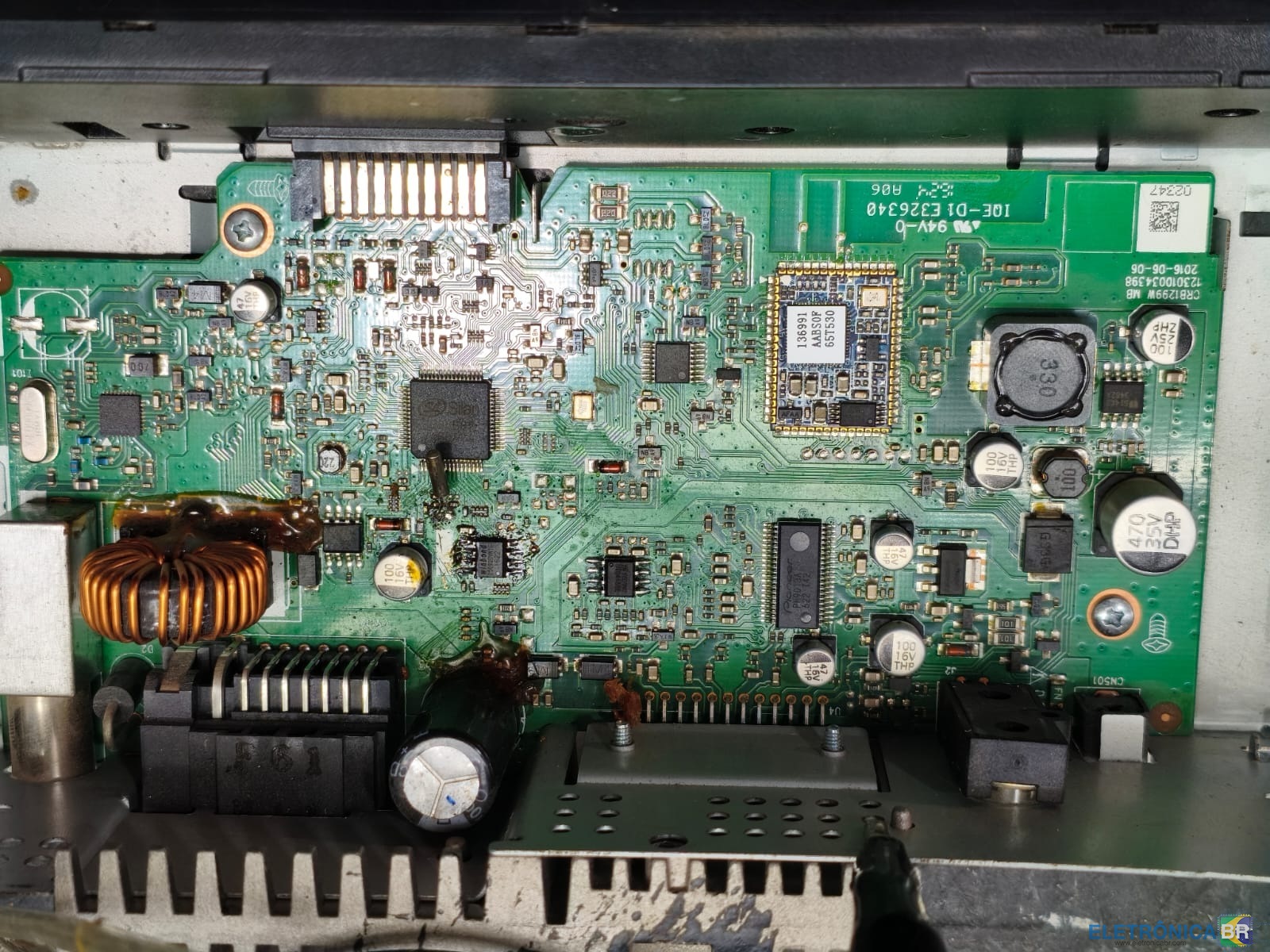
Bom dia a todos. Preciso de uma cópia da memória de 25Q deste aparelho de som. Ela tem todas as tensões, mas não liga. Li a memória original, mas diz que está vazia. Obrigado! P/D: Eu também tenho um MVH-85UB com a mesma falha e isso foi publicado em outro post.
.thumb.jpeg.5f7612139ec3247ebd41776436c5eefd.jpeg)
-
Bom dia a todos. Preciso de uma cópia da memória de 25Q deste aparelho de som. Ela tem todas as tensões, mas não liga. Li a memória original, mas diz que está vazia. Obrigado!
.thumb.jpeg.2ec3d3a3a98161200acda63b193863fc.jpeg)


.jpeg.6bcd7080ae1e560589ad29c10d1376b8.jpeg)
.jpeg.04509a9a826f4a738802bec34d2de46c.jpeg)