Ir para conteúdo
View in the app

A better way to browse. Learn more.

EletrônicaBR.com

A full-screen app on your home screen with push notifications, badges and more.

To install this app on iOS and iPadOS
  1. Tap the Share icon in Safari
  2. Scroll the menu and tap Add to Home Screen.
  3. Tap Add in the top-right corner.
To install this app on Android
  1. Tap the 3-dot menu (⋮) in the top-right corner of the browser.
  2. Tap Add to Home screen or Install app.
  3. Confirm by tapping Install.

Canal da Física

Membros
  • Registrado em

  • Última visita

  • Créditos EBR

    10
  1. Canal da Física alterou sua foto pessoal
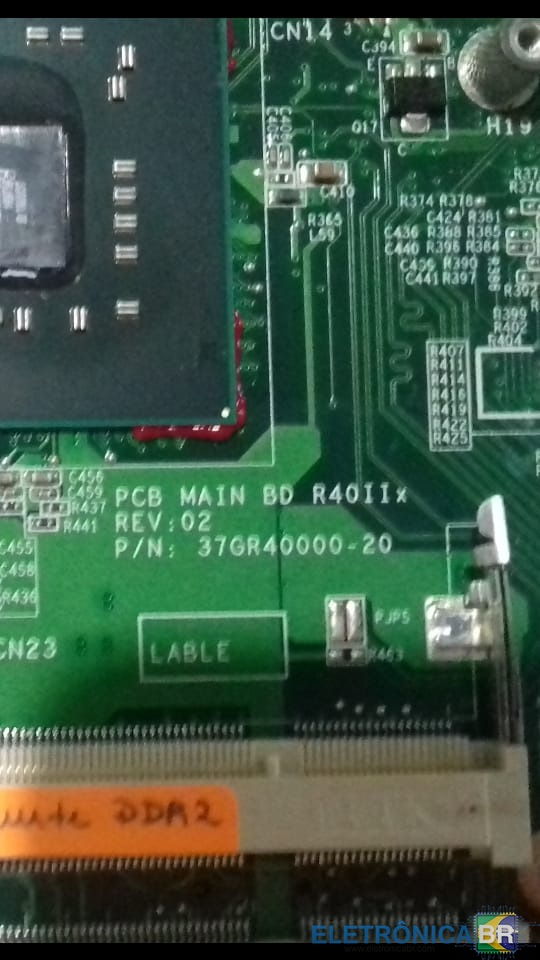
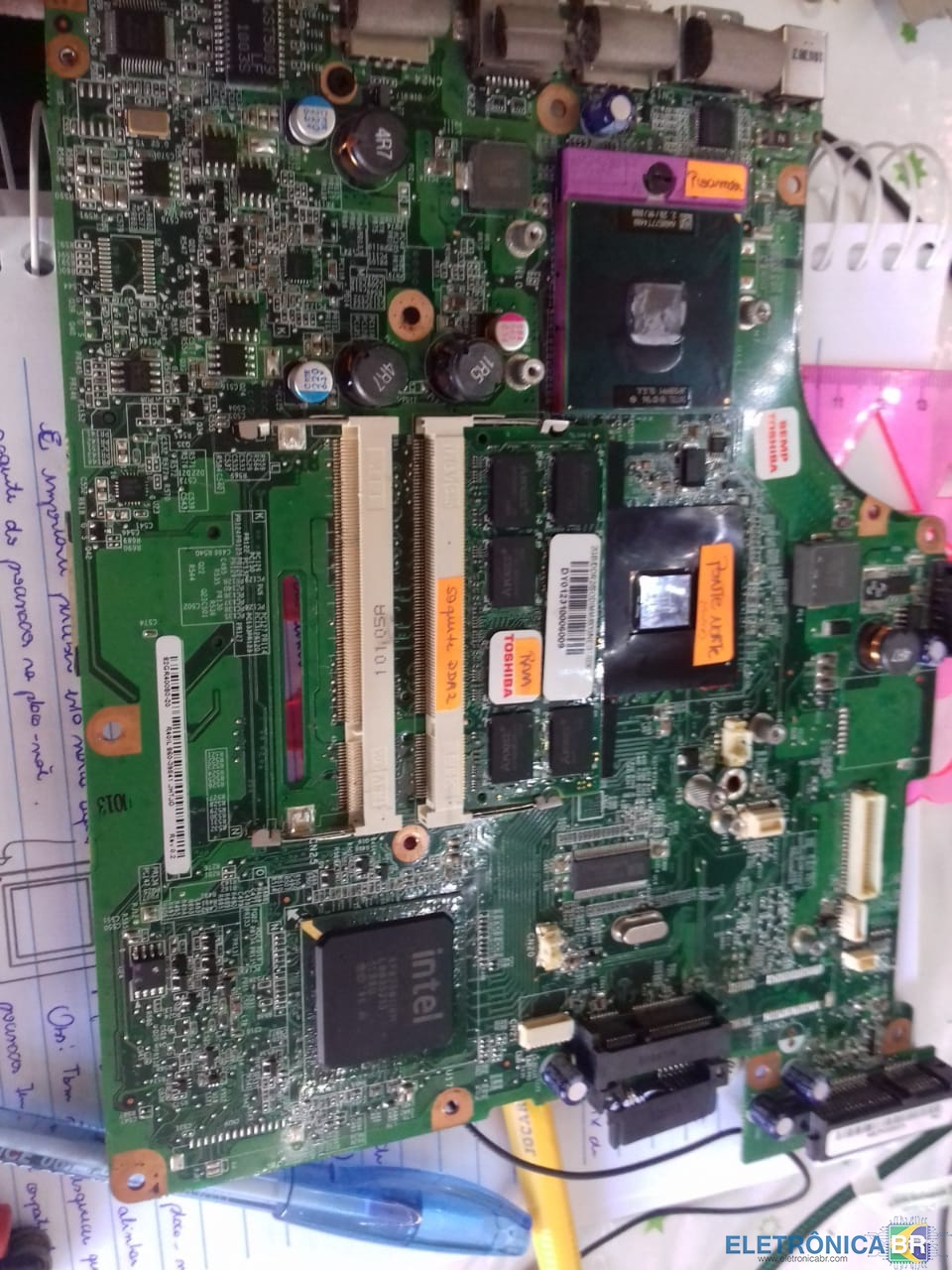
  2. Alguém tem este esquema, já procurei no servidor e não acho. E gostaria de confirmar o nome ou numero desta placa-mãe 82GR40000-02 R40IL 860-39841 JHTJG Rev 0.2 obrigada
  3. Preciso de material p aprender sobre a arquitetura de uma placa-mãe de Desktop e Notebook. Não sei nada sobre placa mae e cada componente que consta nela, não tenho uma placa p ver e nem material que me ajude identificar cada item... só quero aprender e não fazer uso comercial do material. Se puder ajudar uma estudante solitária agradeço.
  4. Sou Juliana, formada e ADS e estou estudando Hardware num curso da google.

Account

Navigation

Pesquisar

Pesquisar

Configure browser push notifications

Chrome (Android)
  1. Tap the lock icon next to the address bar.
  2. Tap Permissions → Notifications.
  3. Adjust your preference.
Chrome (Desktop)
  1. Click the padlock icon in the address bar.
  2. Select Site settings.
  3. Find Notifications and adjust your preference.