-
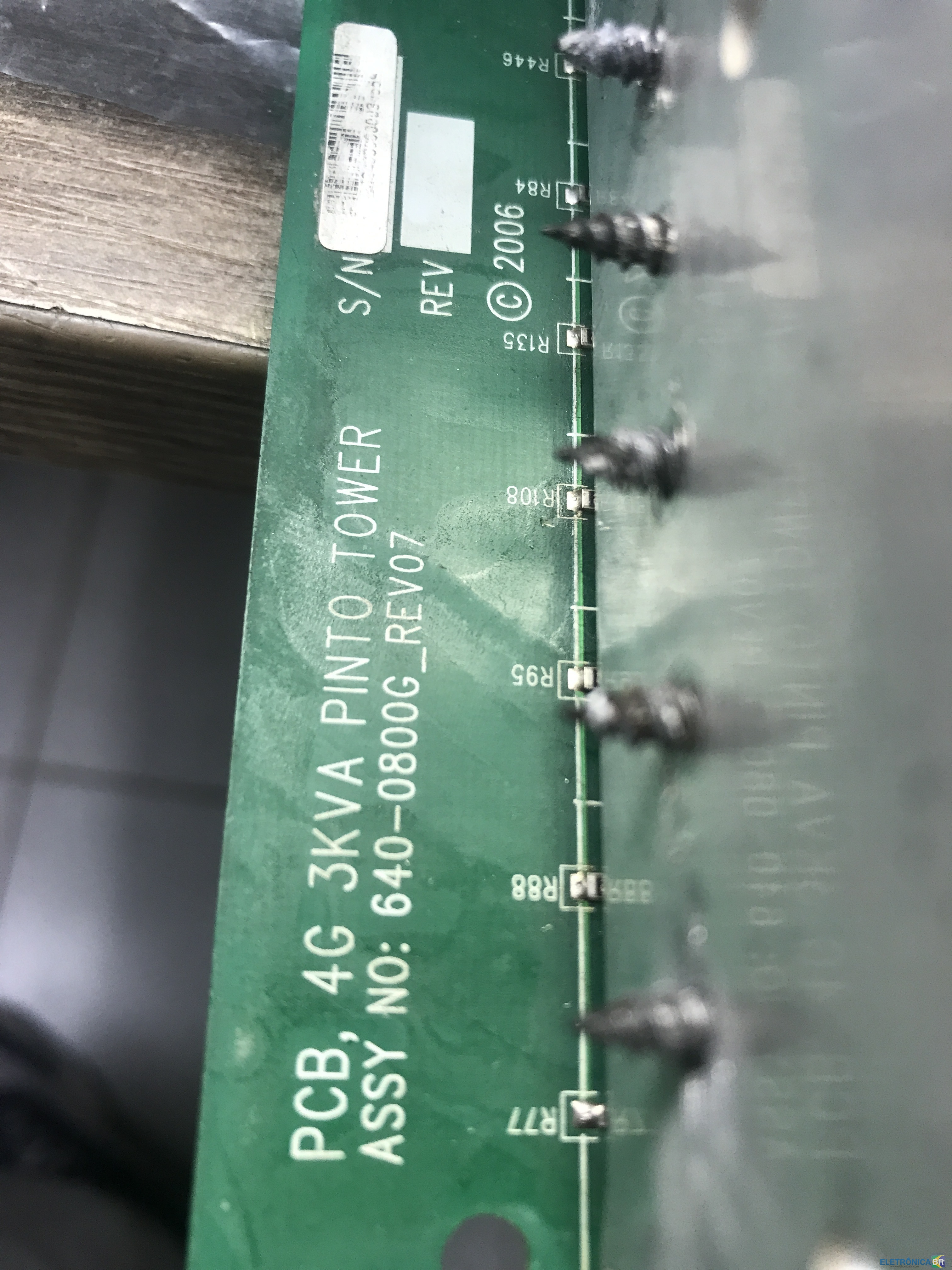
Oleg começou a seguir: Apc smart-ups 3000 640-0800g_rev07 ci queimado , Smart UPS quarta geração (640-0800G) rev7 , Requiero diagrama 640-0800G REV:7 e 1 outro
-
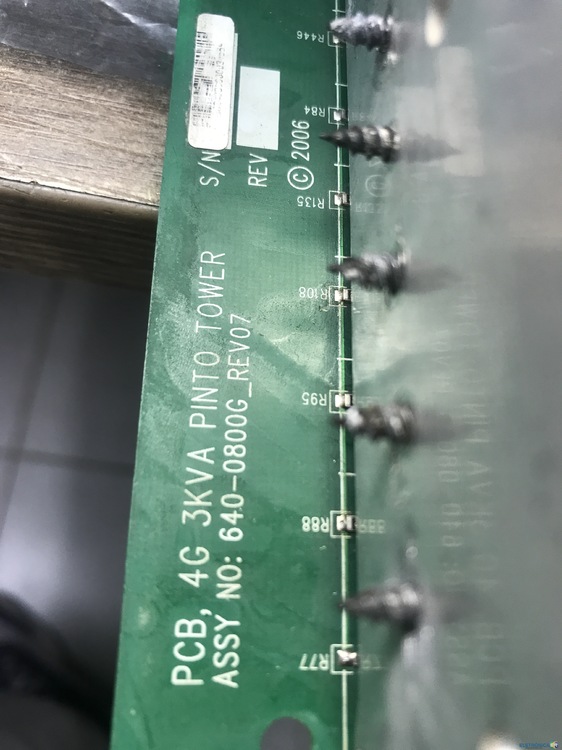
Проблема APC 640-0800G REV07
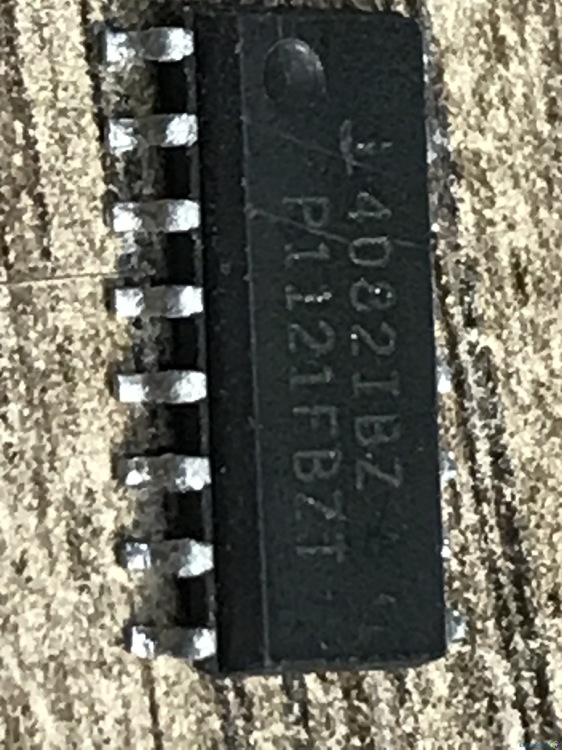
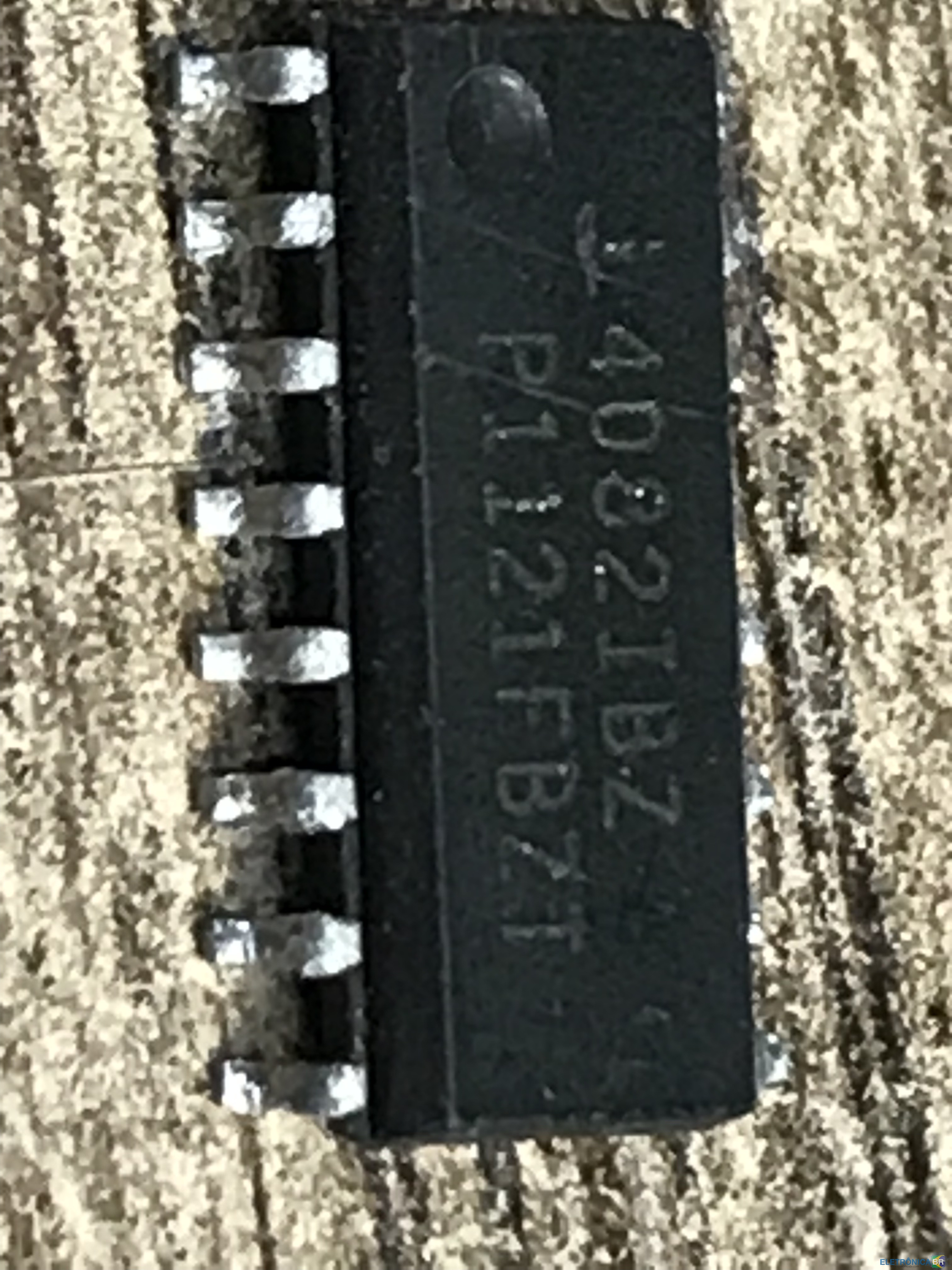
Obrigado novamente!!! sim, com certeza vou escrever como vou consertar!!! Estou esperando detalhes da China!!! Chaves de controle ic 18 361-0015AG e HIP4082IBZ. Não há análogos ☹️. não há folha de dados! Durante o reparo, queimei 80 pedaços de mosfets!!!🤣Em geral, escreva para quem precisar de ajuda!!!!!🤝
-
Проблема APC 640-0800G REV07
Ещё раз огромное спасибо!!! да как отремонтирую обязательно напишу!!!Жду детали из Китая!!!Ключи управления ic 18 361-0015AG и HIP4082IBZ .Аналогов нет ☹️.datasheet нет! В процессе ремонта сжёг 80 шт мосфетов!!!🤣В общем кому нужна помощь пишите!!!!!🤝
-
Проблема APC 640-0800G REV07
Спасибо получилось скачать схему
-
Проблема APC 640-0800G REV07
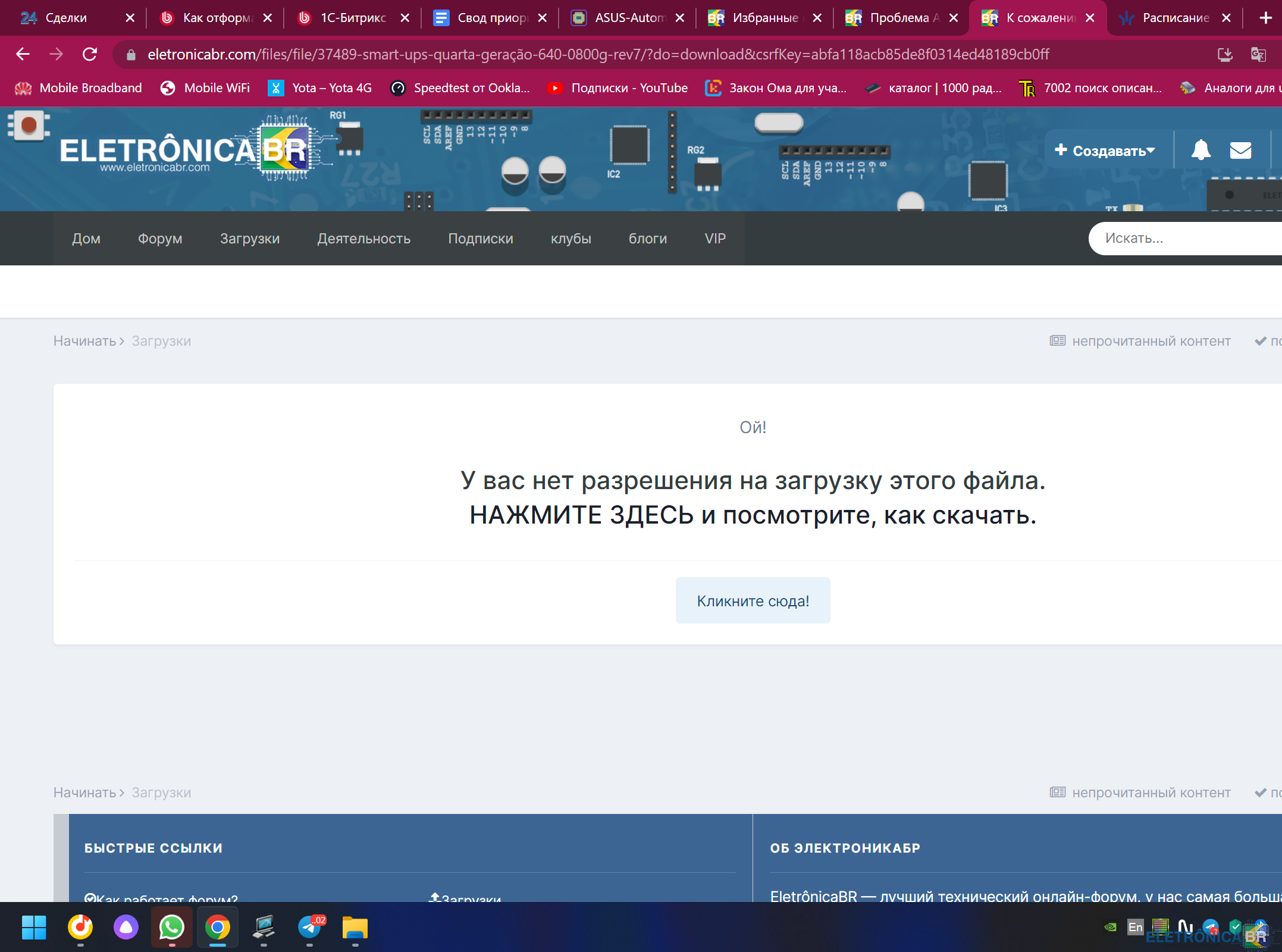
Добрый день! Нет скачать не получается 😞. Boa tarde, não consigo baixar😞
-
Проблема APC 640-0800G REV07
- Apc smart-ups 3000 640-0800g_rev07 ci queimado
- Проблема APC 640-0800G REV07
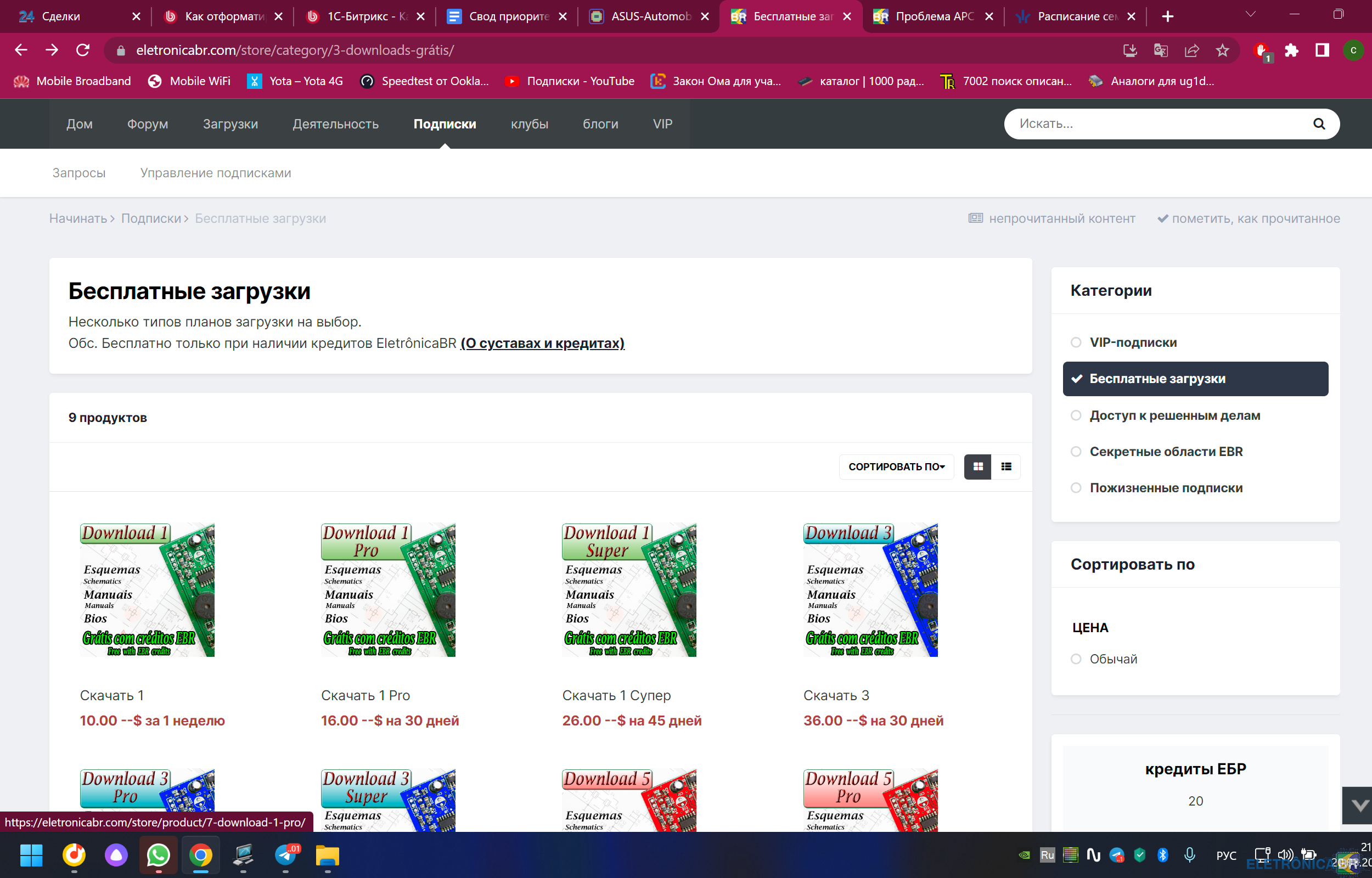
не дает скачать, пишет нет привилегий, не понятно как получить привилегии- Requiero diagrama 640-0800G REV:7
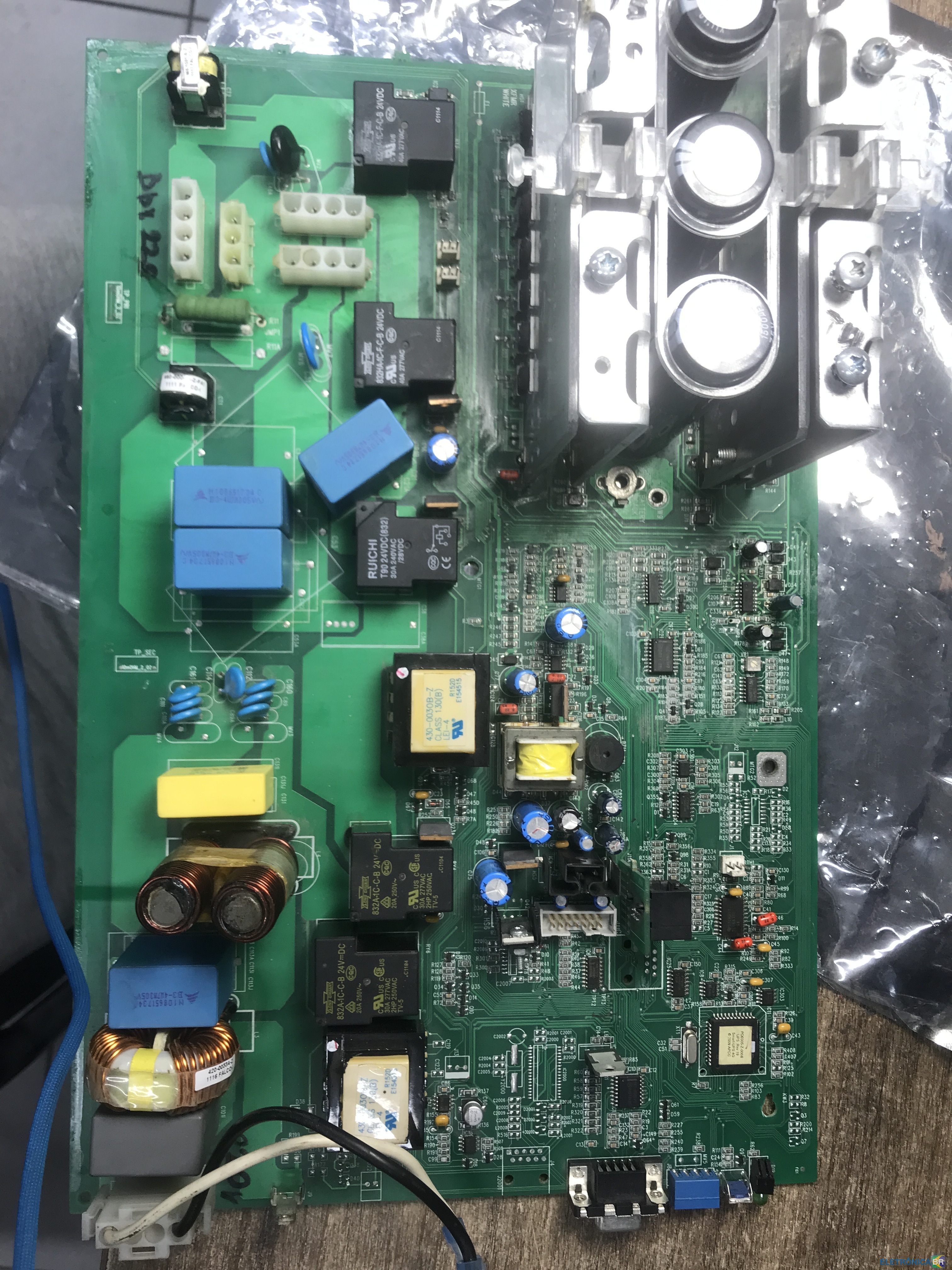
Могу помочь.Скажи точнее какая деталь интересует!Я нашёл все детали!Сделай фото я напишу какая деталь и где купить!🤝- Проблема APC 640-0800G REV07
- Apc smart-ups 3000 640-0800g_rev07 ci queimado
Account
Navigation
Pesquisar
Configure browser push notifications
Chrome (Android)
- Tap the lock icon next to the address bar.
- Tap Permissions → Notifications.
- Adjust your preference.
Chrome (Desktop)
- Click the padlock icon in the address bar.
- Select Site settings.
- Find Notifications and adjust your preference.
Safari (iOS 16.4+)
- Ensure the site is installed via Add to Home Screen.
- Open Settings App → Notifications.
- Find your app name and adjust your preference.
Safari (macOS)
- Go to Safari → Preferences.
- Click the Websites tab.
- Select Notifications in the sidebar.
- Find this website and adjust your preference.
Edge (Android)
- Tap the lock icon next to the address bar.
- Tap Permissions.
- Find Notifications and adjust your preference.
Edge (Desktop)
- Click the padlock icon in the address bar.
- Click Permissions for this site.
- Find Notifications and adjust your preference.
Firefox (Android)
- Go to Settings → Site permissions.
- Tap Notifications.
- Find this site in the list and adjust your preference.
Firefox (Desktop)
- Open Firefox Settings.
- Search for Notifications.
- Find this site in the list and adjust your preference.