Ir para conteúdo
View in the app

A better way to browse. Learn more.

EletrônicaBR.com

A full-screen app on your home screen with push notifications, badges and more.

To install this app on iOS and iPadOS
  1. Tap the Share icon in Safari
  2. Scroll the menu and tap Add to Home Screen.
  3. Tap Add in the top-right corner.
To install this app on Android
  1. Tap the 3-dot menu (⋮) in the top-right corner of the browser.
  2. Tap Add to Home screen or Install app.
  3. Confirm by tapping Install.

dundarozum

Membros
  • Registrado em

  • Última visita

  • Créditos EBR

    0
  1. dundarozum começou a seguir: Olá a todos!
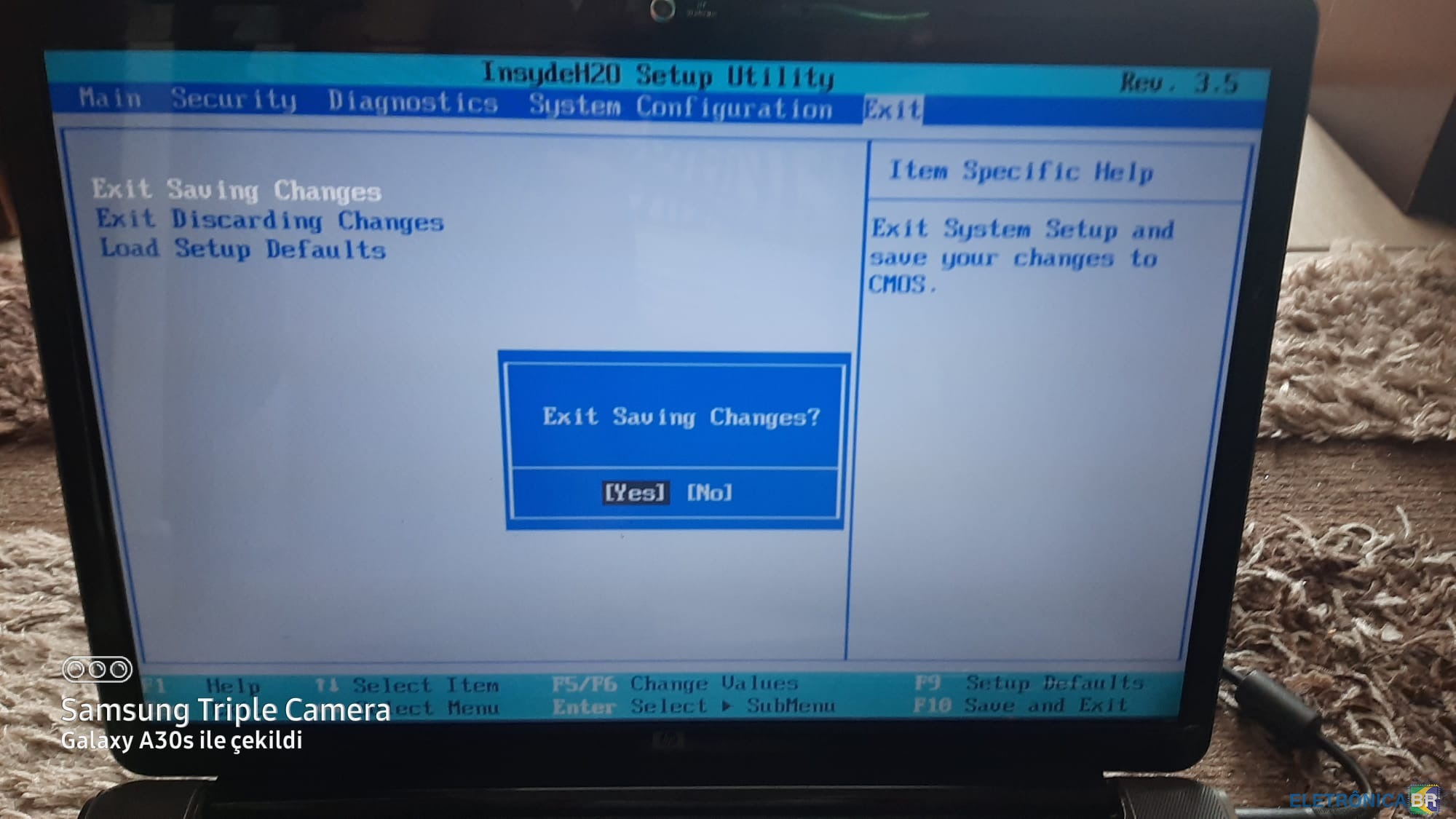
  2. Selam Arkadaşlar, Elimde HP Pavilion dv5-1230et model (2008'de almıştım) laptop sahibiyim. Laptop ta ekte vermiş olduğu resimlerde de görüleceği üzere açıldığı zaman "Serial Number Not Found" ikazı veriyor ve siyah ekran çıkıyor. Alırken mevcut olan CD kaybettirdim. Rufus ile HP TOOLKIT uygulamaları denendi. Bu konuda ne yapabilir? Bilginize yükleme var...Teşekkürler..
  3. Merhaba..HP pavilion dv5 sahibiyim ve bu laptopa ait teknik bilgi ve değerlendirmeler için burdayım arkadaşlar...Sitenin faydalı olacağı kanaatindeyim..Teşekkürler...
  4. dundarozum alterou sua foto pessoal
  5. dundarozum começou a seguir: videos
  6. dundarozum começou a seguir: Hello !
  7. Slm..HP Pavilion dv5 laptop serial number not found uyarısı alıyorum.Bu konuda yardımcı olursanız sevinirim...
  8. 1. Google sitesi 2. Teknisyen, Mühendis, Girişimci) 3. Elektronik/bilişim kullanmayı seviyorum. 4. Ankara Türkiye yaşıyorum.Seyahat ederim ve kitap okurum.

Account

Navigation

Pesquisar

Pesquisar

Configure browser push notifications

Chrome (Android)
  1. Tap the lock icon next to the address bar.
  2. Tap Permissions → Notifications.
  3. Adjust your preference.
Chrome (Desktop)
  1. Click the padlock icon in the address bar.
  2. Select Site settings.
  3. Find Notifications and adjust your preference.