pascual palacios
Membros
-
Registrado em
-
Última visita
-
Créditos EBR
0
-
Hola soy Santiago Pascual técnico en electrónica en general ,llevo 15 años reparando televisores de TRC luego TFT y ahora de led también reparo y monto ordenadores y reparo portátiles y me gustaría forma parte de este foro para contactar opiniones y pedir ayudar en esquemas etc.
-
Hola tengo esta estación de soldadura marca AOYUE INT 950+ necesito cambiar el cableado de las pinzas necesito el esquema eléctrico de conexiones del conector de 5 pin o de la fuente en general alguien me puede ayudar.


-
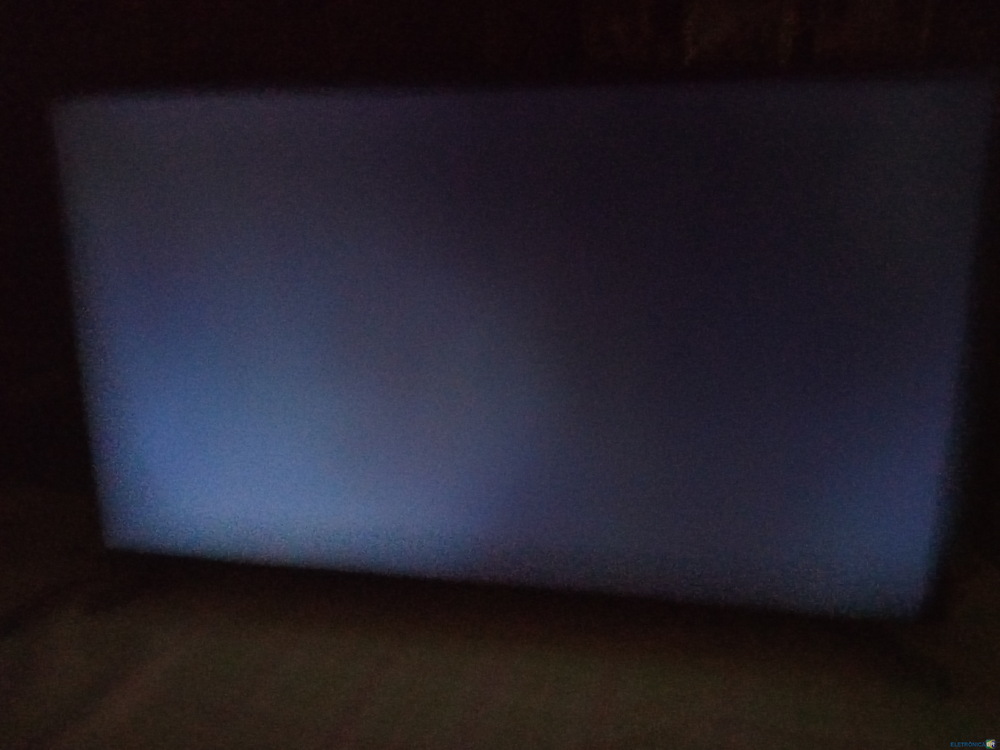
Tengo este televisor Samsung modelo UE32N4005AW el problema que tiene se enciende tengo retroiluminación de los leds pero no sale imagen en pantalla , funcionaba bien y al apagarlo y volver a encenderlo se puso así , sospecho del firmware alguien me lo puede facilitar a mi correo {editato}