Ir para conteúdo
View in the app

A better way to browse. Learn more.

EletrônicaBR.com

A full-screen app on your home screen with push notifications, badges and more.

To install this app on iOS and iPadOS
  1. Tap the Share icon in Safari
  2. Scroll the menu and tap Add to Home Screen.
  3. Tap Add in the top-right corner.
To install this app on Android
  1. Tap the 3-dot menu (⋮) in the top-right corner of the browser.
  2. Tap Add to Home screen or Install app.
  3. Confirm by tapping Install.

drxsoron

Membros
  • Registrado em

  • Última visita

  • Créditos EBR

    0
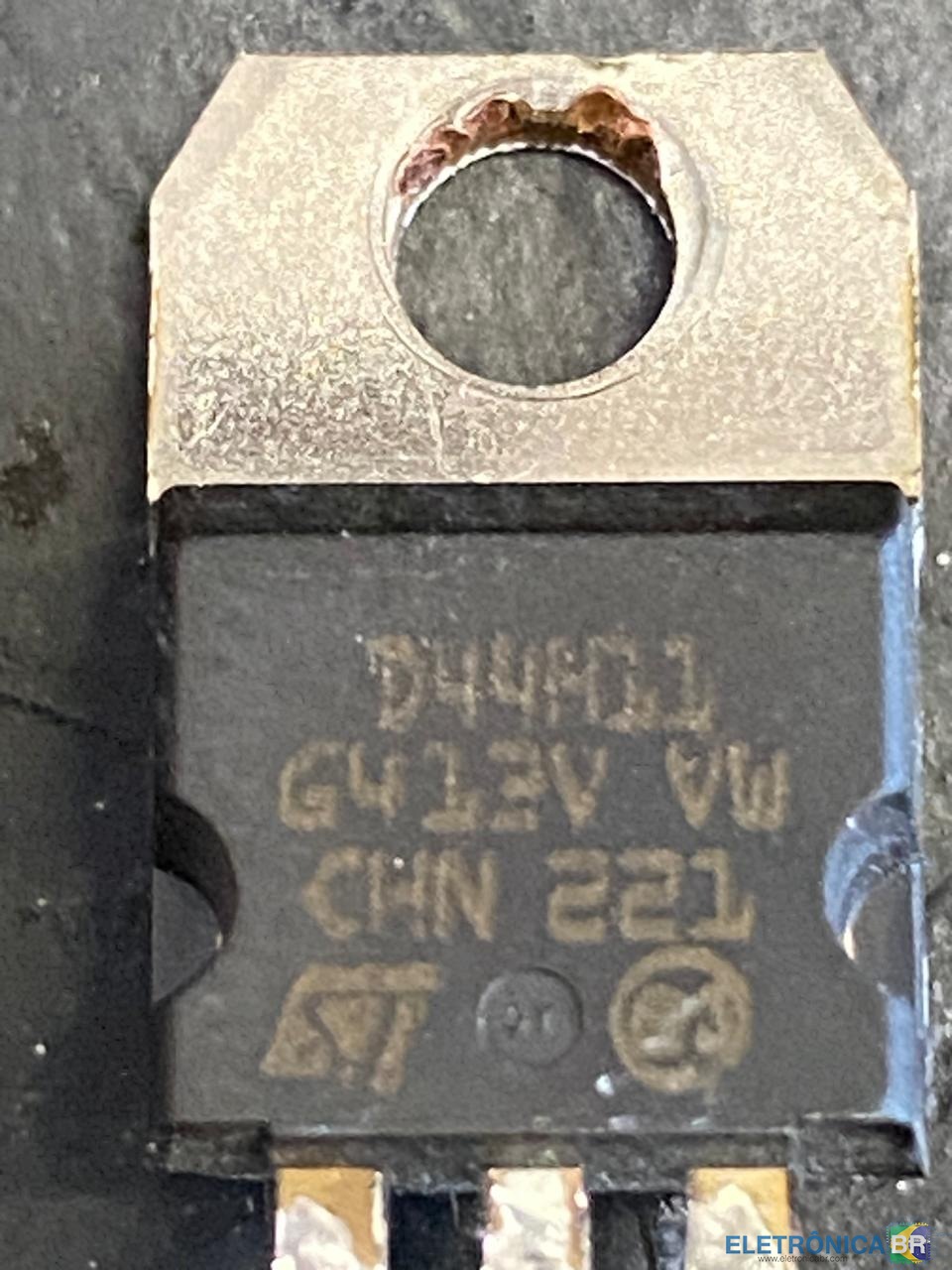
  1. @paivafrota me desculpa amigo tinha lhe passado que era Q7 , mas na verdade é o Q4. se possível poderia me enviar o esquema elétrico.? Muito obrigado pela ajuda
  2. Bom dia , por favor alguem poderia me ajudar a fornecer o esquema eletrico da placa pciv007240 ou me passar as especifiações diodo comum d15 , diodo zener d5 e e transistor q7. nobreak não liga .
  3. drxsoron se registrou na comunidade
  4. Boa tarde por favor alguem poderia me ajudar a fornecer o esquema eletrico da placa pciv007240 ou me passar as especifiações diodo comum d15 , diodo zener d5 e e transistor q7. nobreak não liga .

Account

Navigation

Pesquisar

Pesquisar

Configure browser push notifications

Chrome (Android)
  1. Tap the lock icon next to the address bar.
  2. Tap Permissions → Notifications.
  3. Adjust your preference.
Chrome (Desktop)
  1. Click the padlock icon in the address bar.
  2. Select Site settings.
  3. Find Notifications and adjust your preference.