Ir para conteúdo
View in the app

A better way to browse. Learn more.

EletrônicaBR.com

A full-screen app on your home screen with push notifications, badges and more.

To install this app on iOS and iPadOS
  1. Tap the Share icon in Safari
  2. Scroll the menu and tap Add to Home Screen.
  3. Tap Add in the top-right corner.
To install this app on Android
  1. Tap the 3-dot menu (⋮) in the top-right corner of the browser.
  2. Tap Add to Home screen or Install app.
  3. Confirm by tapping Install.

Michel Geraldo

Membros
  • Registrado em

  • Última visita

  • Créditos EBR

    0
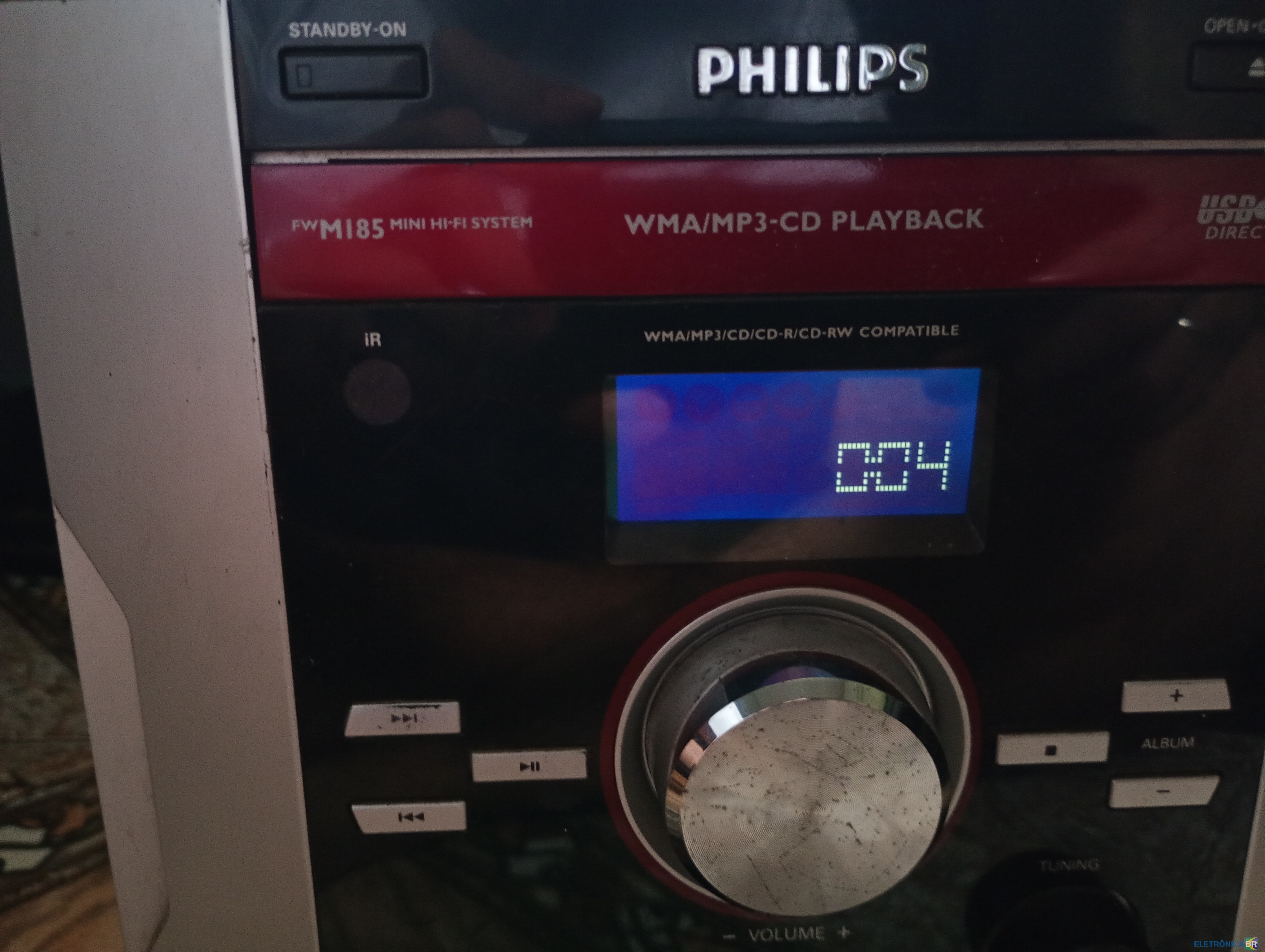
  1. Tenho um Micro system Philips Fwm185 que está ligando em standby, só fica no relógio. Desliguei o aparelho e liguem segurando o botão source e depois fiquei segurando o botão stand by e ele ligou, consegui testar o radio fm, entrada mp3 e a fita k7, todos eles tocaram. Quando liguei ele novamente ele volta para o relogio. Alguma solução? A borracha do CD está ligeiramente folgada, pode ser isso o problema?

Account

Navigation

Pesquisar

Pesquisar

Configure browser push notifications

Chrome (Android)
  1. Tap the lock icon next to the address bar.
  2. Tap Permissions → Notifications.
  3. Adjust your preference.
Chrome (Desktop)
  1. Click the padlock icon in the address bar.
  2. Select Site settings.
  3. Find Notifications and adjust your preference.