Ir para conteúdo
View in the app

A better way to browse. Learn more.

EletrônicaBR.com

A full-screen app on your home screen with push notifications, badges and more.

To install this app on iOS and iPadOS
  1. Tap the Share icon in Safari
  2. Scroll the menu and tap Add to Home Screen.
  3. Tap Add in the top-right corner.
To install this app on Android
  1. Tap the 3-dot menu (⋮) in the top-right corner of the browser.
  2. Tap Add to Home screen or Install app.
  3. Confirm by tapping Install.

Rá-Fael

Membros
  • Registrado em

  • Última visita

  • Créditos EBR

    0
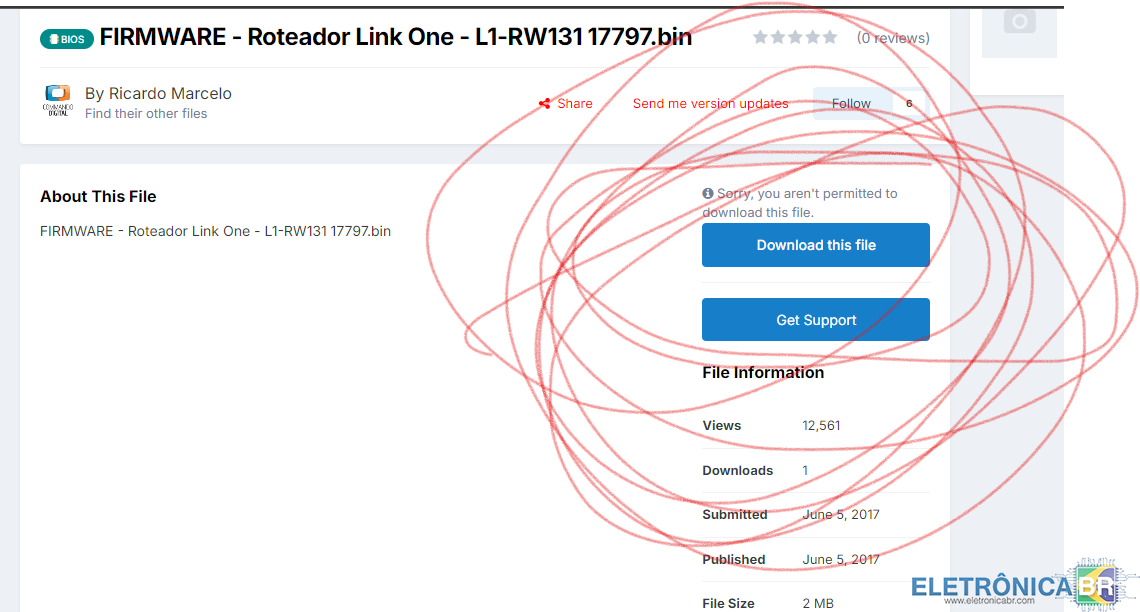
  1. Boa pergunta meu camarada, infelizmente o site da link one caiu, então você terá que se submeter a cair de cabeça na internet para acha-lo. Mas pera aí... ESSE SITE TEM O LINK, ISSO É INCRIVEL!!!!! COMO FOI TÃO FÁCIL É SO BAIXAR E PRONTO. SER FELIZ! infelizmente não meu camarada, você tera que se submeter a uma assinatura vip ou criar um tópico e bla bla bla, muito chato. mas vai a dica: Crie um tópico com '' Como conseguir a atualização do roteador link one l1rw131?'' e... surpresa, você magicamente conseguirá o link de dowload, isso é incrivel não é mesmo!?

Account

Navigation

Pesquisar

Pesquisar

Configure browser push notifications

Chrome (Android)
  1. Tap the lock icon next to the address bar.
  2. Tap Permissions → Notifications.
  3. Adjust your preference.
Chrome (Desktop)
  1. Click the padlock icon in the address bar.
  2. Select Site settings.
  3. Find Notifications and adjust your preference.