Ir para conteúdo
View in the app

A better way to browse. Learn more.

EletrônicaBR.com

A full-screen app on your home screen with push notifications, badges and more.

To install this app on iOS and iPadOS
  1. Tap the Share icon in Safari
  2. Scroll the menu and tap Add to Home Screen.
  3. Tap Add in the top-right corner.
To install this app on Android
  1. Tap the 3-dot menu (⋮) in the top-right corner of the browser.
  2. Tap Add to Home screen or Install app.
  3. Confirm by tapping Install.

Thiago Lutten Leitão Thiago

Membros
  • Registrado em

  • Última visita

  • Créditos EBR

    0
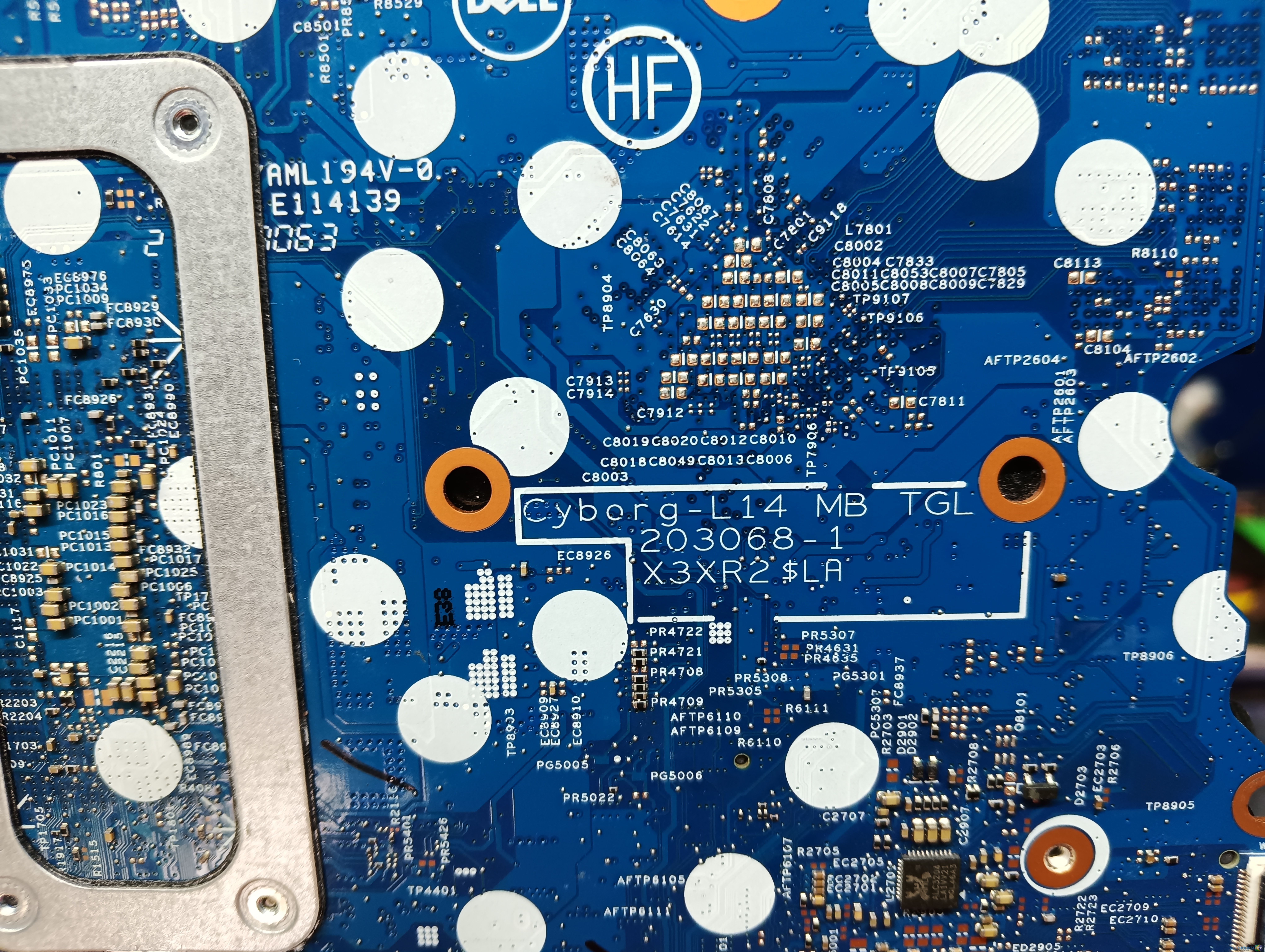
  1. Estou procurando a bios de um notebook i7 11th geração. Cyborg-L14 MG TGL 203068-1 X3XR2$LA Dell Latitute 3420. Alguém possui? Nenhuma linha em curto, nenhum componente visualmente danificado ou esquentando. Meu palpite é BIOS corrompida ou CPU. Se alguém puder me ajudar. Obrigado!
  2. Conheci no emprego. Sou técnico. Sei soldar e consertar máquinas notebooks e equipamentos de medição optica (telecomunicações). Trabalho com isso e no tempo livre gosto de jogar video game também.

Account

Navigation

Pesquisar

Pesquisar

Configure browser push notifications

Chrome (Android)
  1. Tap the lock icon next to the address bar.
  2. Tap Permissions → Notifications.
  3. Adjust your preference.
Chrome (Desktop)
  1. Click the padlock icon in the address bar.
  2. Select Site settings.
  3. Find Notifications and adjust your preference.