Ir para conteúdo
View in the app

A better way to browse. Learn more.

EletrônicaBR.com

A full-screen app on your home screen with push notifications, badges and more.

To install this app on iOS and iPadOS
  1. Tap the Share icon in Safari
  2. Scroll the menu and tap Add to Home Screen.
  3. Tap Add in the top-right corner.
To install this app on Android
  1. Tap the 3-dot menu (⋮) in the top-right corner of the browser.
  2. Tap Add to Home screen or Install app.
  3. Confirm by tapping Install.

Adoniran Pascoal

Membros
  • Registrado em

  • Última visita

  • Créditos EBR

    0
  1. Obrigado. Irei tentar desta forma. Sabe me dizer onde encontro o rom pra download?
  2. 1. Google 2. Analista de Sistemas 3. Conhecimentos nas áreas de Informática (Rede, Banco de dados, Programação) 4. Sou um curioso que gosta de tecnologia e que busca conhecimento em áreas diversas.
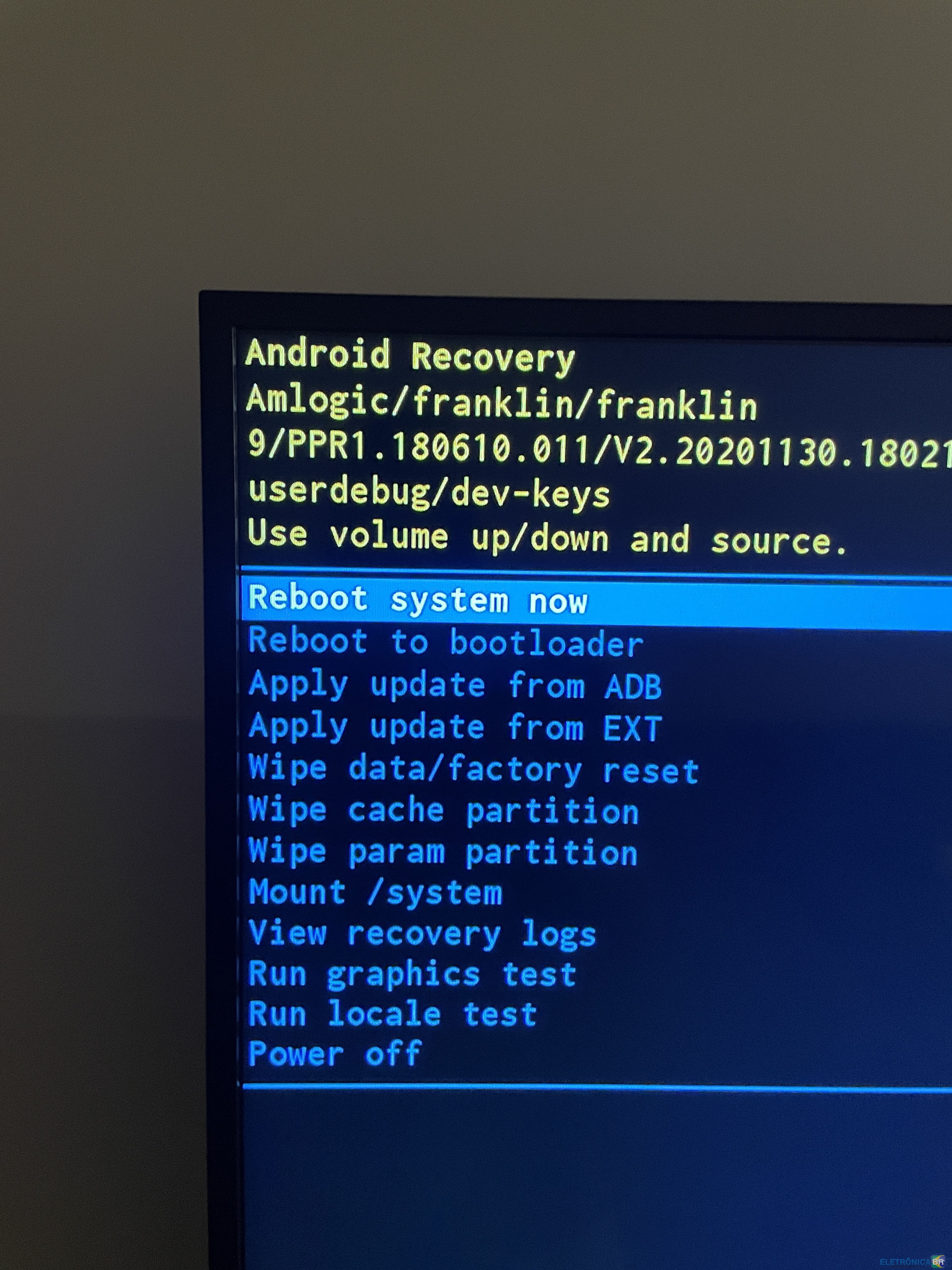
  3. Boa tarde. Tenho um aparelho BTV Express e ele fica travado na tela de boot, já tentei resetar e restaurar de fábrica mas sempre volta nesta tela. Gostaria de saber como faço pra restaurar o sistema do BTV Express via USB.
  4. Adoniran Pascoal alterou sua foto pessoal
  5. Boa tarde. Mesmo problema. Como faço pra restaurar o sistema do BTV Express via USB?

Account

Navigation

Pesquisar

Pesquisar

Configure browser push notifications

Chrome (Android)
  1. Tap the lock icon next to the address bar.
  2. Tap Permissions → Notifications.
  3. Adjust your preference.
Chrome (Desktop)
  1. Click the padlock icon in the address bar.
  2. Select Site settings.
  3. Find Notifications and adjust your preference.