Ir para conteúdo
View in the app

A better way to browse. Learn more.

EletrônicaBR.com

A full-screen app on your home screen with push notifications, badges and more.

To install this app on iOS and iPadOS
  1. Tap the Share icon in Safari
  2. Scroll the menu and tap Add to Home Screen.
  3. Tap Add in the top-right corner.
To install this app on Android
  1. Tap the 3-dot menu (⋮) in the top-right corner of the browser.
  2. Tap Add to Home screen or Install app.
  3. Confirm by tapping Install.

osmarino josé messias

Membros
  • Registrado em

  • Última visita

  • Créditos EBR

    1
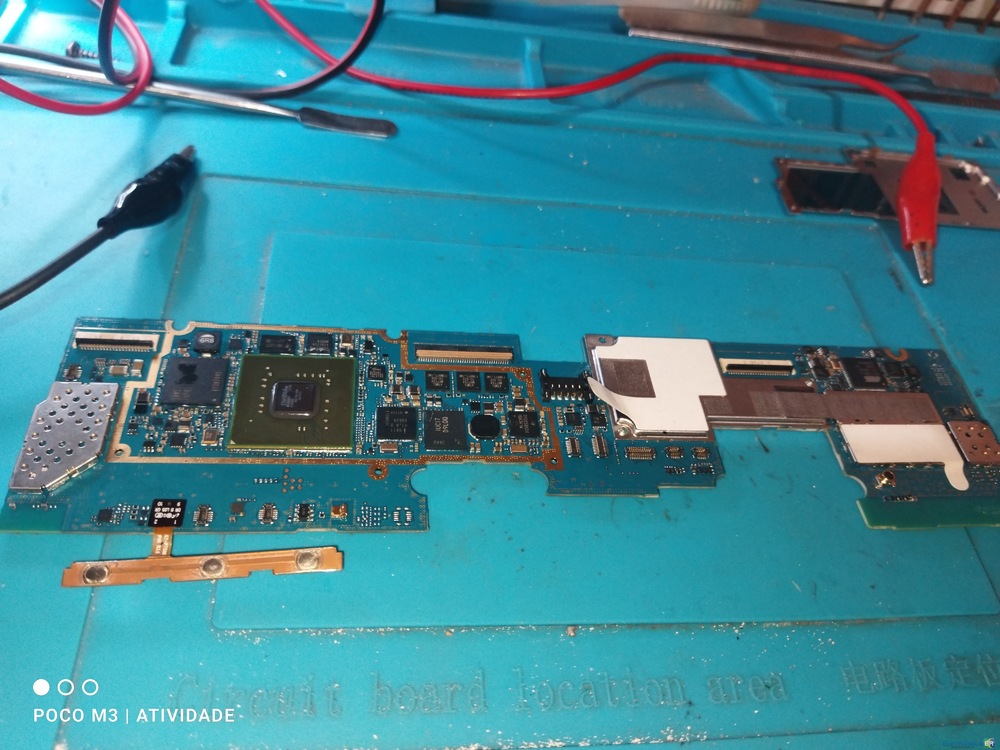
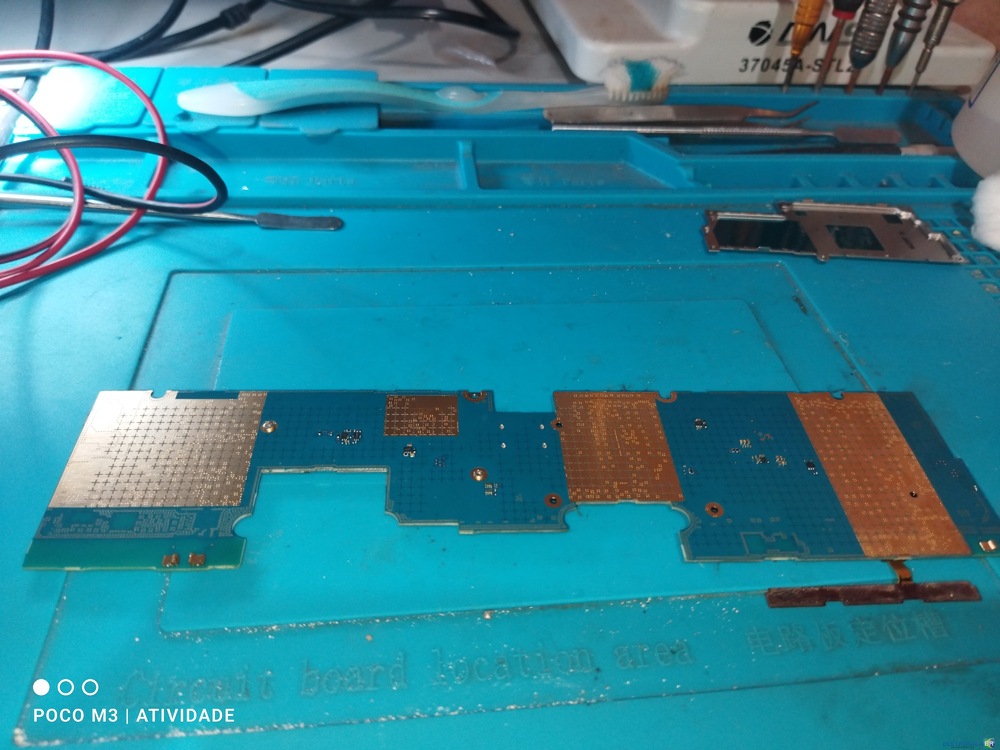
  1. O Tablet Samsung GT-P7500, Chegou desligado e com a bateria desativada. Após ativação da bateria, o mesmo ainda não ligava. Foi feito um teste com fonte simétrica. A placa não apresenta aquecimento. E a ondem de inicialização ficou travado entre 64v e 127v. Alguém poderia indicar como proceder para a solução do problema, ou disponibilizar o esquema elétrico?
Account

Navigation

Pesquisar

Pesquisar

Configure browser push notifications

Chrome (Android)
  1. Tap the lock icon next to the address bar.
  2. Tap Permissions → Notifications.
  3. Adjust your preference.
Chrome (Desktop)
  1. Click the padlock icon in the address bar.
  2. Select Site settings.
  3. Find Notifications and adjust your preference.