
Ir para conteúdo
View in the app

A better way to browse. Learn more.

EletrônicaBR.com

A full-screen app on your home screen with push notifications, badges and more.

To install this app on iOS and iPadOS
  1. Tap the Share icon in Safari
  2. Scroll the menu and tap Add to Home Screen.
  3. Tap Add in the top-right corner.
To install this app on Android
  1. Tap the 3-dot menu (⋮) in the top-right corner of the browser.
  2. Tap Add to Home screen or Install app.
  3. Confirm by tapping Install.

DIVERSUS TOTAL

Membros
  • Registrado em

  • Última visita

  • Créditos EBR

    1
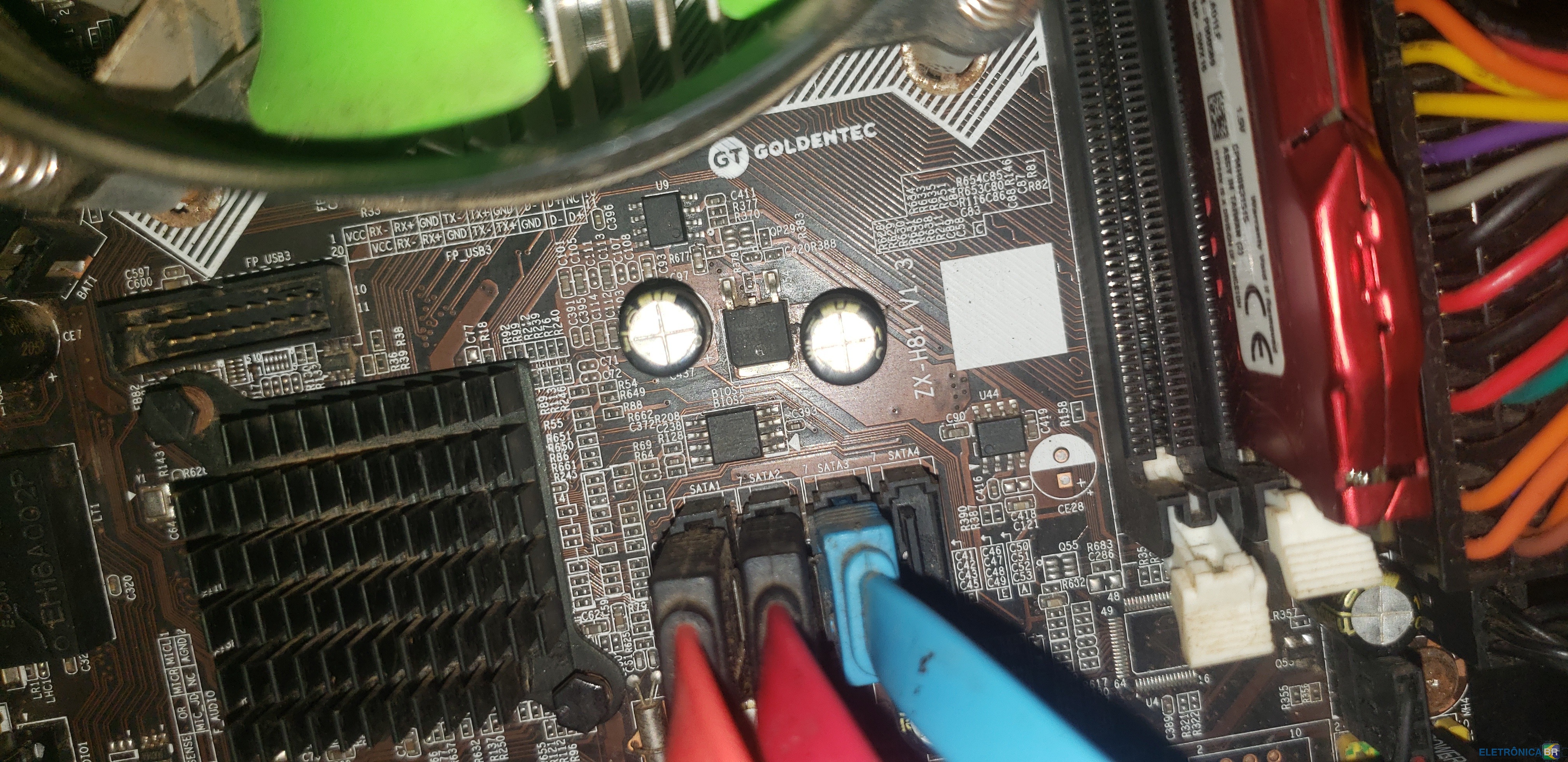
  1. meu pc so liga quando quer ja pesquisei e parece ser BIOS ja pesquisei procurando essa BIOS sem exedo modelo:Gt Goldentec zx-h81 v1.3, se alguém poder me ajudar vou ficar extremamente agradecido desde ja agradeço que Deus abençoe a vida de cada um que faz parte dessa comunidade...
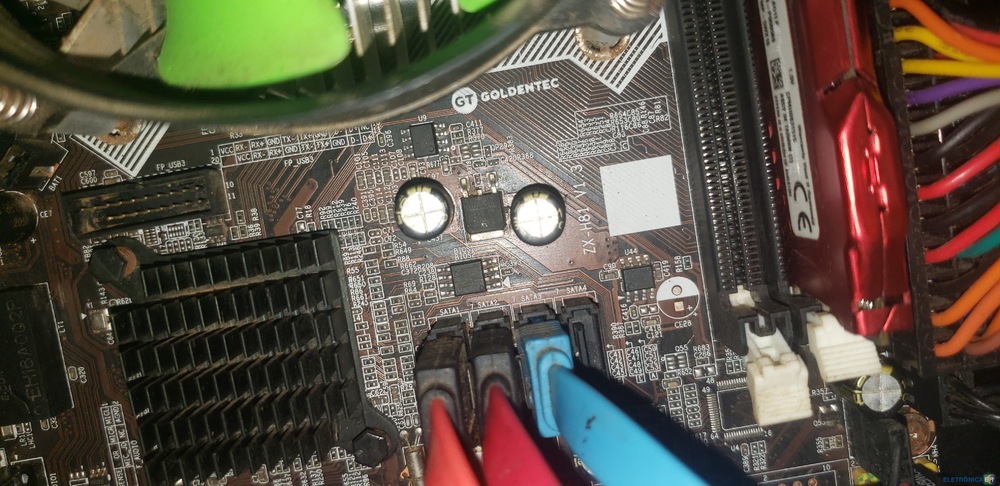
  2. conheci a EletrônicaBR em 2016 faço reparos so por aprendizado quando pego algo com defeito sempre tento eu mesmo resolver gosto muito de mexer e fico feliz quando consigo aprender é sempre bom sou leigo na area mas ja aprendi muita coisa

Account

Navigation

Pesquisar

Pesquisar

Configure browser push notifications

Chrome (Android)
  1. Tap the lock icon next to the address bar.
  2. Tap Permissions → Notifications.
  3. Adjust your preference.
Chrome (Desktop)
  1. Click the padlock icon in the address bar.
  2. Select Site settings.
  3. Find Notifications and adjust your preference.