Ir para conteúdo
View in the app

A better way to browse. Learn more.

EletrônicaBR.com

A full-screen app on your home screen with push notifications, badges and more.

To install this app on iOS and iPadOS
  1. Tap the Share icon in Safari
  2. Scroll the menu and tap Add to Home Screen.
  3. Tap Add in the top-right corner.
To install this app on Android
  1. Tap the 3-dot menu (⋮) in the top-right corner of the browser.
  2. Tap Add to Home screen or Install app.
  3. Confirm by tapping Install.

Rinaldo Polezi

Membros
  • Registrado em

  • Última visita

  • Créditos EBR

    11
  1. BOA TARDE.. NAO TIVE.. LEVEI NA AUTORIZADA EPSON 150,00 NAO FALARAM O QUE FIZERAM.
  2. Manda seu email que mando o reset.. vc testa e ve se funciona.
  3. ola amigo. voce esta utilizando pelicula especifica (preta por dentro).
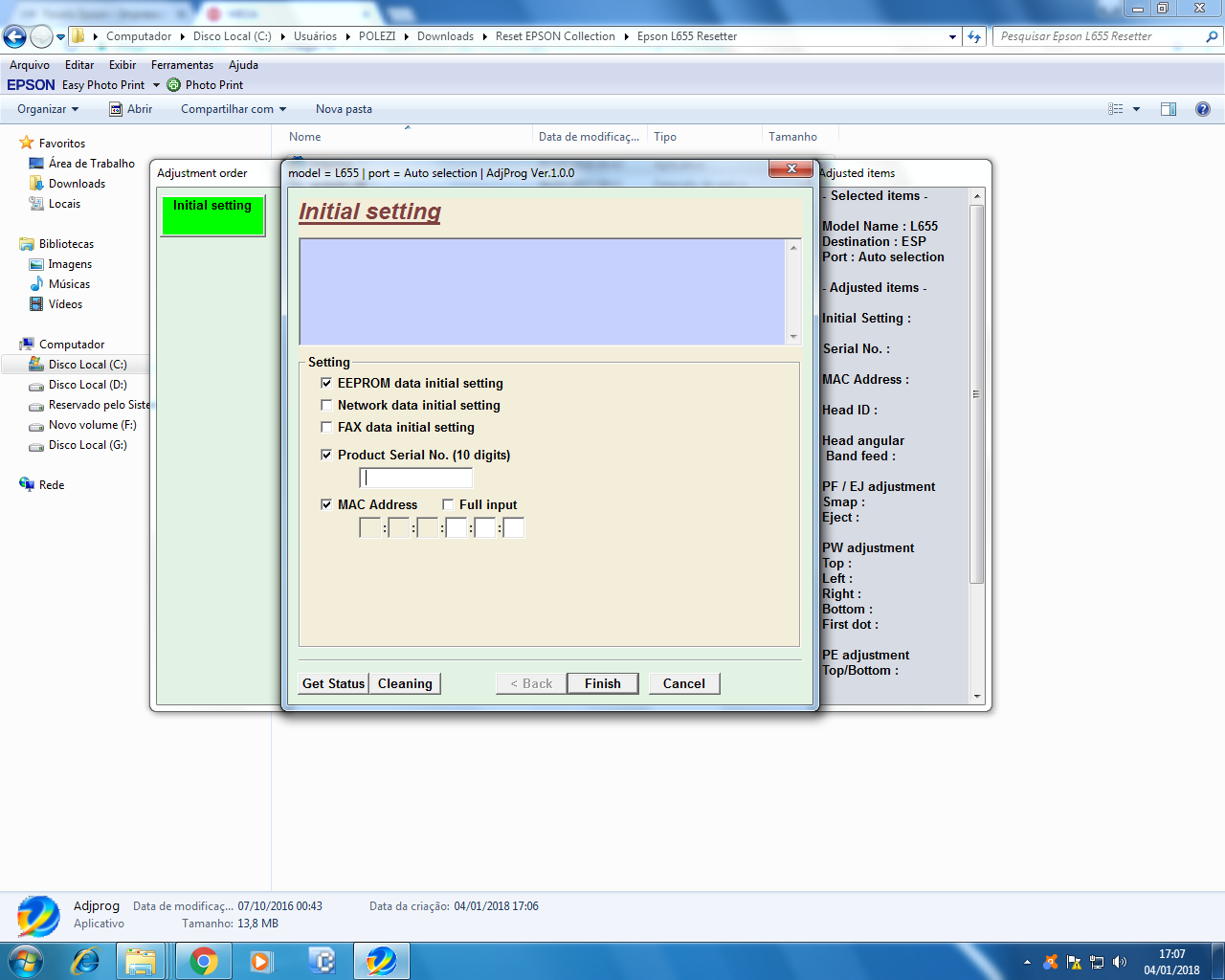
  4. boa tarde. tentei fazer o que vc indicou mas nao tive sucesso, pois meu reset nao tem essa opção, quando instalo a epson l656 ela instala como l655 estou utilizando o reset da 655 e pode ser por isso que nao tem a opção vou comprar o reset da l656 e tentar novamente muito obrigado pela dica.
  5. AO LIGAR A IMPRESORA APARECE A MENSAGEM ( OS JATOS DOS CABEÇOTES DE IMPRESSAO PODEM ESTAR ENTUPIDOS) RECOMENDA-SE A EXECUÇÃO DA VERIFICAÇÃO DOS JATOS ANTES DE IMPRIMIR . APERTO OK A IMPRESSORA DESLIGA. VERIFIQUEI QUE A COR MAGENTA ESTA ZERADA PROVAVELMENTE SERIA ISSO O DEFEITO MAS NAO CONSIGO FAZER O RESET VIA PAINEL NAO ACEITA E DESLIGA. PARECE TER GRAVADO O ERRO DO NIVEL DE TINTA DO MAGENTA. JA RESET INK PAD JA UTILIZEI WIC RESET E NADA
  6. tecnico empresario . 25 anos na area de jato de tinta matriciais e lasers

Account

Navigation

Pesquisar

Pesquisar

Configure browser push notifications

Chrome (Android)
  1. Tap the lock icon next to the address bar.
  2. Tap Permissions → Notifications.
  3. Adjust your preference.
Chrome (Desktop)
  1. Click the padlock icon in the address bar.
  2. Select Site settings.
  3. Find Notifications and adjust your preference.