Ir para conteúdo
View in the app

A better way to browse. Learn more.

EletrônicaBR.com

A full-screen app on your home screen with push notifications, badges and more.

To install this app on iOS and iPadOS
  1. Tap the Share icon in Safari
  2. Scroll the menu and tap Add to Home Screen.
  3. Tap Add in the top-right corner.
To install this app on Android
  1. Tap the 3-dot menu (⋮) in the top-right corner of the browser.
  2. Tap Add to Home screen or Install app.
  3. Confirm by tapping Install.

ericles piffer

Membros
  • Registrado em

  • Última visita

  • Créditos EBR

    0
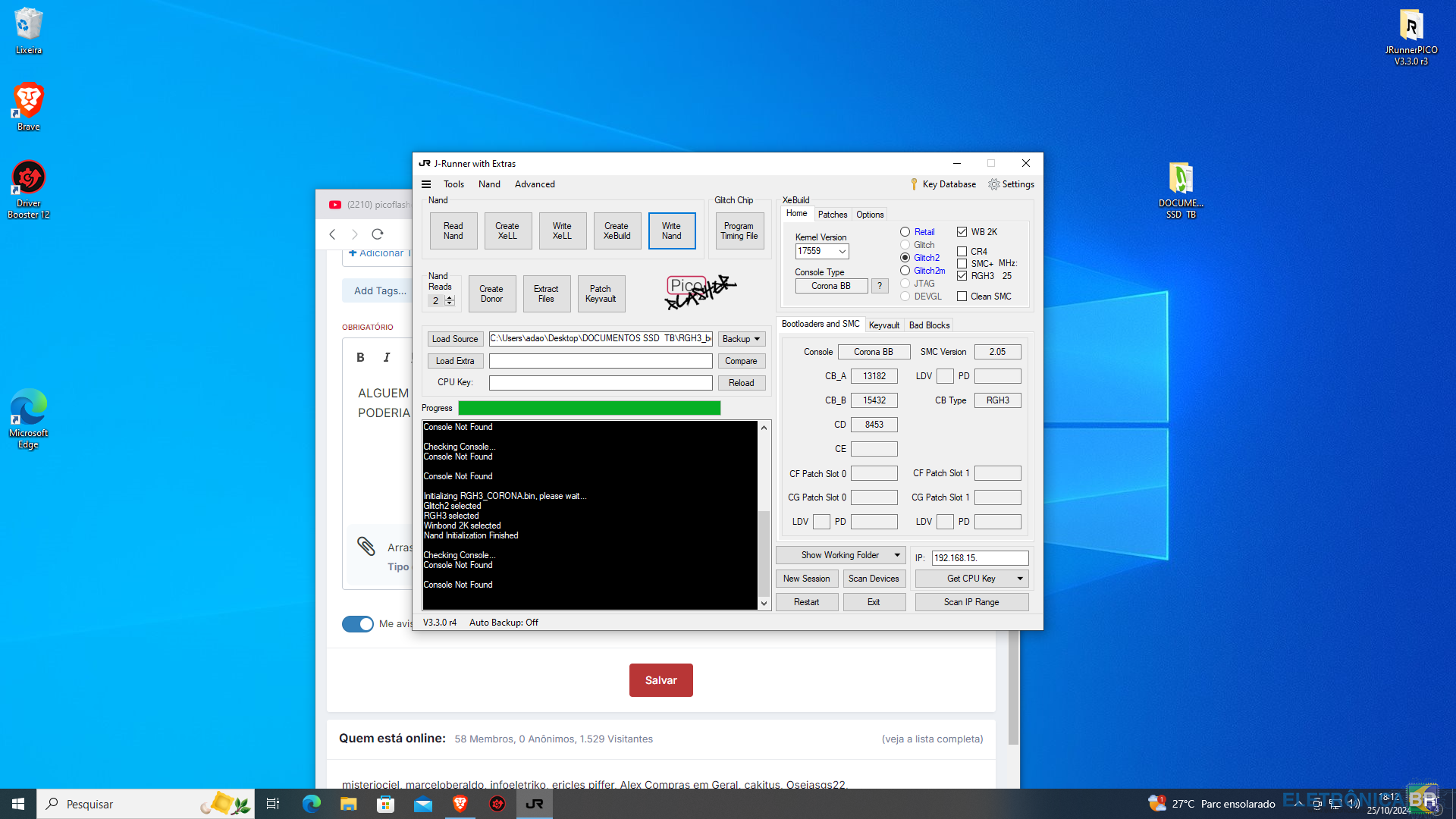
  1. Alguem que utilize esse picoflasher, que ja precisou resolver esse erro, de nao reconhecer o console . alguma solução.
  2. venho agradecer voce, me ajudou bastante. consegui resolver aqui meu problema. boa semana a voce.
  3. como faço pra que o pico flash reconheça nele? sabem me informa?
  4. @mscaldelai voce esta usando o x360 pro 2 ? aquele x360 pro nao funciona ne?
  5. qual jungleflasher estao usando no w10. e se tem algum topico com um tutorial de instalação do xbox360 port usb ?
  6. ericles piffer alterou sua foto pessoal
  7. bom dia, nao estou coseguindo att a dashlaunch pra ultima versao apos criar uma nand hack. isso no rgh 3,0 feito pelo auto gg. rgh 2,0 pelo j runer esta ok. alguem sabe alguma solução pra eu tentar aqui. desde ja agradeço
Account

Navigation

Pesquisar

Pesquisar

Configure browser push notifications

Chrome (Android)
  1. Tap the lock icon next to the address bar.
  2. Tap Permissions → Notifications.
  3. Adjust your preference.
Chrome (Desktop)
  1. Click the padlock icon in the address bar.
  2. Select Site settings.
  3. Find Notifications and adjust your preference.