Ir para conteúdo
View in the app

A better way to browse. Learn more.

EletrônicaBR.com

A full-screen app on your home screen with push notifications, badges and more.

To install this app on iOS and iPadOS
  1. Tap the Share icon in Safari
  2. Scroll the menu and tap Add to Home Screen.
  3. Tap Add in the top-right corner.
To install this app on Android
  1. Tap the 3-dot menu (⋮) in the top-right corner of the browser.
  2. Tap Add to Home screen or Install app.
  3. Confirm by tapping Install.

santiago2

Membros
  • Registrado em

  • Última visita

  • Créditos EBR

    0
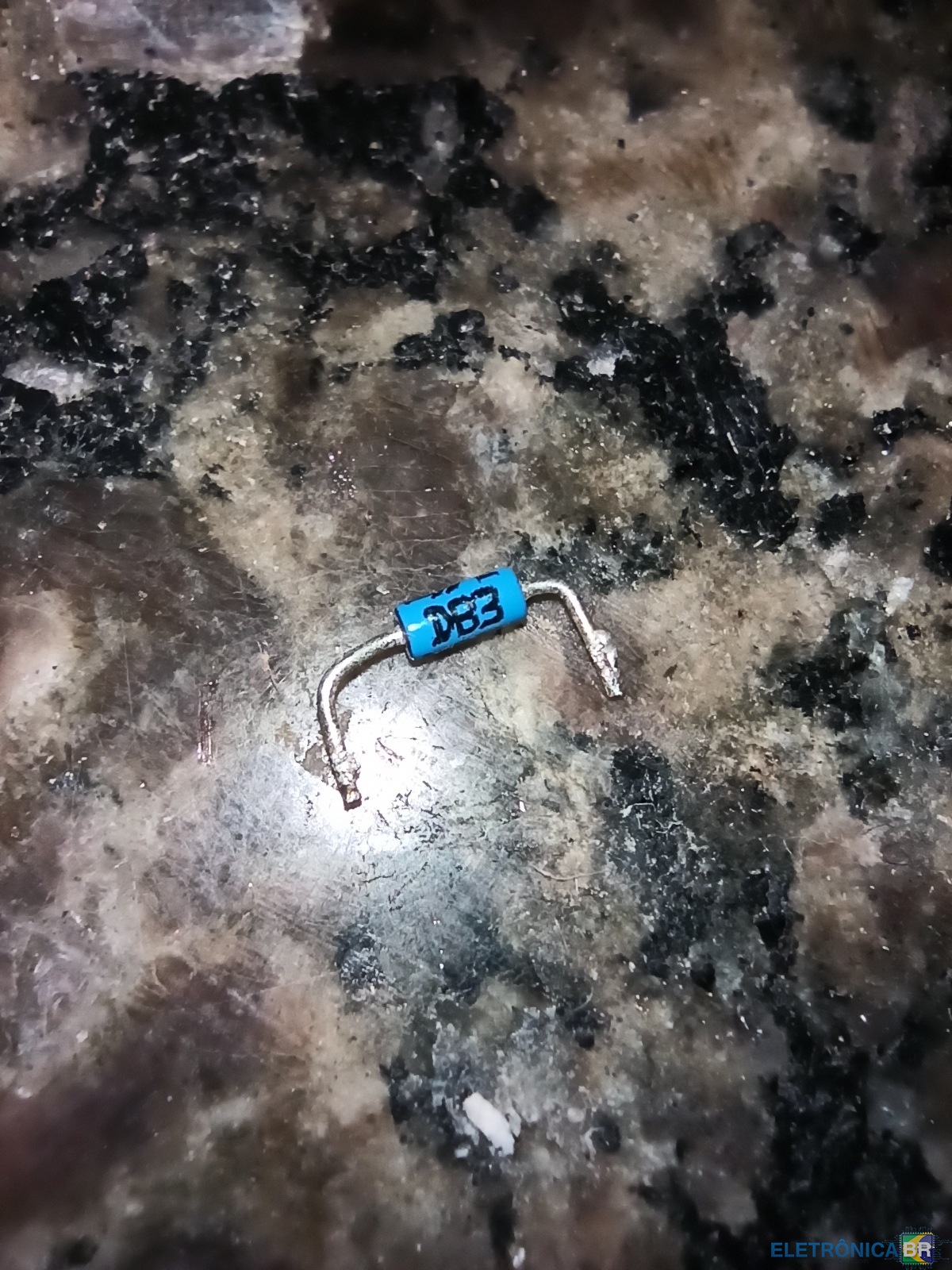
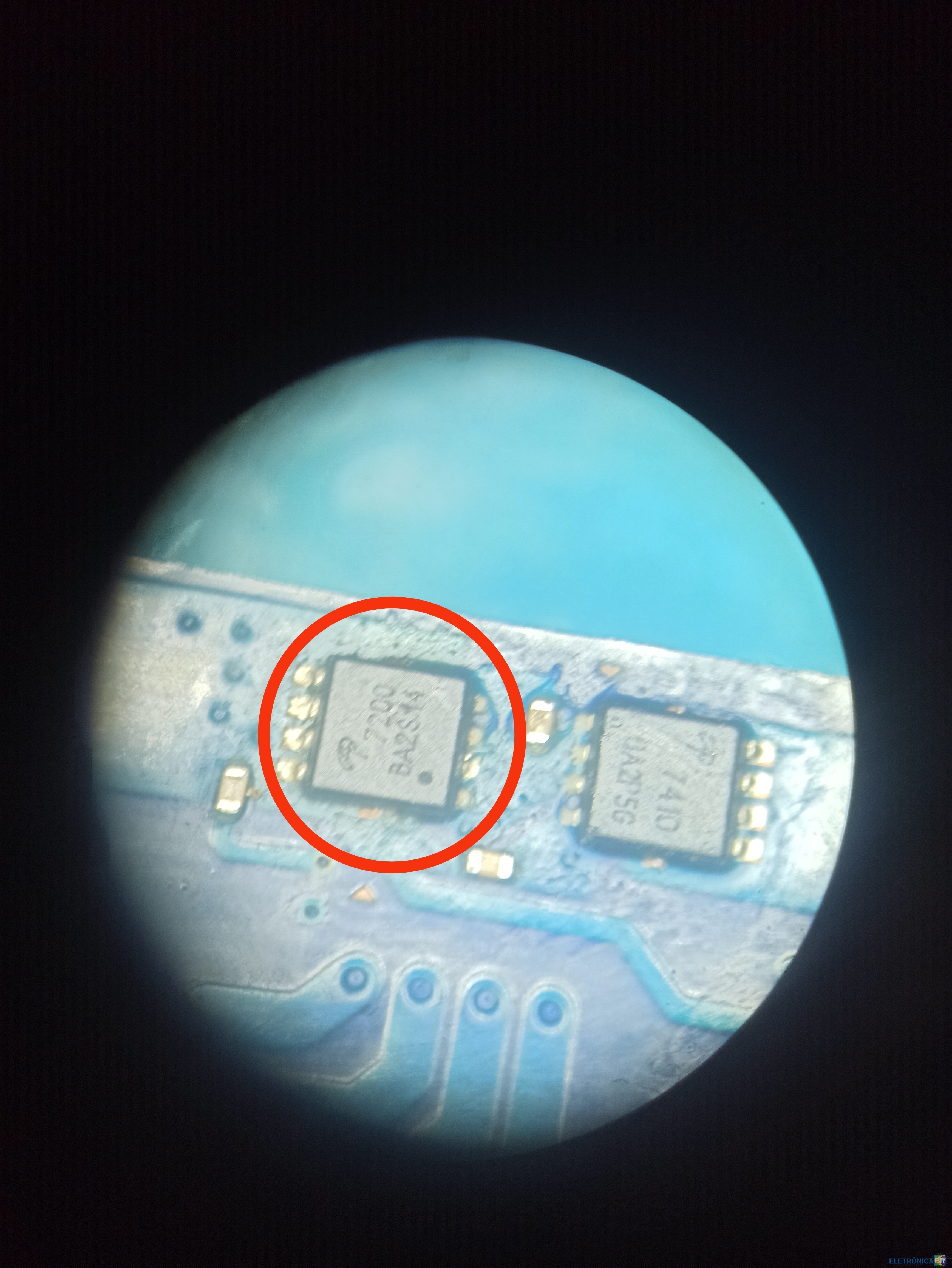
  1. Não achei datasheet desse componente, alguém sabe me dizer por qual eu poderia usar no lugar? Código: 7200 BA2S14
  2. A TV mostra o led, fiz o auto teste gim e não tenho as tensões no va_tp e vs_tp alguma dica?
  3. @Maru Nenhum led acende, nenhum sinal de vida. Vou fazer os seguintes testes que me passou, obrigado! Volto para dizer mais
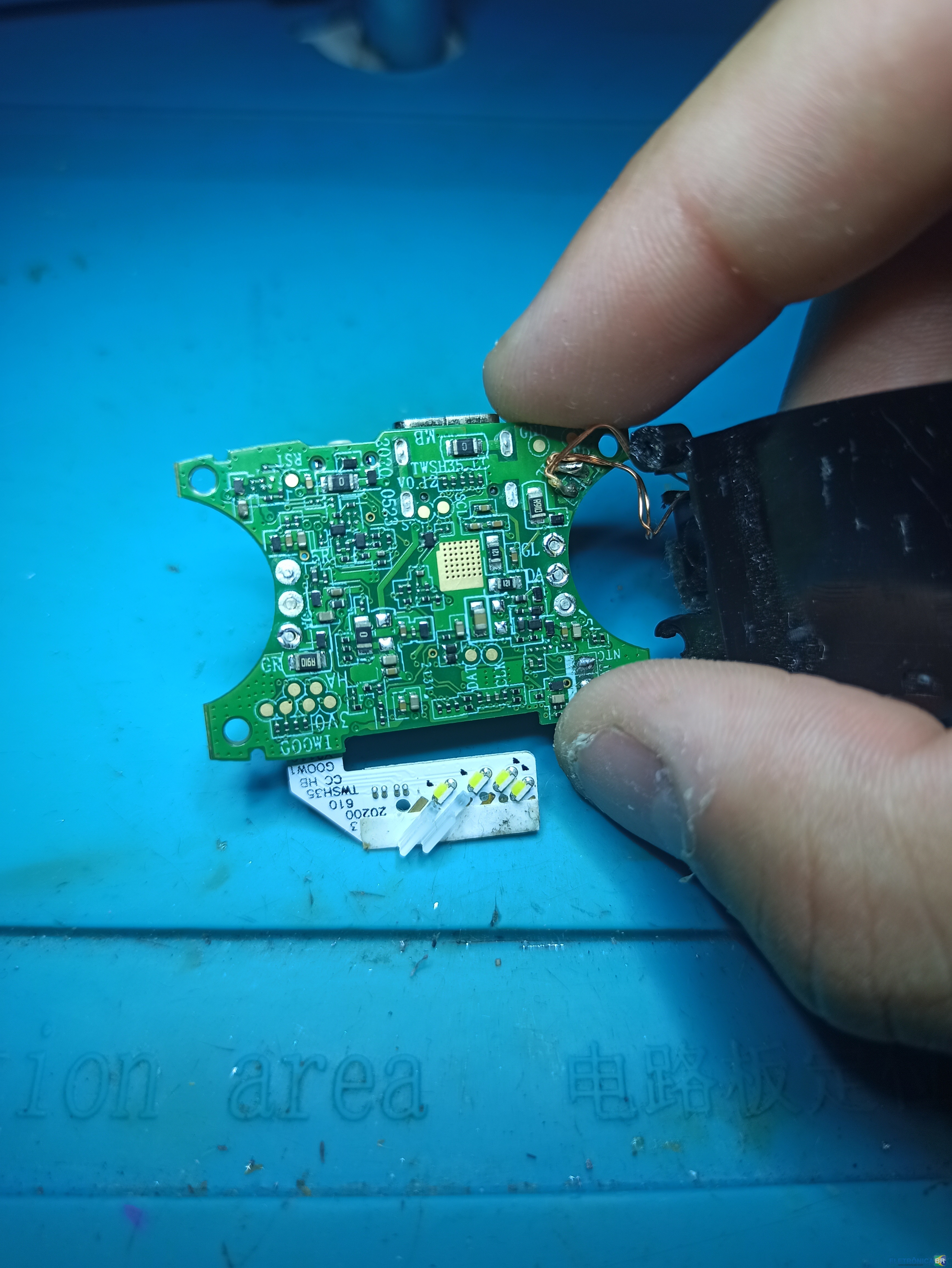
  4. Estou com esse fone bluetooth, ele simplesmente não dá nenhum sinal de vida, nem com bateria e nem direto no carregador, mandei fotos da placa. Alguém poderia me ajudar por onde posso começar as medições com o multimetro? OBS: A bateria está entregando a voltagem que precisa, tudo ok nela.
  5. 1. Como conheceu o EletrônicaBR? (ex: Google ou outro site) R: No Google. 2. Qual seu nível técnico? (Amador, Estudante, Técnico, Engenheiro, Empresário) R: Estudante 3. Quais habilidades relacionadas a eletrônica/informática você tem ou pretende adquirir? R: Procuro aprender bastante sobre conserto em placas em geral. 4. Conte um pouco de você. Qualquer coisa R: Amo a eletrônica, faço curso a uns 7 meses.

Account

Navigation

Pesquisar

Pesquisar

Configure browser push notifications

Chrome (Android)
  1. Tap the lock icon next to the address bar.
  2. Tap Permissions → Notifications.
  3. Adjust your preference.
Chrome (Desktop)
  1. Click the padlock icon in the address bar.
  2. Select Site settings.
  3. Find Notifications and adjust your preference.