


emerson97
Membros
-
Registrado em
-
Última visita
-
Créditos EBR
0
-
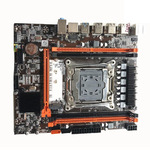 comprei essa mesma placa mãe, só que estou tendo dificuldade pra fazer ela funcionar com minha placa de vídeo GTX 1660 Super, quando eu atualizo os driver da placa de video ela da tela preta como se tivesse atualizando e não volta mais, acredito eu que deve ser incompatibilidade com os driver da placa mãe. gostaria de saber se teria como você me mandar esse seu driver por e-mail? Editado

