Ir para conteúdo
View in the app

A better way to browse. Learn more.

EletrônicaBR.com

A full-screen app on your home screen with push notifications, badges and more.

To install this app on iOS and iPadOS
  1. Tap the Share icon in Safari
  2. Scroll the menu and tap Add to Home Screen.
  3. Tap Add in the top-right corner.
To install this app on Android
  1. Tap the 3-dot menu (⋮) in the top-right corner of the browser.
  2. Tap Add to Home screen or Install app.
  3. Confirm by tapping Install.

Maysa Palazzo

Membros
  • Registrado em

  • Última visita

  • Créditos EBR

    0
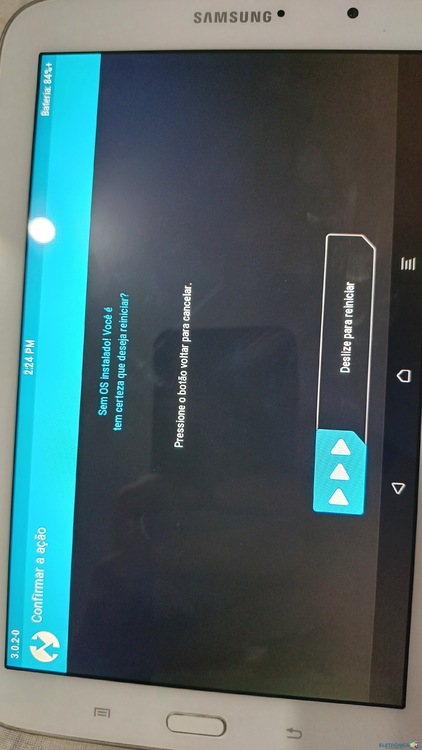
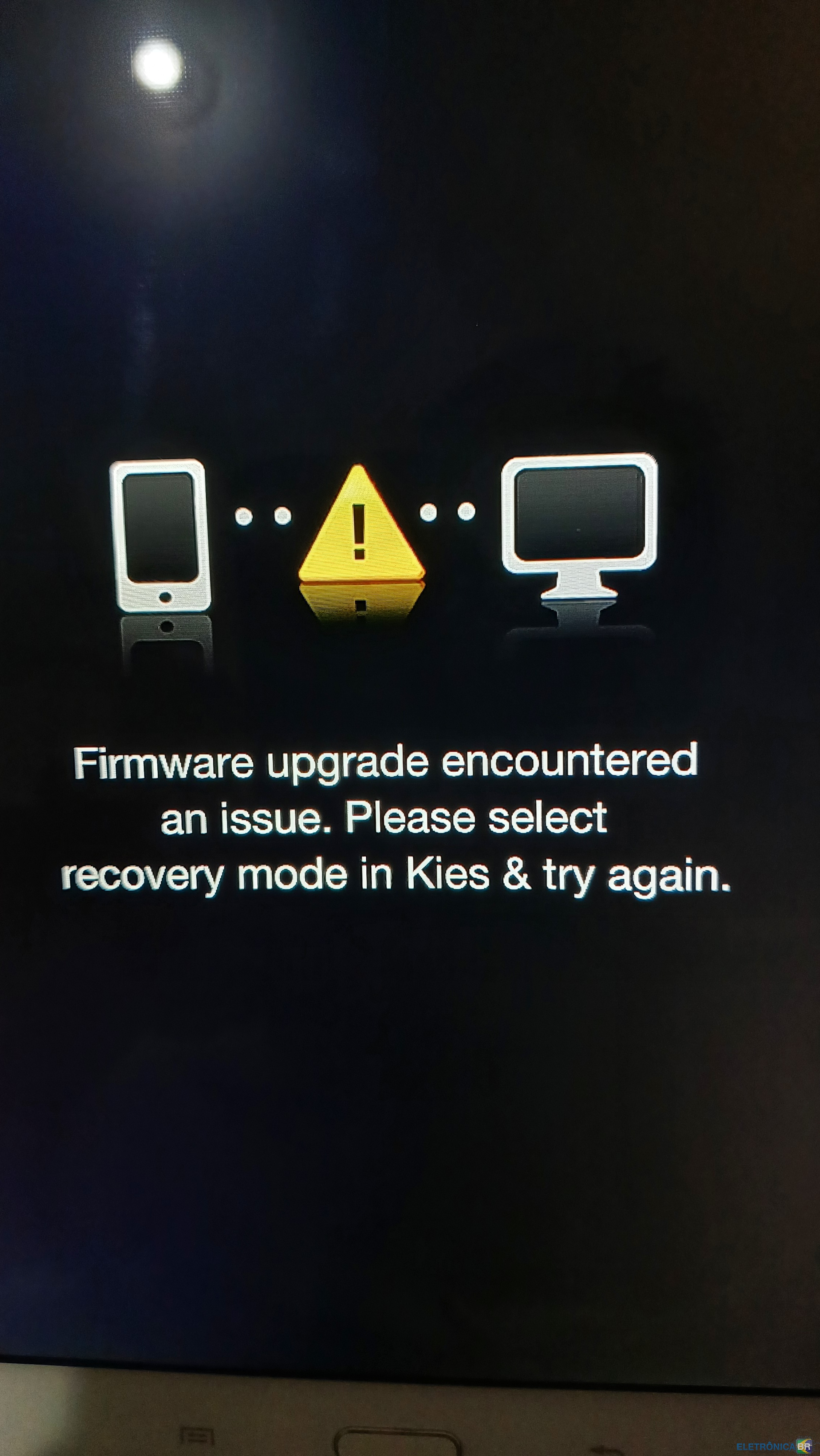
  1. Olá pessoal, fiz reset Hard em um tablet e em uma parte apareceu que o tablet está sem sistema operacional, como proceder em relação a esse sistema? ao tentar atualizar o Android pelo odin deu erro "fail" e entrou em loop infinito com aquele triângulo amarelo na tela. Gostaria de saber como consigo resolver esse problema. Uso o tablet para trabalho.
  2. Conheci o eletrônica br pesquisando sobre loop infinito que deu em um tablet meu, estou tentando arrumar pois mão de obra aqui é difícil de achar. Sou Médica Veterinária e utilizo o tablet no trabalho Sem muitas habilidades com aparelhos eletrônicos rs. Espero conseguir ajuda por aqui.

Account

Navigation

Pesquisar

Pesquisar

Configure browser push notifications

Chrome (Android)
  1. Tap the lock icon next to the address bar.
  2. Tap Permissions → Notifications.
  3. Adjust your preference.
Chrome (Desktop)
  1. Click the padlock icon in the address bar.
  2. Select Site settings.
  3. Find Notifications and adjust your preference.