
Ir para conteúdo
View in the app

A better way to browse. Learn more.

EletrônicaBR.com

A full-screen app on your home screen with push notifications, badges and more.

To install this app on iOS and iPadOS
  1. Tap the Share icon in Safari
  2. Scroll the menu and tap Add to Home Screen.
  3. Tap Add in the top-right corner.
To install this app on Android
  1. Tap the 3-dot menu (⋮) in the top-right corner of the browser.
  2. Tap Add to Home screen or Install app.
  3. Confirm by tapping Install.

Matheus Roger

Membros
  • Registrado em

  • Última visita

  • Créditos EBR

    20
  1. @elias.girardi acabei descartando o monitor, obrigado pelo lembrete.
  2. Já esperava essa notícia, vou segurar mais algumas dias vai que aparece alguma informação, senão vou colocar no descarte. Obrigado de qualquer forma.
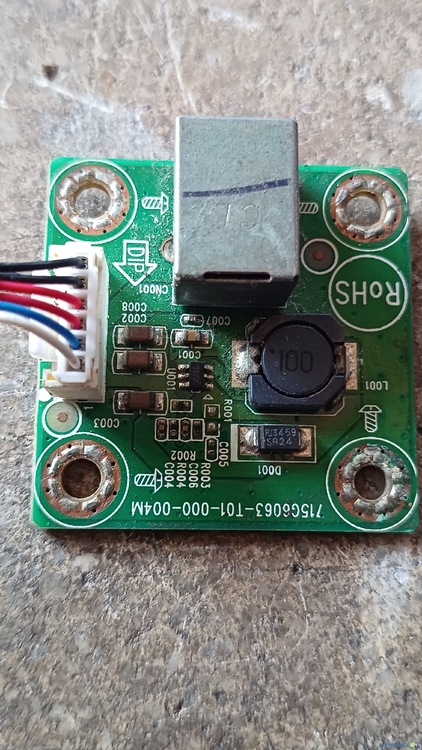
  3. Bom dia gente, ganhei um monitor aoc de 5v e ele está com essas listras congelando a imagem, as 2 placas internas dele não tem nenhuma peça visualmente com defeito e está com 12v e 5v onde é pra ter, inclusive coloquei outras placas iguais que eu tinha e o mesmo problema continua com ou sem vga, se alguém souber como resolver toda ajuda será bem vinda 20240729_102725.mp4

Account

Navigation

Pesquisar

Pesquisar

Configure browser push notifications

Chrome (Android)
  1. Tap the lock icon next to the address bar.
  2. Tap Permissions → Notifications.
  3. Adjust your preference.
Chrome (Desktop)
  1. Click the padlock icon in the address bar.
  2. Select Site settings.
  3. Find Notifications and adjust your preference.