


Wesley00
Membros
-
Registrado em
-
Última visita
-
Créditos EBR
0
-
-
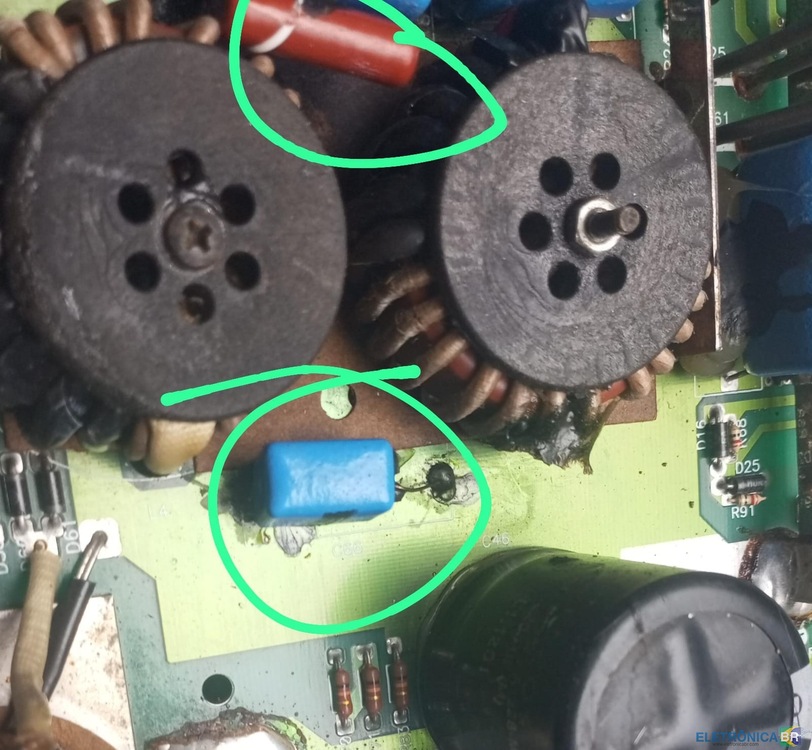 Tv Philco ph32c10, chegou com defeito no processador, já tava fuçada por outro técnico, ai substitui a mesma por outra, só que ela manda os 12 v para a t'con mais não gera o vgh e nem vgl.Tô com uma tv Philco ph32b51dgwa versão c, preciso passar o software para a imagem ficar normal, ela chegou com a placa ruim, era versão c, substitui pela versão b, ai ficou invertida, fui no modo de serviço mais não consegui, se alguém tiver ai, eu agradeço


